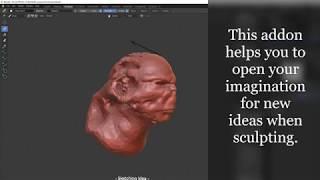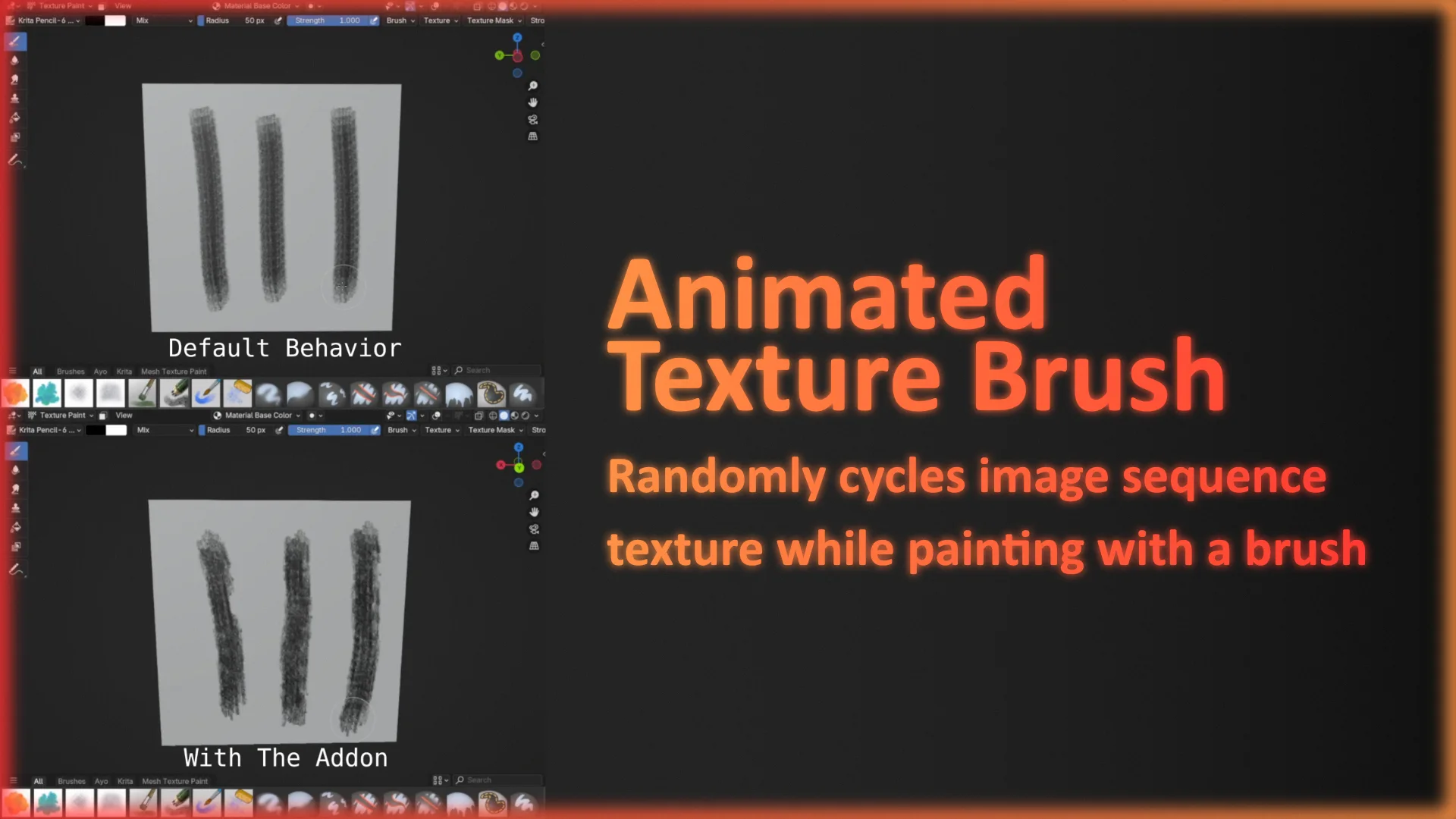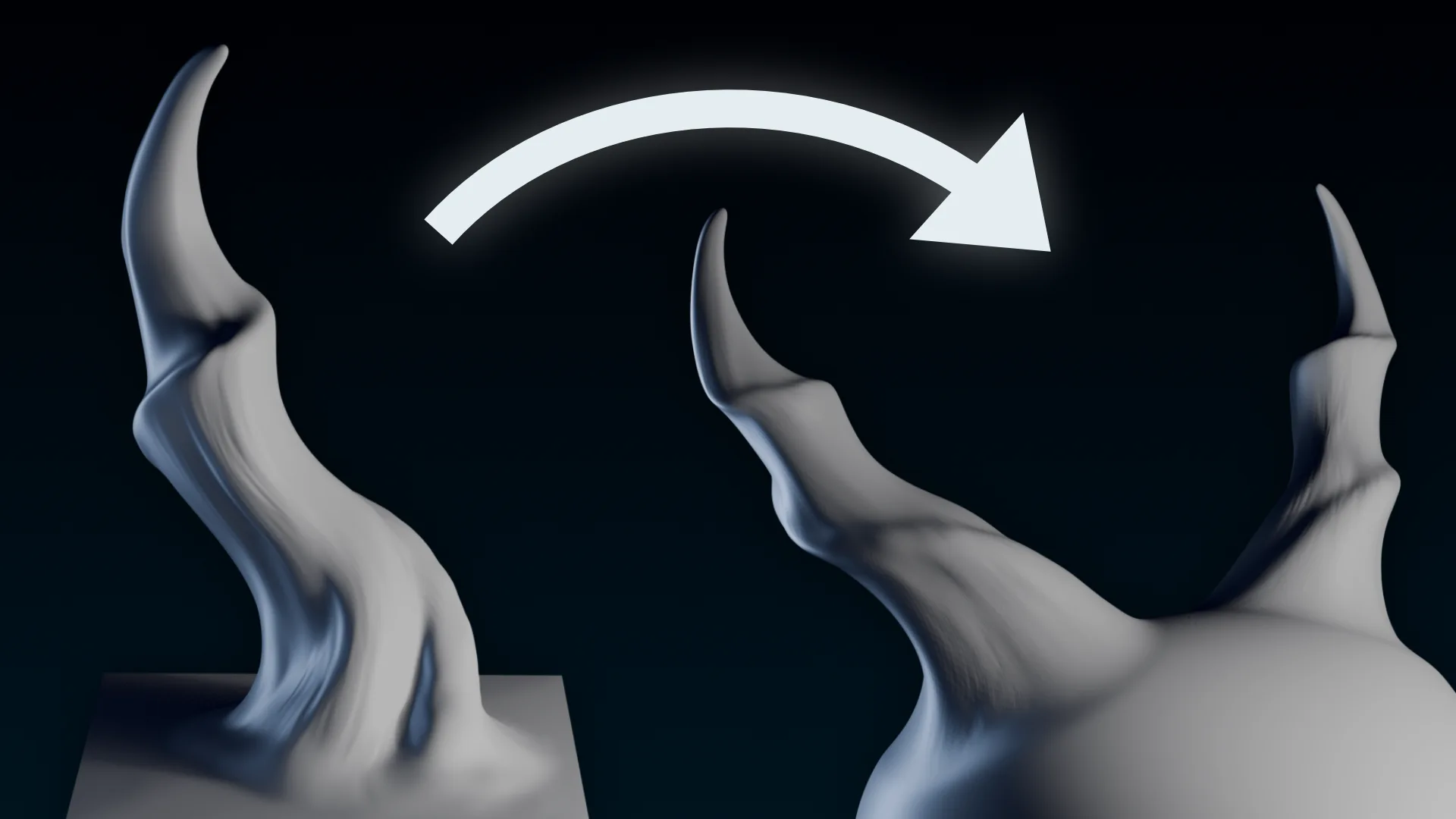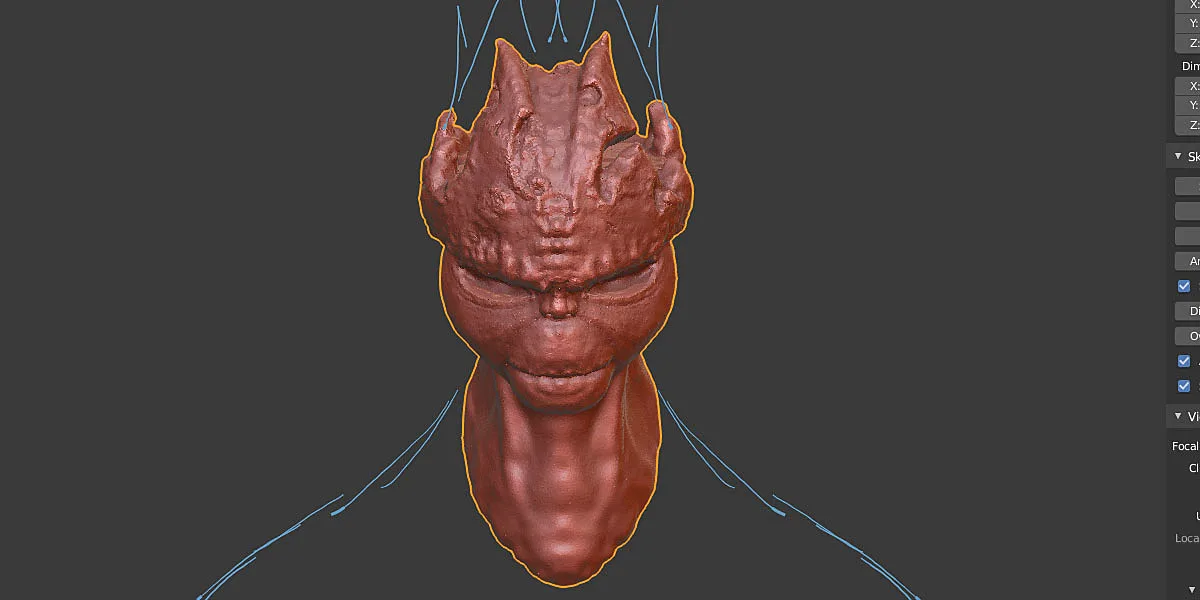
Sketching Idea is a Blender add-on for sketching possibilities during a sculpt. Its strokes can disappear from view as the camera angle changes, so you can try several visual directions before choosing one to develop.
Sketch alternatives with the Annotate tool
Press Shift+Ctrl+A and choose Annotate to activate the tool. Sketching Idea is designed for moments when you have several forms in mind and want to sketch them before spending time sculpting each one. Once you have a direction, continue with the sculpt you prefer.
Adjust stroke visibility
The add-on includes controls for how strokes appear as you change the view:
- Angle Fallout controls how quickly strokes hide as the view angle changes. A smaller value makes them hide sooner.
- Distance Fallout controls how quickly strokes hide when you zoom out. A smaller value makes them hide sooner.
- Show Strokes Front/Back controls whether strokes can be seen from the front and back.
- Show/Hide Strokes toggles stroke visibility. Delete Visible removes visible strokes, while Delete All clears all sketch strokes.
Use symmetry and separate strokes by object
Overall Opacity adjusts the opacity of all strokes. Strokes per Object lets you isolate strokes by selected object. Apply Symmetry works when sketching from the front or top view; the side view does not use symmetry, even when the setting is enabled.
Product details and documentation
The listing credits developer Kalle-Samuli Riihikoski and identifies the license as GPL. See the Sketching Idea product listing for download details, the documentation for the controls, and the demo video linked from the listing.