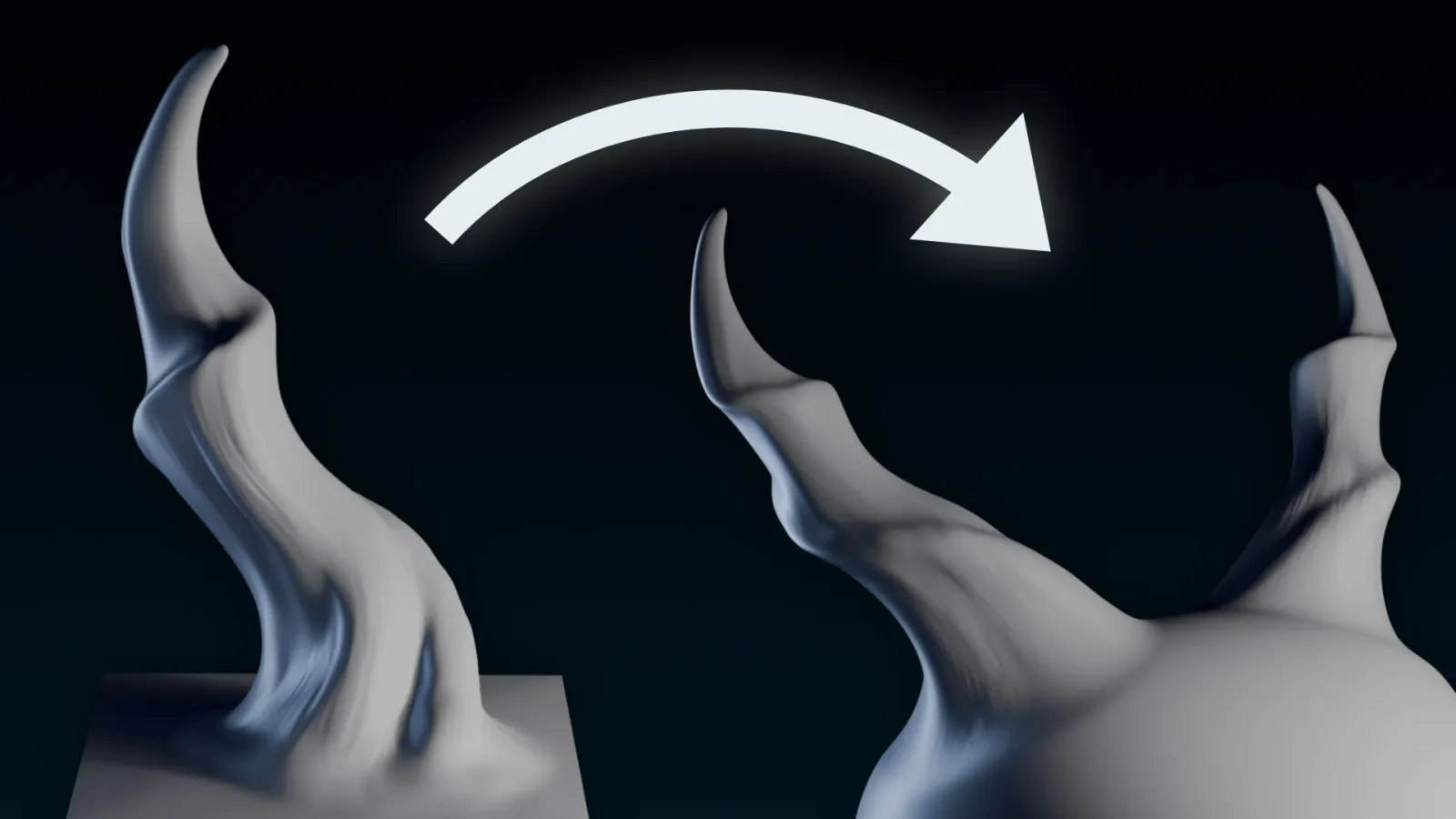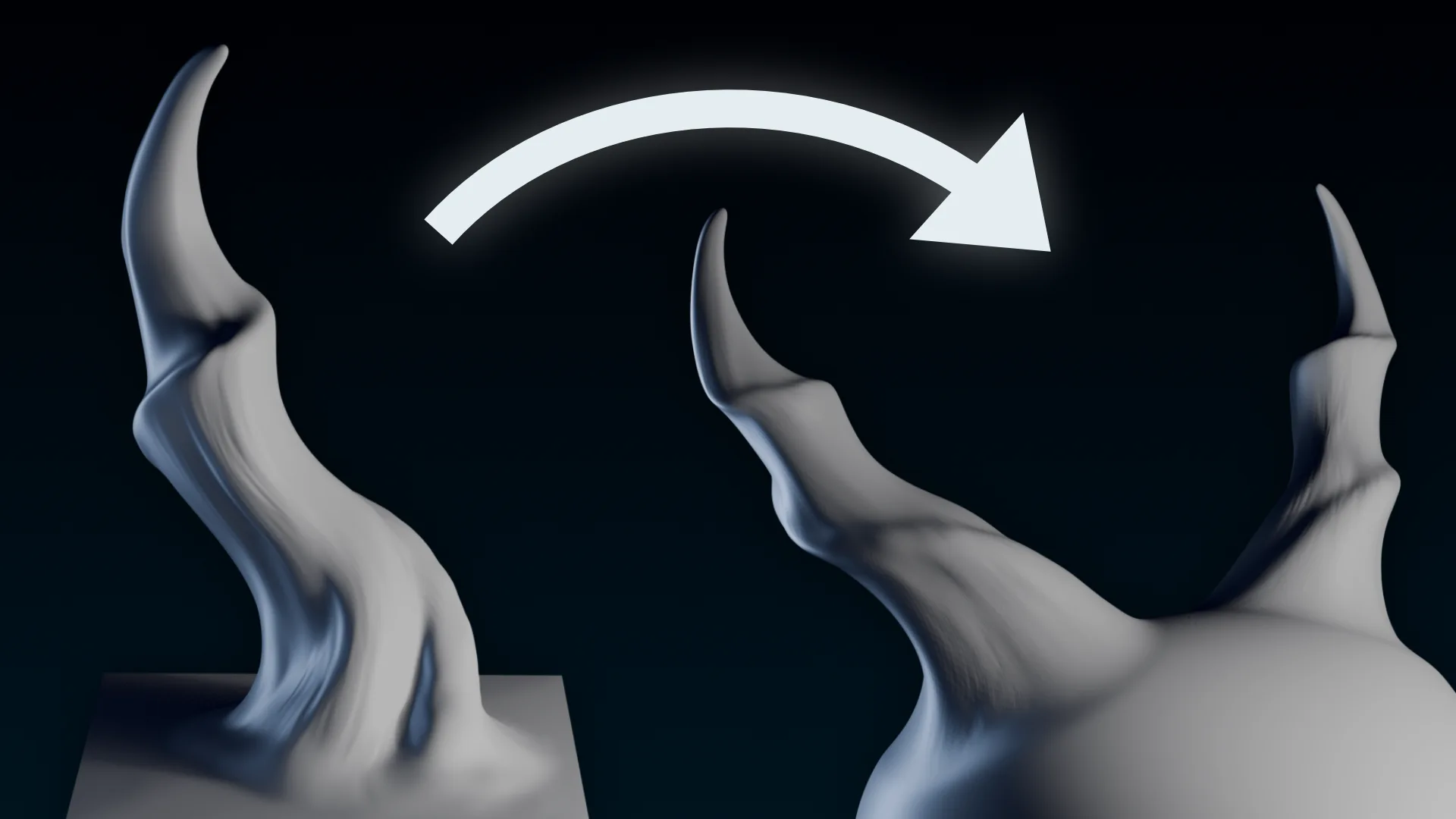
VDM Brush Baker is a Blender add-on that bakes a vector displacement map from a plane and creates a sculpt brush from it. Start with a sculpting plane, shape it, then use the add-on’s render-and-create action to make the brush. Version 1.0.6 lists Blender 4.2.0 as its minimum version.
Create a brush from a sculpted plane
Open the 3D Viewport sidebar and select the Tool tab. Choose Create Sculpting Plane to set up a starting plane, then sculpt the shape you want to capture. The add-on’s baking material uses a 2 by 2 meter grid by default. AnyPlugins notes that 512 px or lower is usually enough for the VDM resolution, while especially detailed sculpts may need more. For an alternative setup, start with a grid at a lower subdivision level, add a multires modifier, and set its Boundary Smooth option to Keep Corners before subdividing.
When the shape is ready, use Render and Create VDM Brush. VDM Brush Baker bakes the plane’s displacement into a map and adds the new brush to the Draw brushes in Sculpt Mode. The Displacement Eraser brush can move vertices back to their original grid positions. Masking the plane’s borders with Auto-Masking Mesh Boundary can help keep those edges from affecting the sculpt.
Where the VDM file is saved
The add-on saves the vector displacement map as an OpenEXR file. When the Blender project has been saved, the map is placed near the .blend file. If the project has not been saved, the add-on uses a temporary folder. Blender Extensions lists file saving as a permission because VDM Brush Baker writes textures to disk.
Version and installation
The Blender Extensions catalog lists VDM Brush Baker 1.0.6 for Blender 4.2.0 and later. It identifies robin.hohni as the maintainer and GPL-3.0-or-later as the license. Check the official Blender Extensions listing for current version details. For a manual installation, Blender’s Install from Disk instructions explain how to add an extension archive.