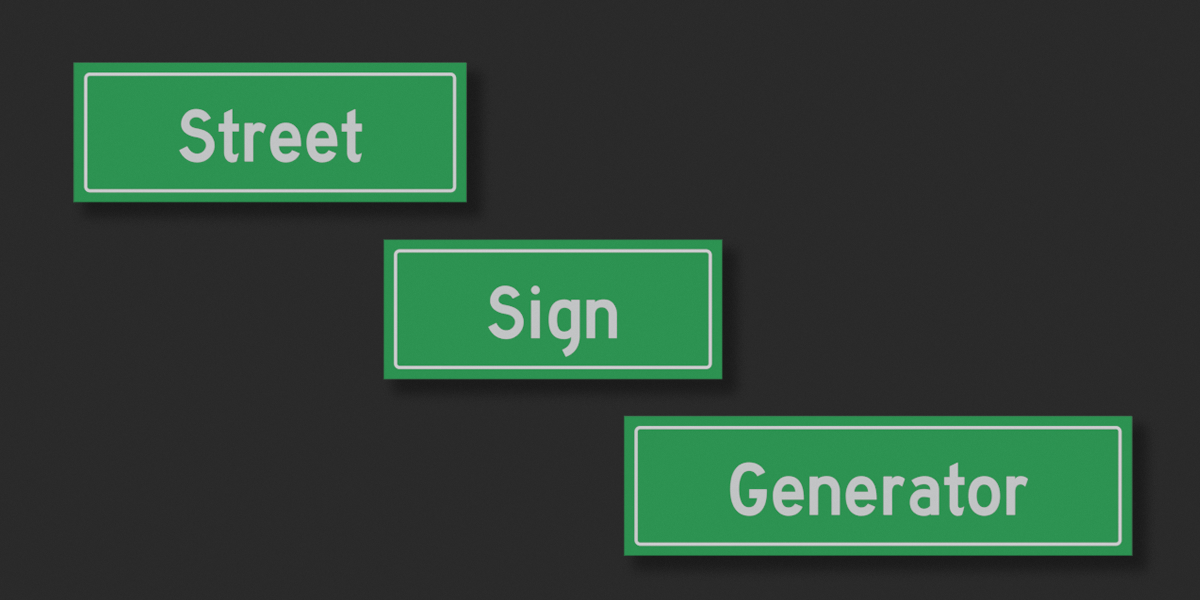
Street Sign Generator is Hamen's Blender add-on for creating signs from entered wording or a random name. It produces a fully rigged sign for use in your Blender scene, as described in the Superhive product listing .
Generate a street sign
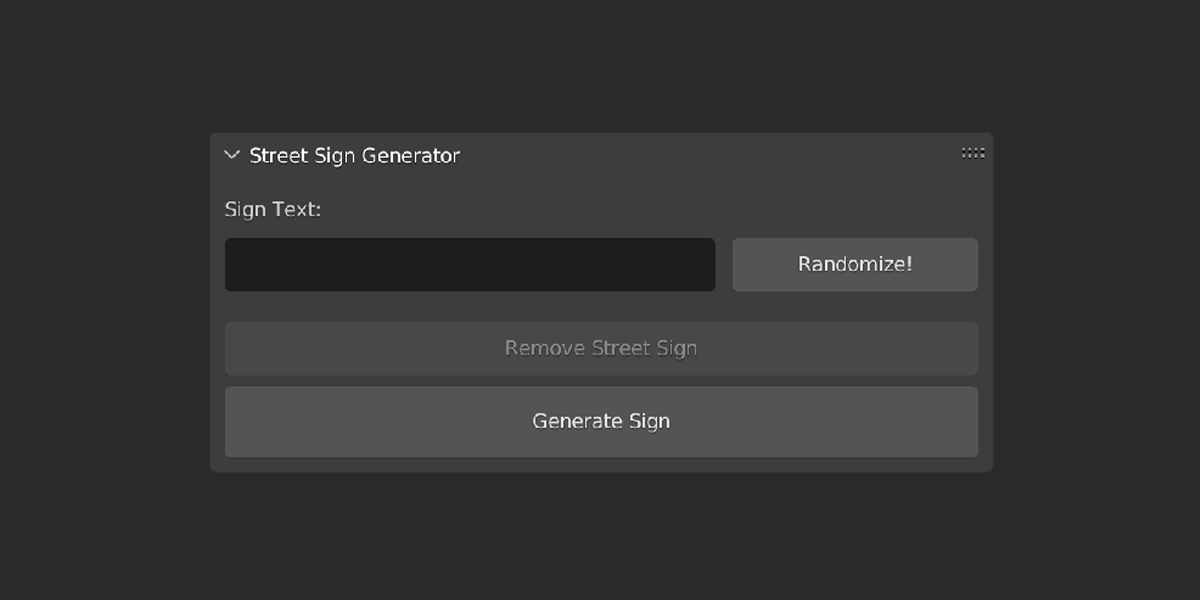
Choose the wording for the sign, or use the random name option, then generate it from the add-on's panel. Blender artists can use the generated sign in a scene without building it from scratch.
Install and open the add-on
- For a Blender version listed below, go to Edit > Preferences > Add-ons > Install.
- Navigate to the downloaded ZIP file and double-click it to install the add-on, then enable the add-on with its checkbox.
- In the 3D Viewport, press N to open the sidebar and select the Sign Generator tab.
These steps follow Hamen's installation documentation.
Listed Blender versions and license
The product listing names Blender 2.9, 2.91, 2.92, 2.93, 3.0, 3.1, 3.2, 3.3, and 3.4. It does not confirm compatibility with newer versions, so check with Hamen before relying on a later Blender release. The listing identifies the add-on's license as GPL but does not name a GPL version; consult the GPL terms for conditions relevant to your use.