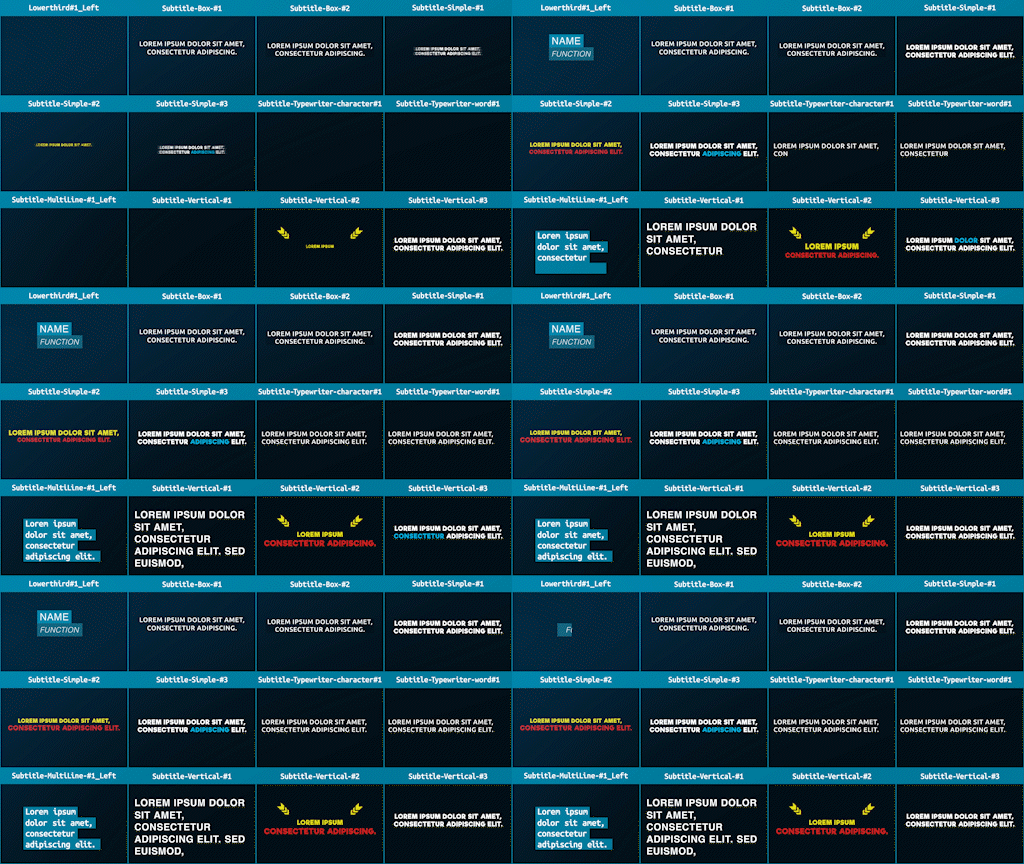
SUGARfx Subtitles is a Mac plugin for adding timed subtitles to finished films, either burned into the picture or exported as subtitle data. The FxFactory listing names Final Cut Pro, Motion, Premiere Pro, After Effects and DaVinci Resolve as supported hosts. It works from subtitle text and supports marker workflows in Final Cut Pro X, Final Cut Pro 7 and Premiere Pro, with controls for subtitle appearance and timing.
Import timed text or marker data
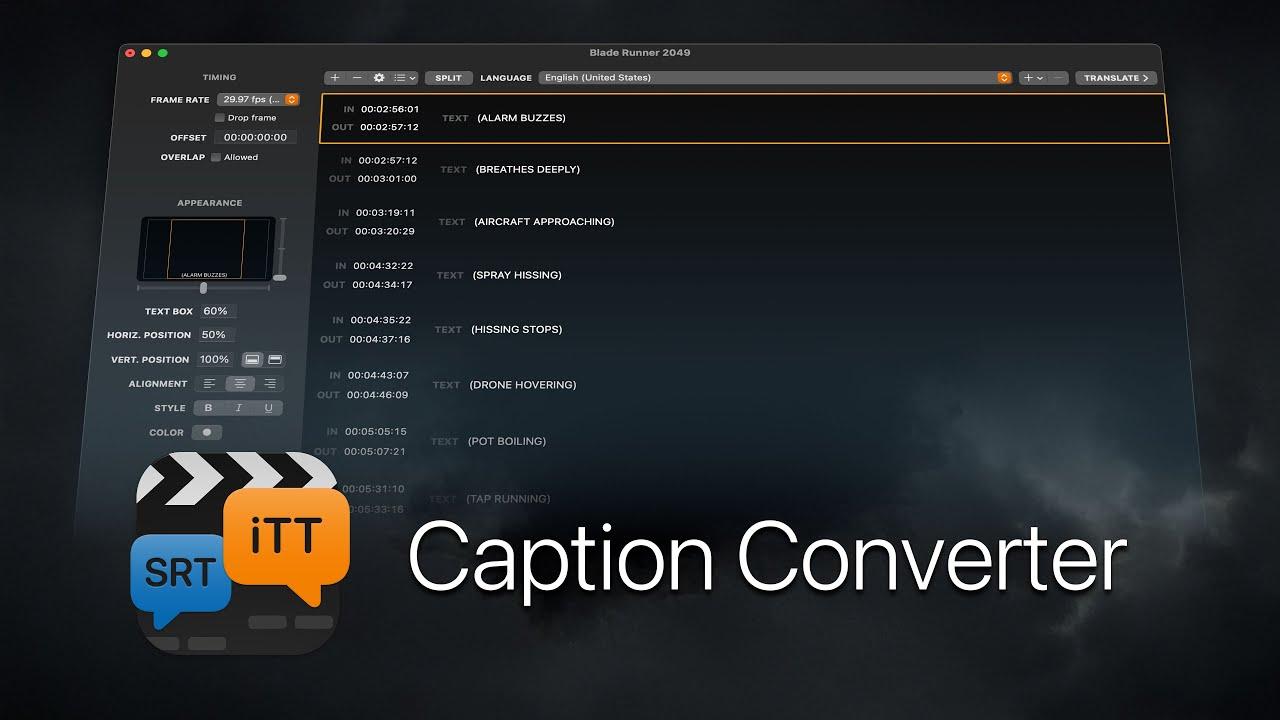
You can import SRT, SBV, Script File or SUGARfx’s UserTC format. The user guide also lists Final Cut Pro X and Final Cut Pro 7 markers, plus Adobe Premiere Pro marker data in CSV format. Select the matching input format when you bring in a file so the plugin can read its text and timecodes.
For marker-based work, create a marker for each subtitle in Premiere Pro or Final Cut, then export and import that data. Premiere markers need a duration. For Final Cut Pro X or FCP 7 markers without one, Auto Duration estimates how long each subtitle should appear based on its text length.
Style subtitles for the frame
Adjust font, size, color, position, alignment, tracking and justification in the timeline. Text backgrounds, automatic line wrapping and margin controls help fit subtitles to the picture. The plugin supports style tags across formats from version 2.0.8 onward. You can save presets for reuse or share them with colleagues using the same plugin version.
The on-screen Info display shows subtitle text and nearby timecode data, which can help spot misplaced entries or typing errors. The guide describes its running timecode as approximate, so use the host application’s timeline as the accurate timing reference.
Export data for the next editor
SUGARfx Subtitles can render subtitles permanently into the finished movie or export the subtitle data for further work. The product supports exchanges between Premiere Pro and Final Cut Pro, which can help a team carry subtitle text and timing between editing applications without retyping each entry. Its export options include SRT and several other subtitle and marker formats.
Check the host, price and workflow
FxFactory is required to install and run the plugin. The current FxFactory listing shows a $149 price and a 30% discount with code BLACKFRIDAY ending November 30, 2026; its version history lists 4.0.7 first. SUGARfx describes a watermarked trial available through FxFactory. Check the current FxFactory listing for host and installation details, price and trial terms before buying.
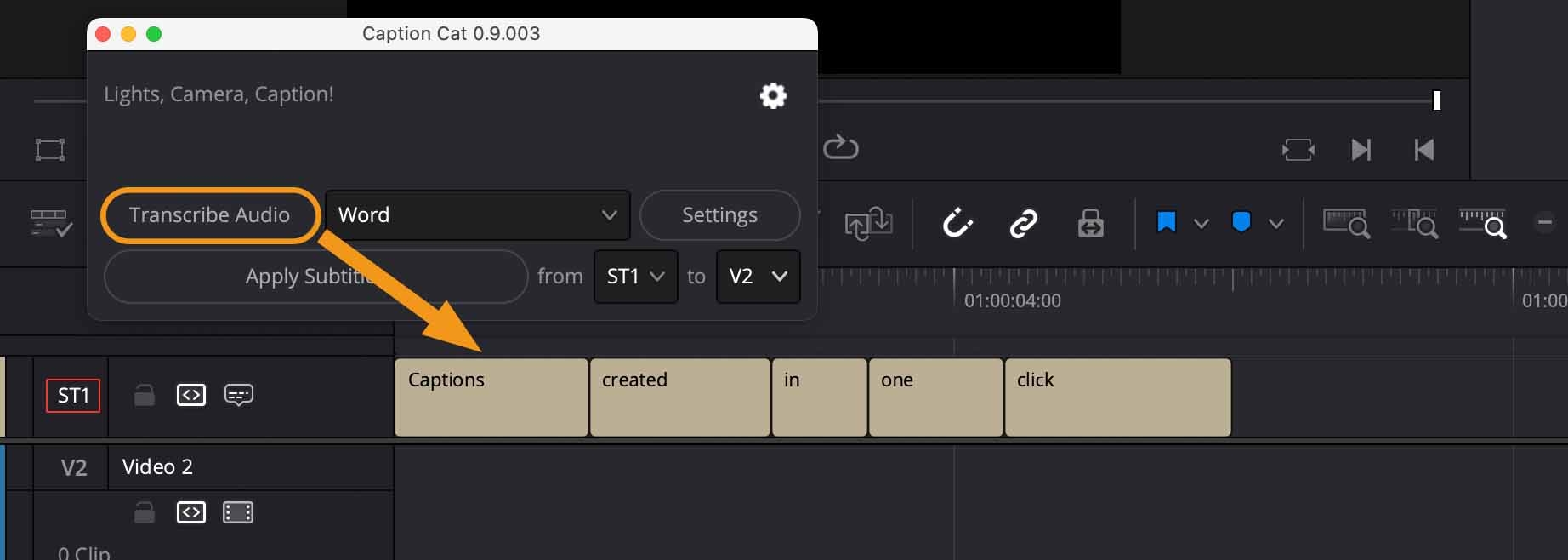
The documented workflow starts with subtitle text or markers; the product materials do not describe speech recognition. SUGARfx recommends adding subtitles after the picture edit is finished, because later timeline changes can shift their timecode placement. The SUGARfx product page also says the plugin is a subtitle creation tool, not a replacement for professional or industry-specific subtitle requirements.