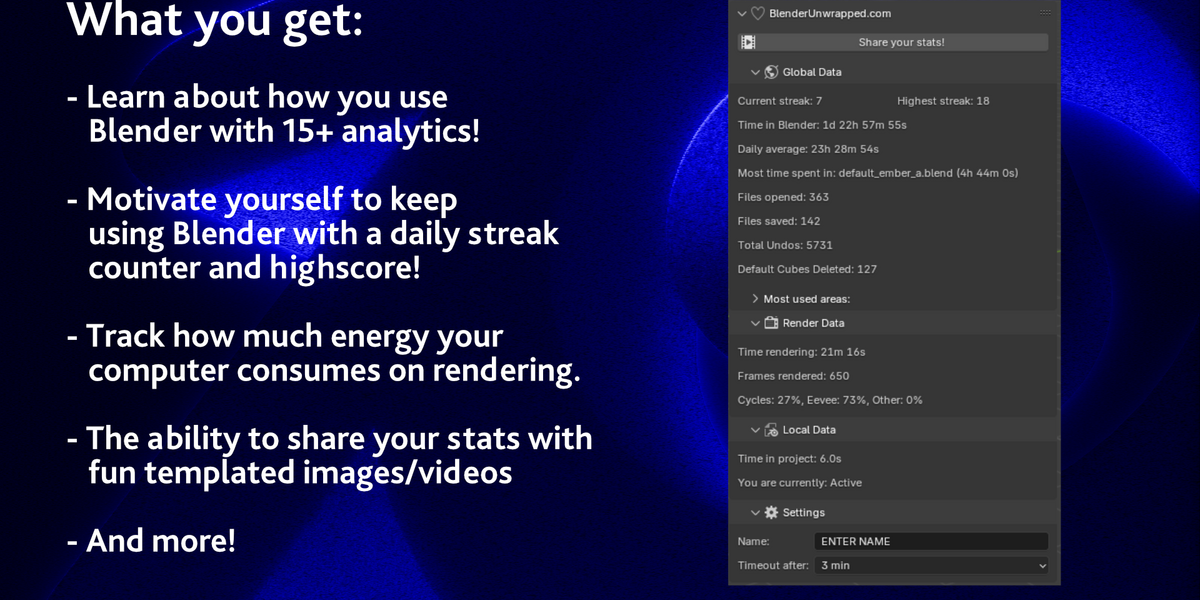
Super Easy Analytics (SEA), by Blender Defender, is a Blender add-on that tracks how long you use Blender in real time. Its daily usage view is meant to help you see your Blender time and work toward personal goals. Open the View tab in Blender's sidebar to see the analytics panel while you work.
Usage time and reports
The Superhive product page lists per-file analytics, freelancer statistics, rendering statistics, and a file data breakdown. The listing does not specify the fields included in these reports.
Save tools and scene inspection
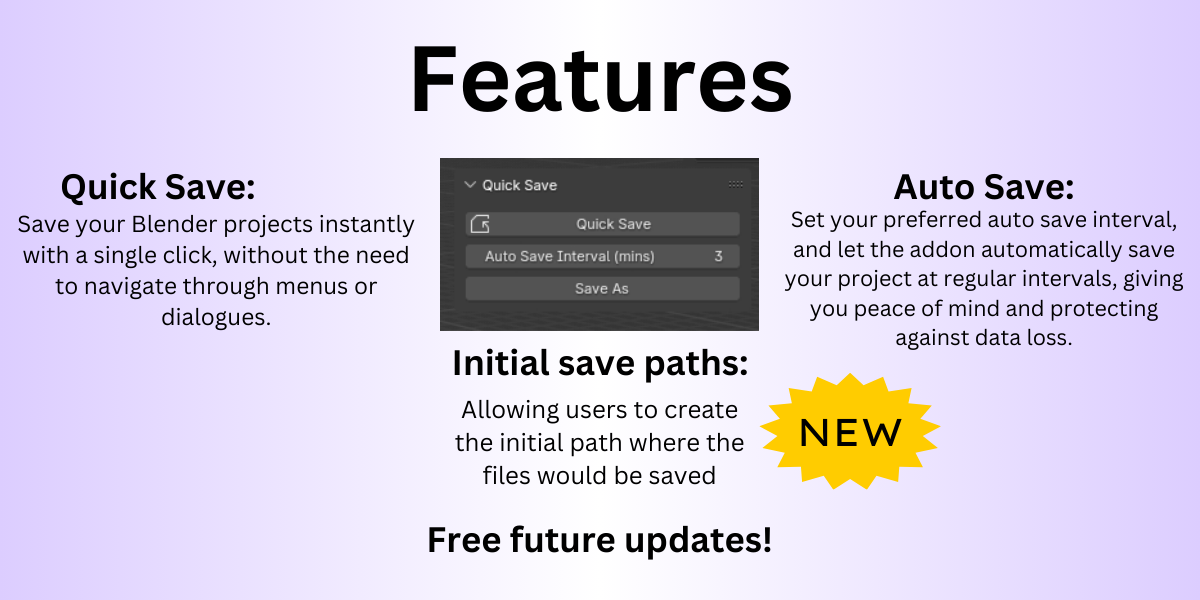
The add-on also lists a save reminder, autosave, and highlight tools for scene inspection. The installation and panel instructions do not describe how these tools work.
The Default Cube Cemetery
Default Cube Cemetery is a bonus feature that counts how many default cubes you have deleted. It refers to the familiar Blender habit of deleting the starter cube and adding another.
Install and find the panel
The product documentation gives these installation steps:
- In Blender, open Edit > Preferences > Add-ons.
- Choose Install and select
SuperEasyAnalytics.zipfrom your downloads folder. - Click Install Addon, then enable the add-on with the checkbox.
After enabling it, open the View tab in the sidebar to see Blender Analytics.
Data storage and compatibility
According to the Superhive FAQ, SEA stores its data on your local hard drive in User Folder > Blender Addons Data > blender-analytics > data.json. On Windows, the FAQ gives the path as %USERNAME%/Blender Addons Data\blender-analytics\data.json. The JSON file is human-readable and can be opened in a text editor. The FAQ gives a local file location but does not explain other data handling or network behavior.
Superhive lists Blender compatibility from 2.83 through 4.5 and marks SEA as Blender Extension compatible. Its product details list the GPL license. If you use a Blender version outside the stated range, check the current product page before installing.
Who may find it useful
SEA may suit Blender users who want to check daily usage time, review the listed file and rendering reports, or use its listed save reminder and autosave features. Its freelancer statistics may also be relevant to people who use Blender for client work.