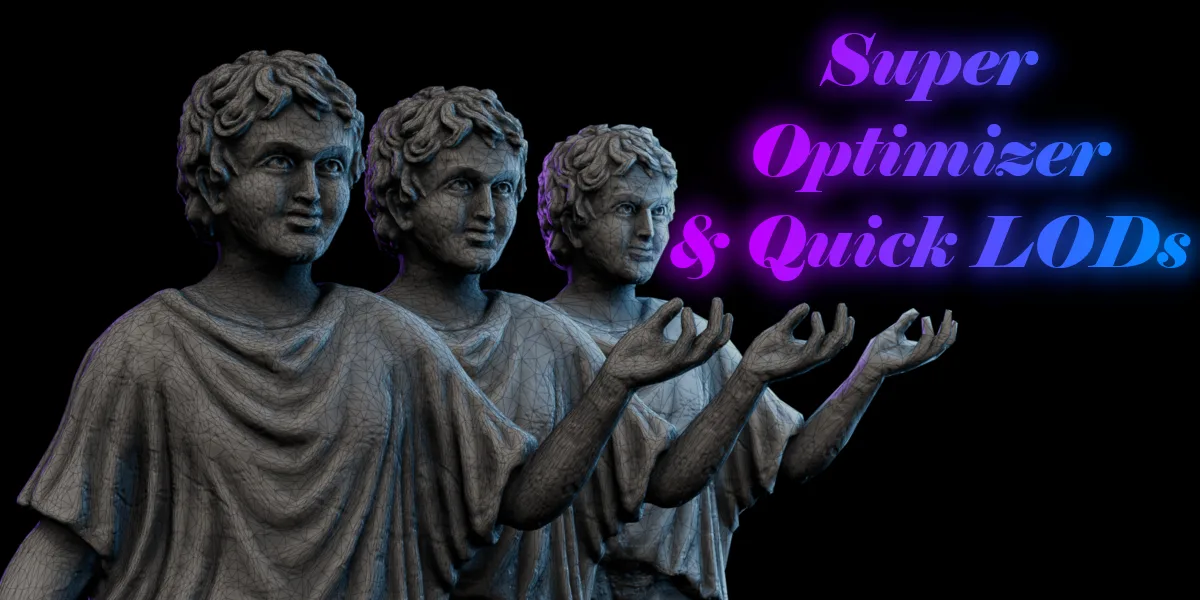
Super Optimizer & Quick Lods is a Blender add-on for inspecting complex scenes and creating lower-detail mesh copies. Its tools show mesh and material statistics by object or collection, flag assets against thresholds you set, and help you find unused scene data. The Superhive product listing calls it Scene Inspector; the documentation calls it Scene Optimizer Inspector.
Find complex objects and collections
Use the scene analyzer to review mesh complexity and material use for individual objects or whole collections. Set Low, Medium, and High thresholds to flag assets for closer inspection. A wireframe toggle displays mesh topology across scene objects, which can help reveal dense geometry in imported assets or large environments.
The listing promises no specific viewport or render-speed improvement and gives no automatic geometry budgets or runtime benchmarks. Compare flagged assets with the limits of your project, such as a real-time game scene.
Create and organize LOD variants
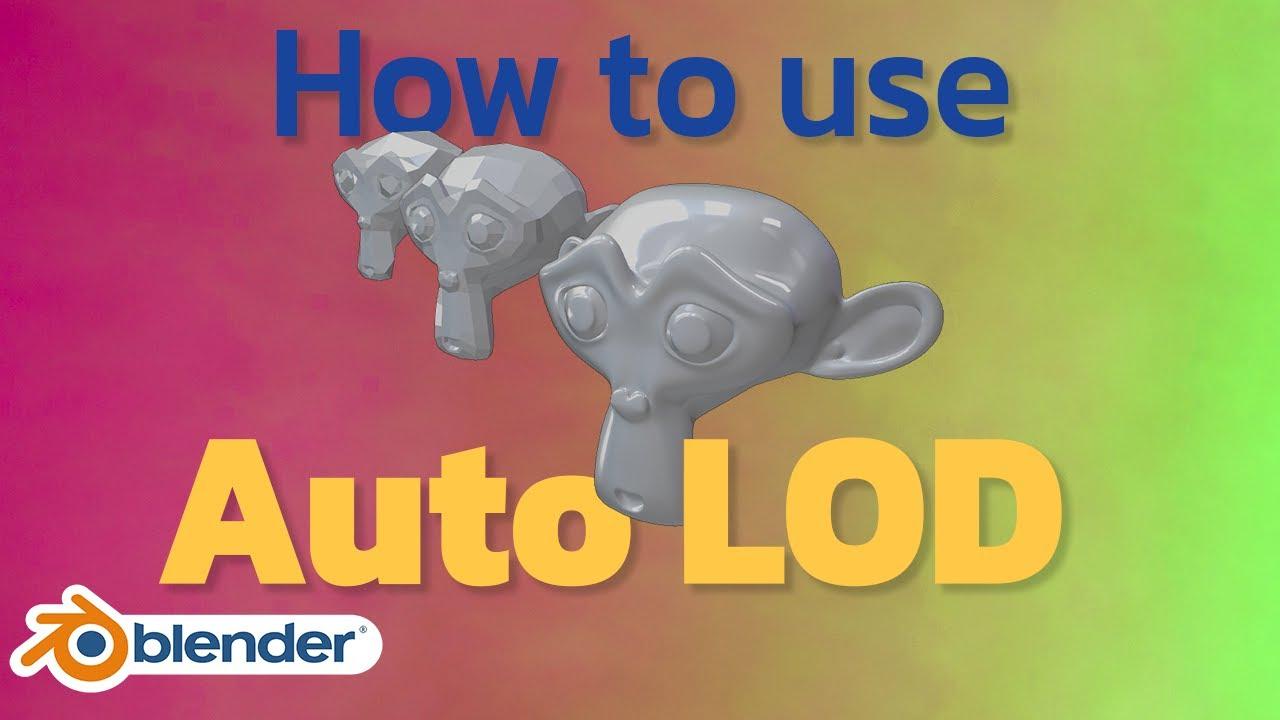
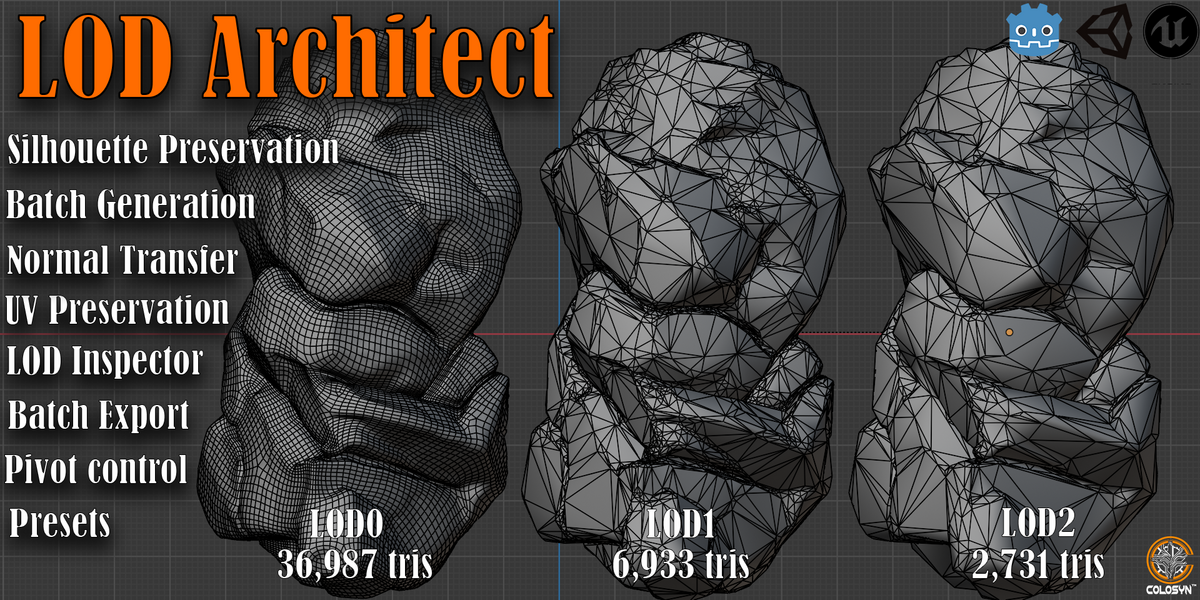
For a selected object, the add-on duplicates and decimates the mesh to create two lower-detail variants. It names and groups the copies, leaving the original object unchanged. The listing also describes collection batching. The product documentation describes LOD generation for objects or whole collections.
The listing gives no adjustable decimation targets or platform-budget guarantee, so inspect the generated meshes against your project requirements.
Check for unused scene data
Before exporting, handing off, or archiving a project, the orphan detector can report unused meshes, materials, images, and textures. Detection does not delete data automatically; you decide what to remove.
Compatibility and fit
The seller lists Blender versions 4.0 through 4.4 and names Cycles and Eevee in the product details. It describes the workflow as render agnostic and also mentions Workbench. The add-on may suit artists reviewing large environments, animation scenes, or assets prepared for real-time use. Check the current listing for compatibility with Blender versions outside the stated range.
The listing identifies the license as GPL. The seller lists it at $7.50, while a third-party listing labels it free; check the seller’s page for the current price before downloading.