Pie Menu Editor Fork (PME-F) is a Blender extension for building custom menus, panels and hotkey actions. It includes editors for pie menus, directional marking menus, context-sensitive controls and operator tools, helping Blender users organize frequently used commands around their work.
Menus and panels you can shape
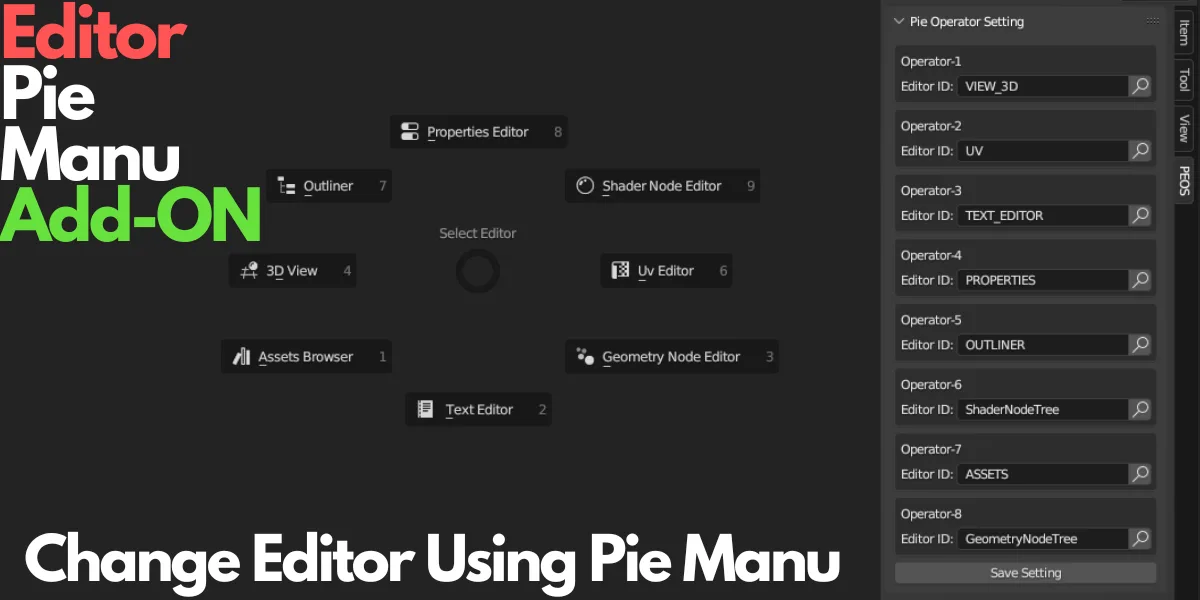
- Pie menus arrange up to 10 buttons radially, with support for nested menus and embedded panels.
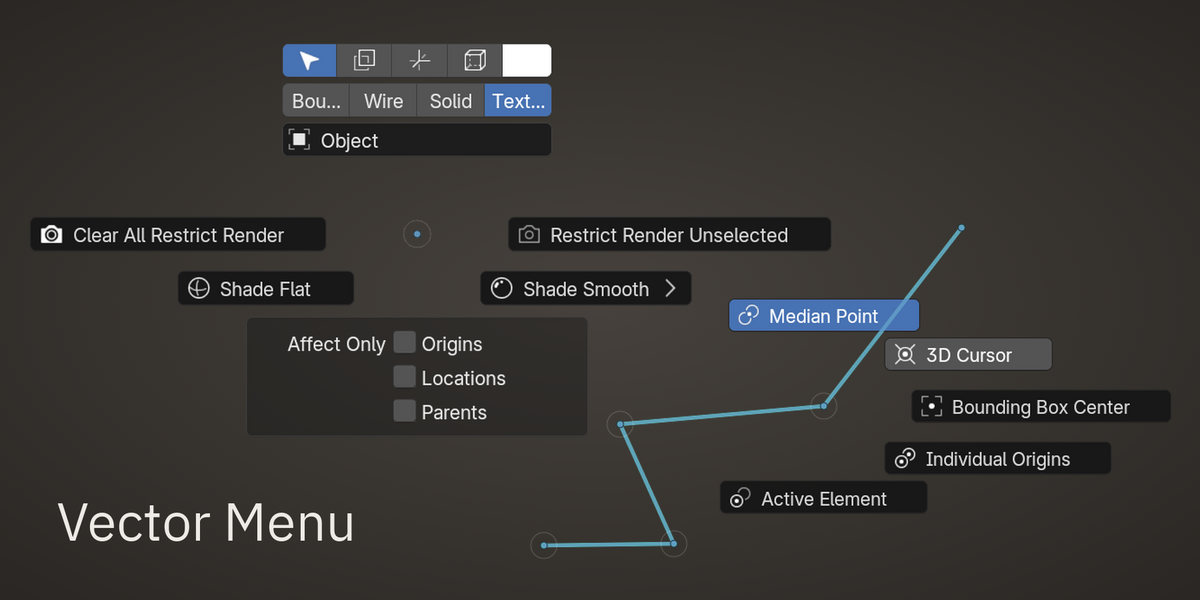
- Vector menus use eight directional gestures. Hold a key, flick toward a command and release; nested menus can form directional sequences.
- Regular menus create dropdowns triggered by a hotkey or added to Blender menus. Pop-up dialogs let you arrange widgets for menus, dialogs, panels or toolbars.
- Floating panels stay open while you work and can combine commands, properties, color pickers and collapsible sections.
- Panel groups can place pop-up dialogs or existing Blender panels in a sidebar or header, including as custom tabs or within existing categories.
Adapt actions to the current context
Context Router can show different menus or run different actions according to the current mode, object type, selection or other conditions. Sticky Key runs separate actions on key press and release, while Stack Key cycles through multiple commands on successive presses. Property Stack combines settings and conditions into one switch.
Macro Operators build new operators from existing Blender operations. Modal Operators accept interactive keyboard or mouse input while they run. Capture Menu can collect Blender actions and properties, then send them to a destination menu using search, tags or recent menus. Re-Capture can combine recent actions into a macro in their original execution order.
Organize and check larger setups
Tag filters, tree search and bulk operations help manage collections of menus. PM Health checks for unavailable commands or hotkeys, broken references and disabled targets. Menu Dependencies shows which menus reference one another, lets you jump between them while editing and can include referenced menus when exporting part of a setup.
Scripts, custom icons, backups and exports live in a user directory outside the add-on. PME-F keeps backup files separately for each environment.
Moving from the original Pie Menu Editor
The original Pie Menu Editor was created by roaoao in 2016. Pluglug says it has maintained a free fork since 2024. PME-F is a separate product with its own development, support and pricing; owners of the original product purchase it separately. Its redesigned data structure makes actions, conditions and menu connections explicit, providing a base for further editing features and diagnostics.
Users moving from Pie Menu Editor 1.18.x or 1.19.x can export menus to JSON or use a backup file, then import it into PME-F. Back up custom scripts and icons from the old add-on folder before uninstalling. The installation guide covers the migration steps.
Check Blender version support
The marketplace's Blender Version field lists 4.2 to 5.3, while the product FAQ lists Blender 4.5 LTS through 5.2 as supported. It says 4.2 is outside that range and has best-effort compatibility, so not every feature is guaranteed to work there. The FAQ does not say whether Blender 5.3 has been validated, so check the current PME-F FAQ or release notes before relying on that version. The PME-F documentation covers the editors, settings and keymap.