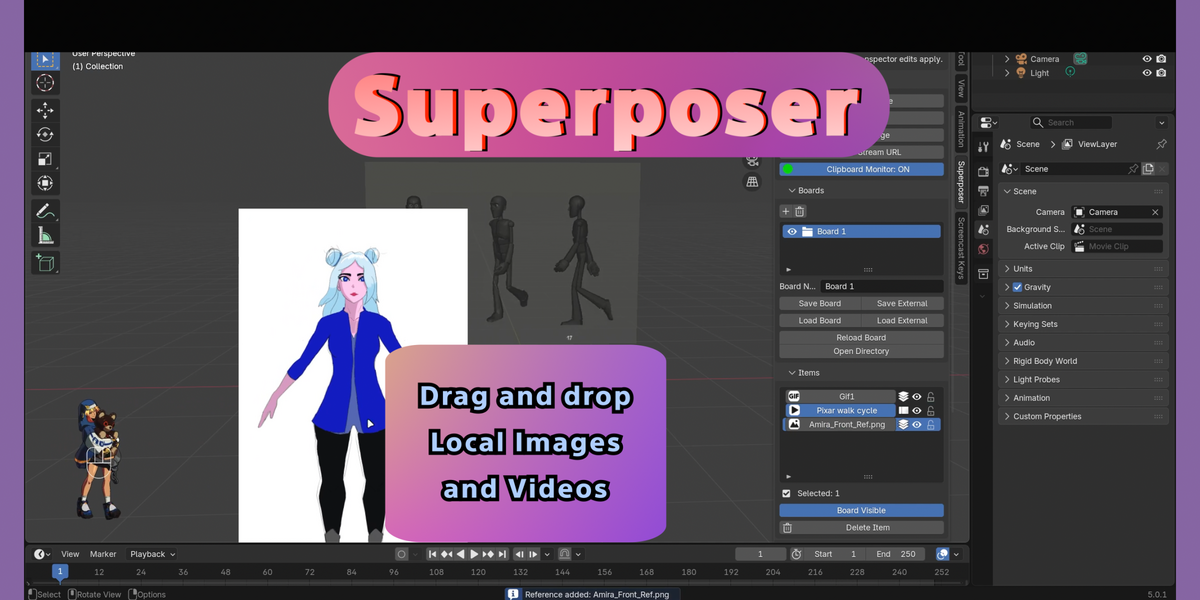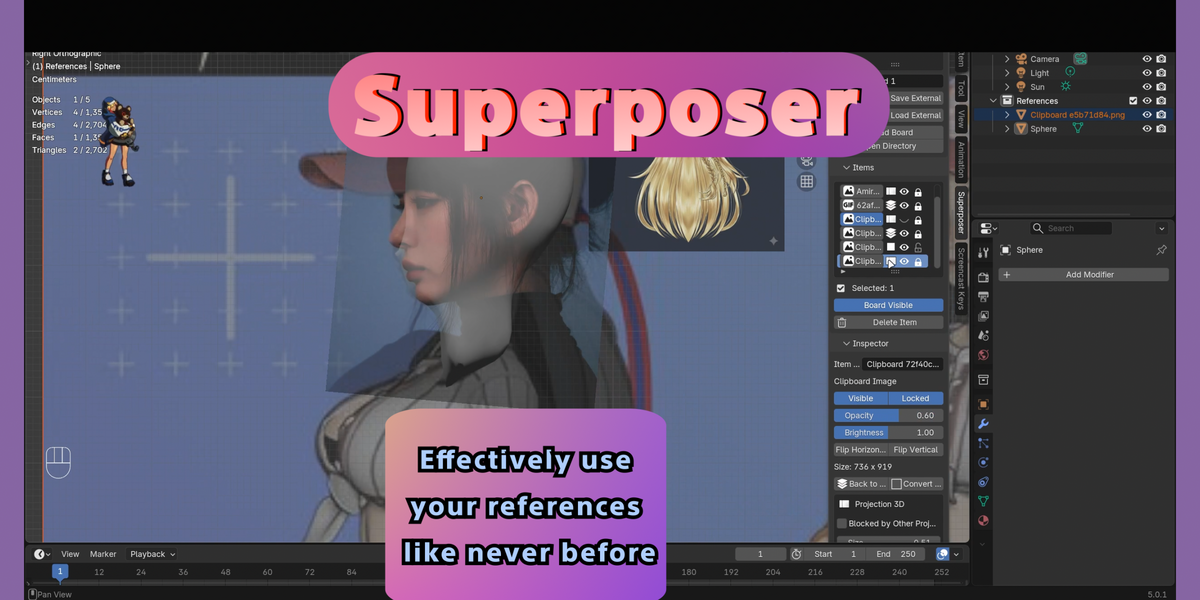
Superposer is a Blender add-on for keeping visual references in the 3D viewport while you work. It brings in local images, animated GIFs, clipboard grabs and supported video URLs, so you can study visual material without leaving Blender for a folder or browser tab.
To add a reference, press Ctrl + Shift + V to paste an image, GIF or video link from the clipboard, or drag and drop local files. The Superhive listing describes several ways to use the material:
- Keep references as viewport overlays.
- Arrange them into boards.
- Project references into view.
- Convert them into add-on-managed planes.
Adjust references as you work
Superposer provides controls for scale, brightness, rotation and opacity. These let you resize or reposition a reference and change how strongly it appears beside the model. The workflow is intended for artists who gather visual material during sculpting, posing, modeling or shot planning.
View motion inside Blender
GIFs remain animated in the viewport, and videos play independently of the scene timeline. That makes moving reference available while you work on a pose, gesture or shot. The listing describes support for video URLs, though it does not enumerate the compatible services. Check the documentation for a specific source before relying on it.
The Deluxe Edition adds a player widget and synced audio support for compatible sources. The listing identifies Superposer as an add-on, marks it as Blender Extension Compatible, and reports Blender versions 4.2 to 5.1 with a GPL license. Check the listing and documentation for current compatibility and edition details.