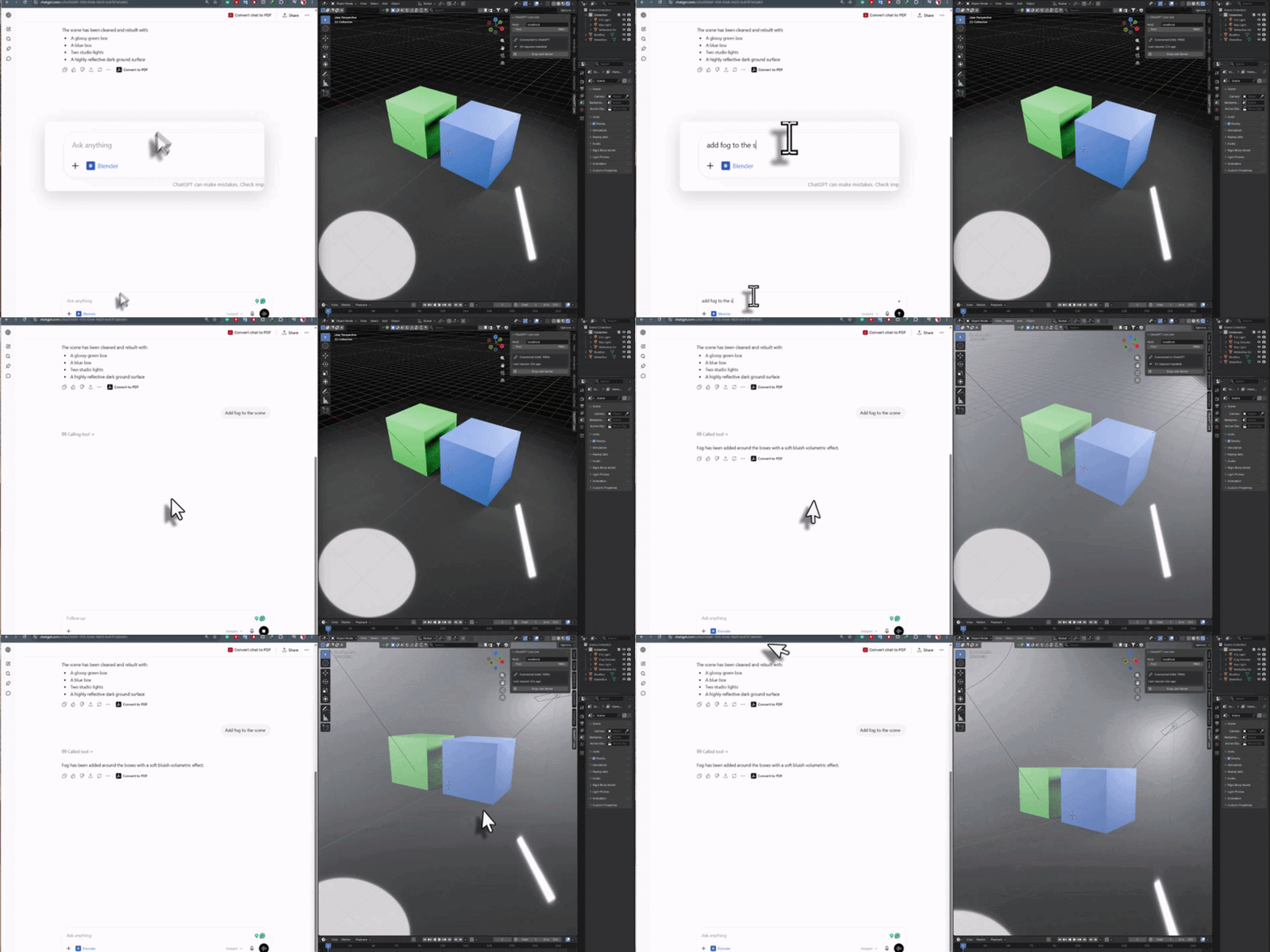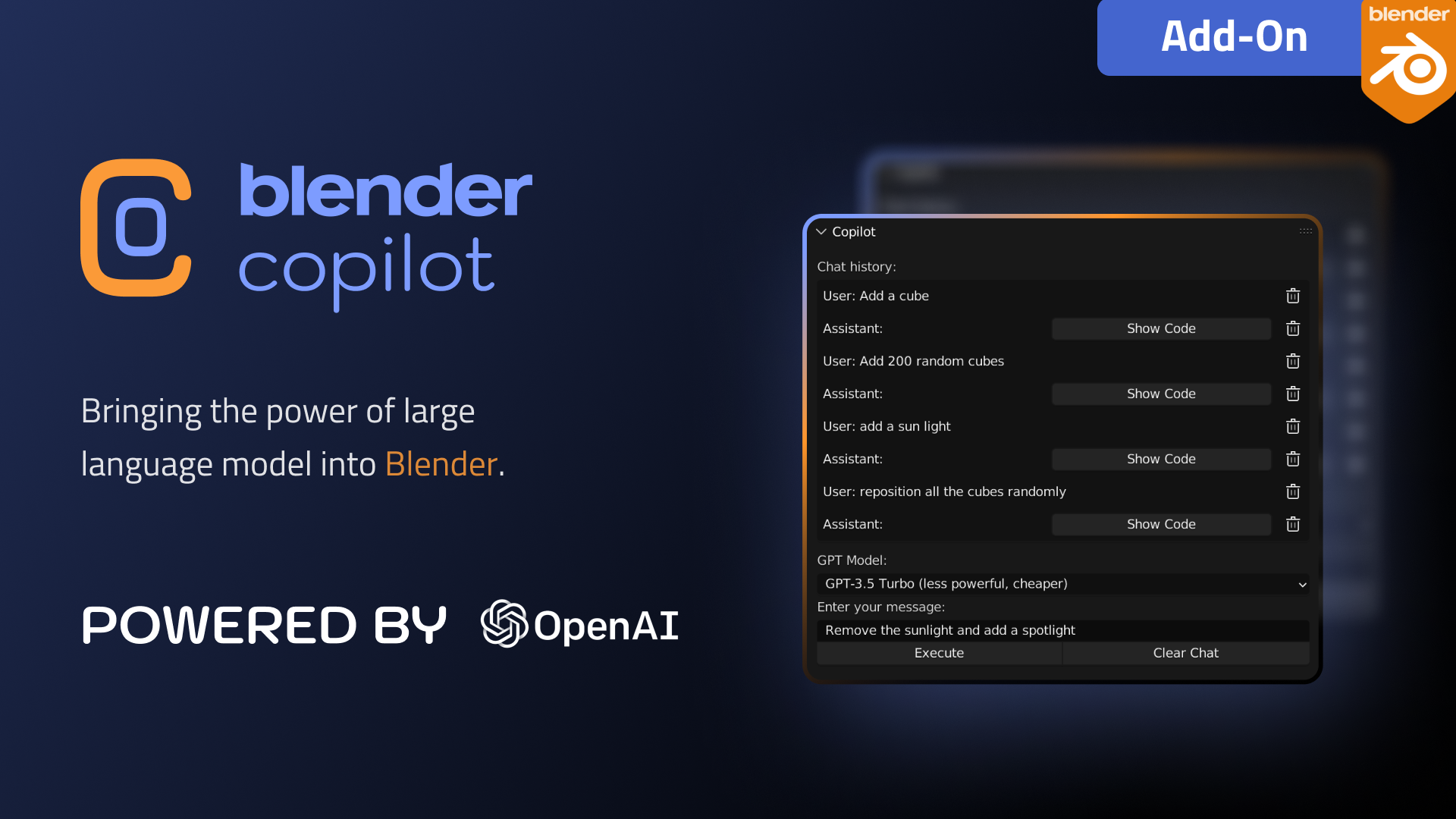
Suzanne Ai is an experimental Blender add-on that puts a conversational assistant in Blender’s N panel. You can give it a task, and it will attempt to carry it out. The product listing describes it as using the same language model as ChatGPT. The add-on depends on OpenAI access, so check the account requirements before setting it up.
What Suzanne Ai does in Blender
The developer describes Suzanne Ai as an experimental alpha with bugs still to fix and warns that it is weak at modeling. Check its output before relying on it.
Responses come from OpenAI’s servers. The product documentation says Blender may appear frozen after you click Send while it waits for a response. Busy OpenAI servers can also delay replies.
Requirements and setup
The product page says a paid OpenAI account is required. It also says all OpenAI credits expired as of April 1, but gives no year. Check the current product listing and your OpenAI account before purchase or setup.
- Download the add-on ZIP. In Blender, open Edit, then Preferences, then Add-ons. Choose Install, navigate to the ZIP file, and click Install Add-on.
- Create an OpenAI secret key and enter it in Suzanne’s add-on preferences. The listing links to OpenAI’s API keys page.
- Create a text file for the ongoing conversation. Select that file under the add-on’s conversation path setting.
Compatibility and limitations
The marketplace listing names Blender 3.2, 3.3, 3.4, and 3.5. It does not list later releases, so check with the creator before relying on Suzanne Ai in a newer Blender version or a production workflow.
If generated code fails, the Try Again button sends the error message back to Suzanne for another attempt. The documentation presents this as a chance for a better response, not a guarantee that the next attempt will work. Review any generated code and results yourself.
The marketplace lists the add-on under the GPL license. For current setup details and product information, see the product documentation.