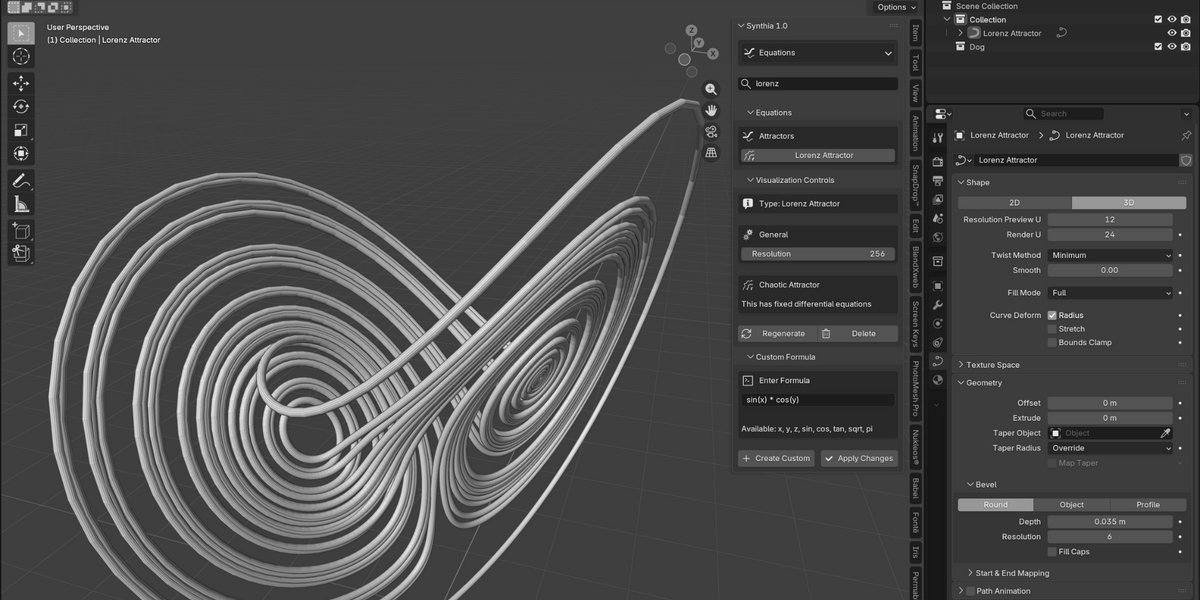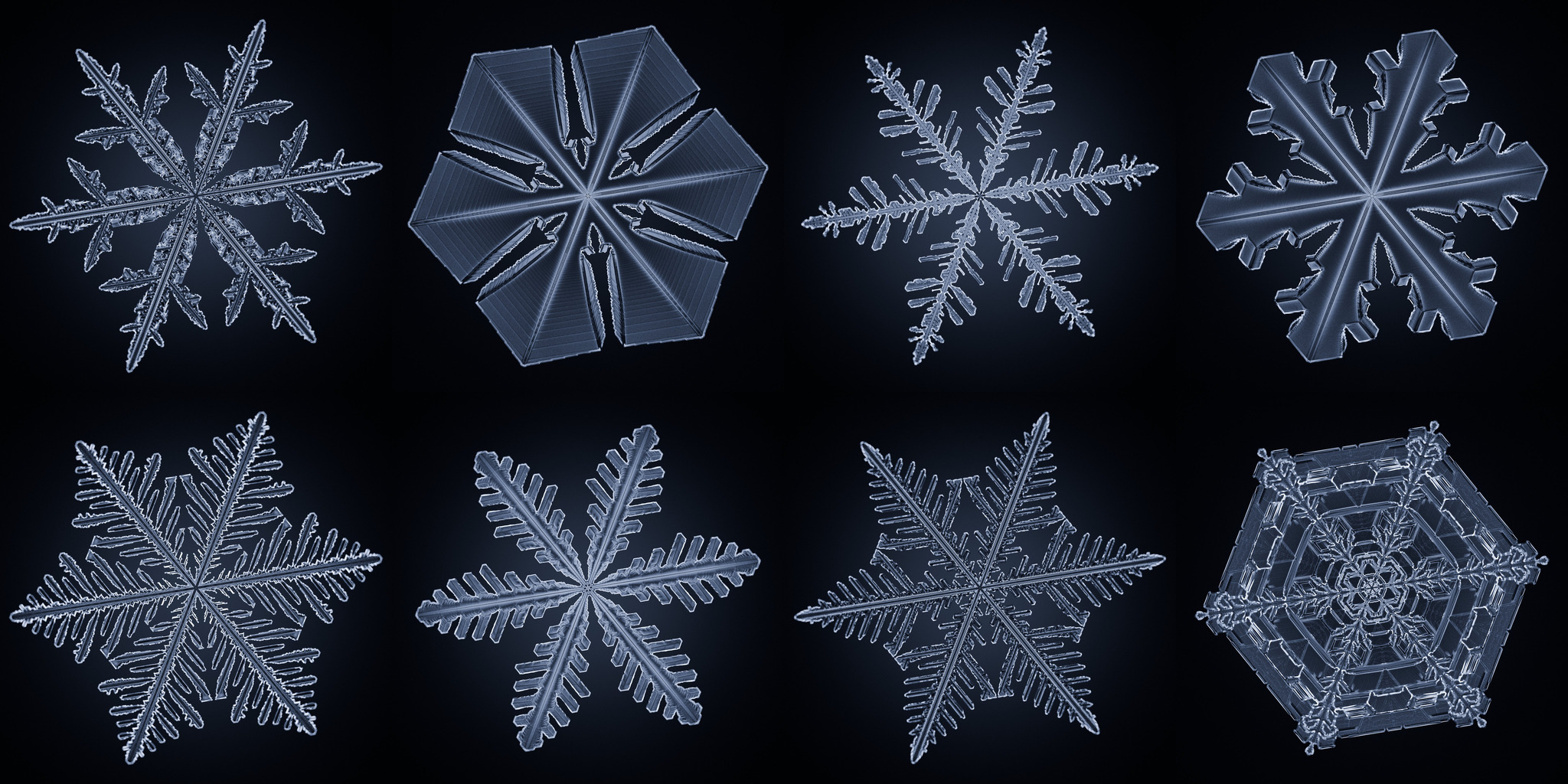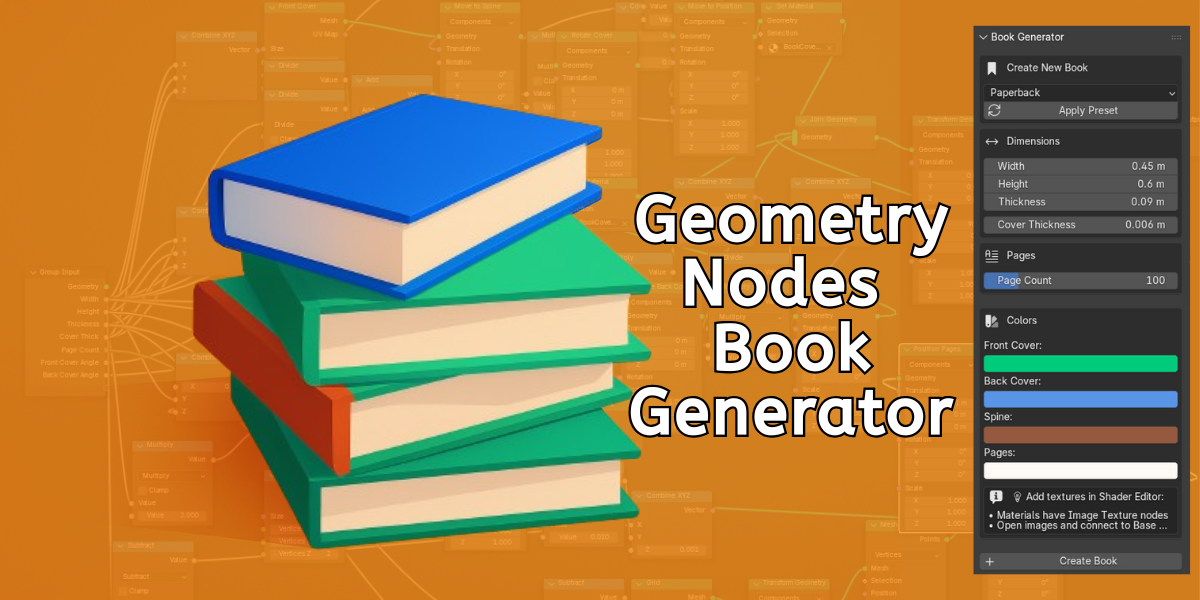
Synthia is a Blender add-on for turning mathematical formulas, algorithms, and geometry into 3D visualizations. Its presets cover several areas of mathematics, and its custom formula tool creates surfaces from expressions. Blender users can explore mathematical forms or watch algorithm steps take shape as geometry.
Explore equations, algorithms, and geometry
The Synthia documentation groups its presets into three categories:
- Equations includes functions, parametric curves, attractors, and surfaces such as the Möbius strip and Klein bottle.
- Algorithms includes sorting, pathfinding, fractals, data structures, and cellular automata. Playback controls let you play, pause, or reset an animation and adjust its speed.
- Geometry includes visualizations of theorems, vectors, transformations, and topology, with examples such as the Pythagorean theorem and Platonic solids.
Adjust and animate visualizations
Equation visualizations have controls for resolution, amplitude, frequency, phase, and scale. Resolution ranges from 4 to 256; higher settings produce more detailed geometry and take longer to generate. The documentation notes that some special surfaces, including Möbius and Klein forms and attractors, use fixed geometry and do not support parameter changes.
You can keyframe visualization parameters on Blender's timeline. Algorithm presets also include playback and reset controls, an adjustable speed, and a progress display.
Create a surface from a custom formula
Synthia evaluates custom formulas as z = f(x, y), using one height value for each position on a grid. This can produce surfaces such as hills, waves, and other mathematical forms. It does not create closed solids such as a sphere or cube, implicit surfaces defined by f(x, y, z) = 0, or multiple disconnected parts. It also does not create self-intersecting volumes. For a cube visualization, use the Platonic Solids preset.
Install Synthia and check compatibility
To install Synthia, download synthia.zip, install it through Blender's add-on preferences, enable Synthia, then open its tab in the 3D Viewport's N-panel. See the installation instructions for the full steps.
The marketplace listing marks Synthia as Blender Extension compatible and lists Blender 4.0 through 5.1. Its documentation says to open Blender 4.0.0 or later, so check the current product listing for confirmation if you use a release beyond 5.1. The listing identifies the license as GPL and names Cycles and Eevee as render engines. The Synthia visualizations are standard Blender meshes that can be exported in formats such as FBX, OBJ, and STL.