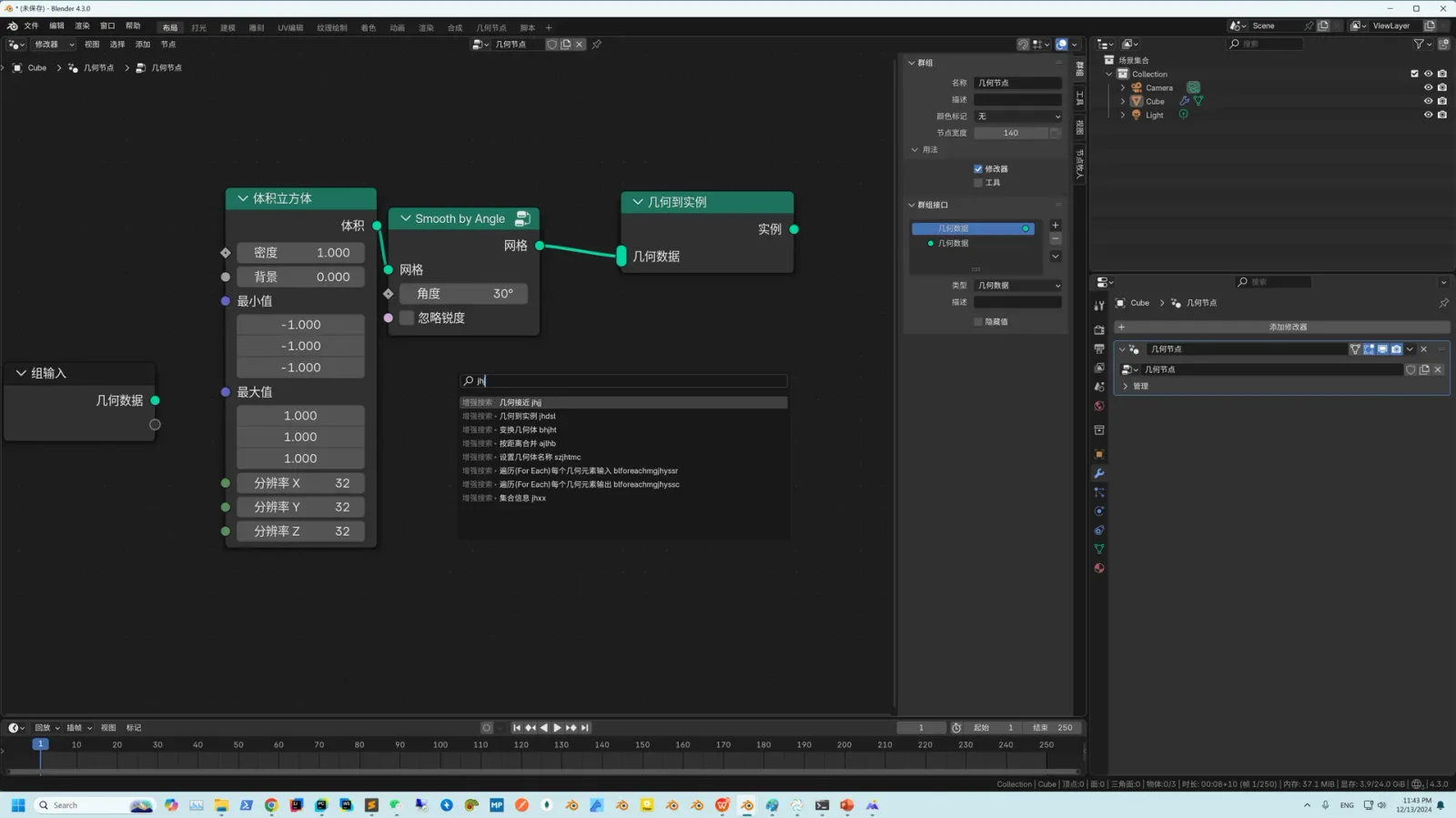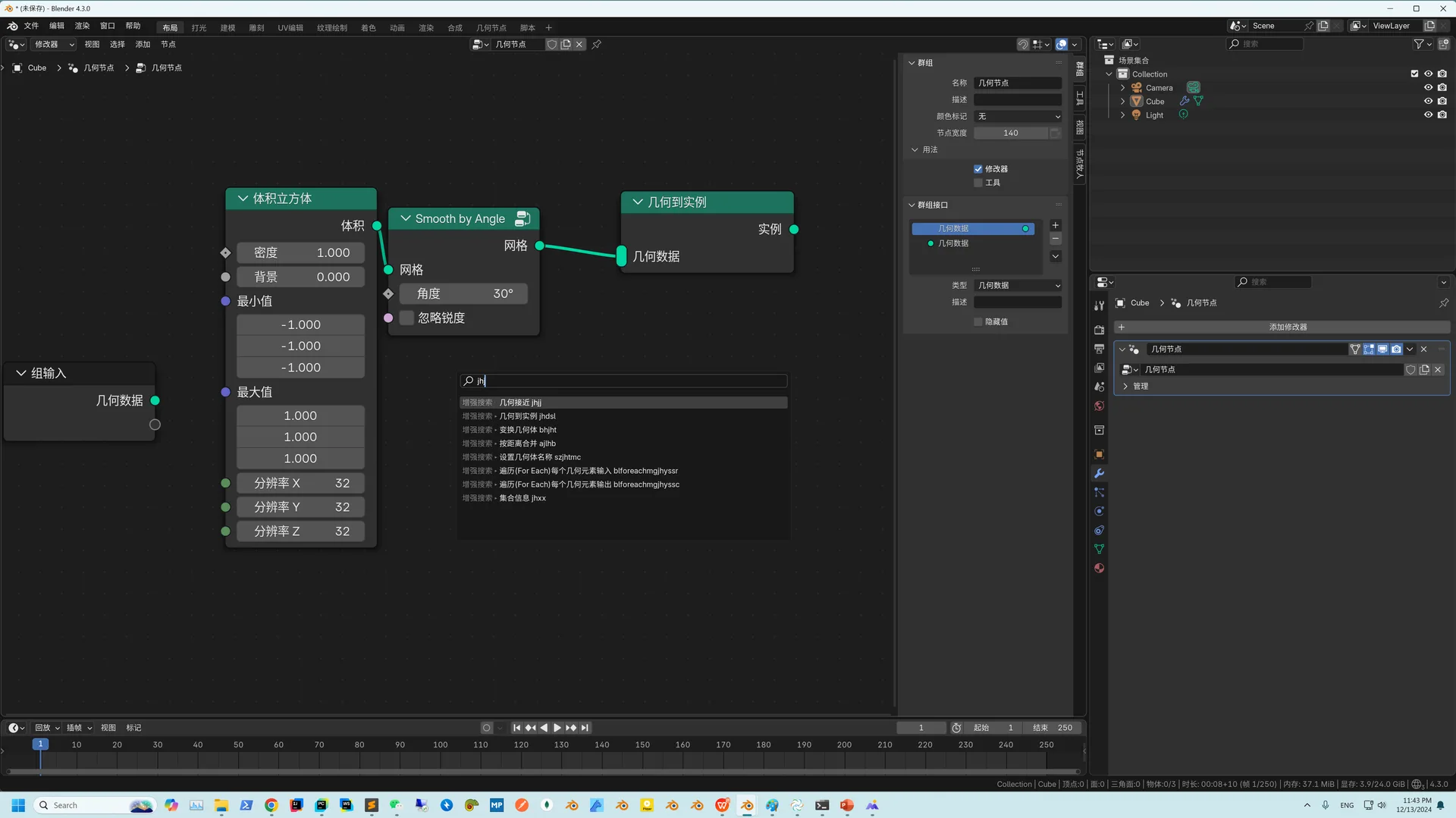
SZM/首字母 is a Blender extension by Xinyu-Zhu for pinyin-based search in node and modifier menus. Its API record lists version 1.3.1, Blender 4.2.0 as the minimum version, and a GPL-3.0-or-later license.
Search names in several forms
An AnyPlugins feature summary reports that SZM accepts Chinese pinyin initials, full pinyin, and Chinese characters; English-name search is also available as a preference. It describes searches in Blender's add-node and modifier menus. These input options let you start with the name form you remember, such as the initials of a Chinese node name or its English name.
For example, if you recall a node by its Chinese name but usually type Latin characters, you can try its pinyin initials or full pinyin.
Adjust the search preferences
AnyPlugins reports preferences for customizing the search index, choosing whether to search by English name, and enabling optional ambiguous phonetic mappings, including n=l, f=h and r=l. These settings provide alternate ways to match the names you enter. The official API record does not list these preferences; check the release you plan to use to see which controls it provides.
Check coverage for custom nodes
AnyPlugins describes the internal node dictionary as a static list based on Blender 4.3, and says it does not cover custom node groups or nodes from other add-ons or Blender builds. That directory still reports version 1.2.0, while the official API lists 1.3.1, so its detailed coverage notes may describe an earlier release. The current official API record does not specify dictionary coverage. If your work depends on custom or add-on nodes, verify that they appear in search in the release you plan to use.
Release and license
Use the official Blender Extensions listing for release and compatibility details. It identifies 1.3.1 as the listed version and 4.2.0 as the minimum Blender version; the API record gives the license as GPL-3.0-or-later. AnyPlugins also reports a legacy version for older Blender releases and says that version runs on Blender 4.2 and newer. The official API record does not state an upper Blender version, so check the listing for updates before installing into a newer setup.