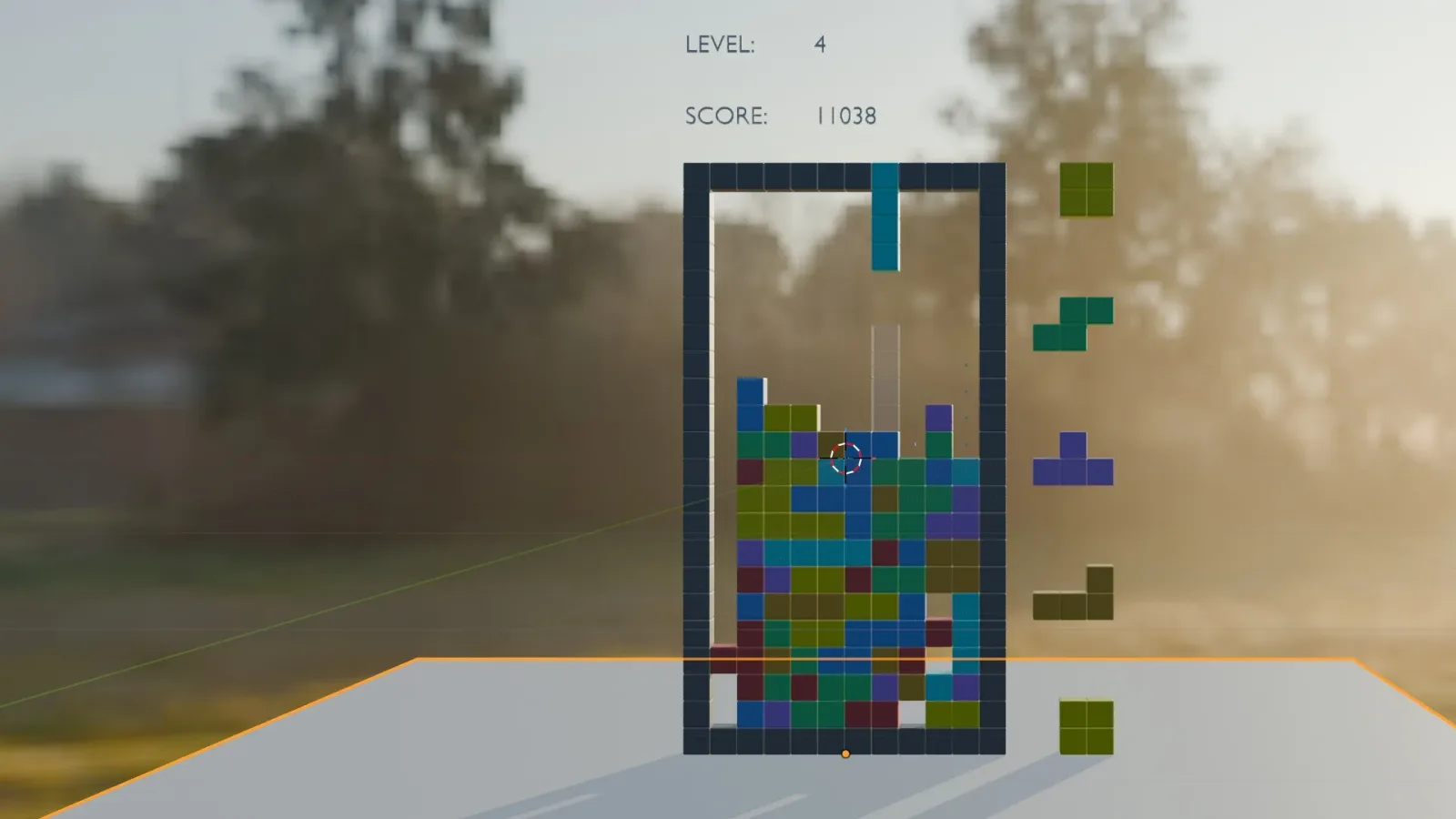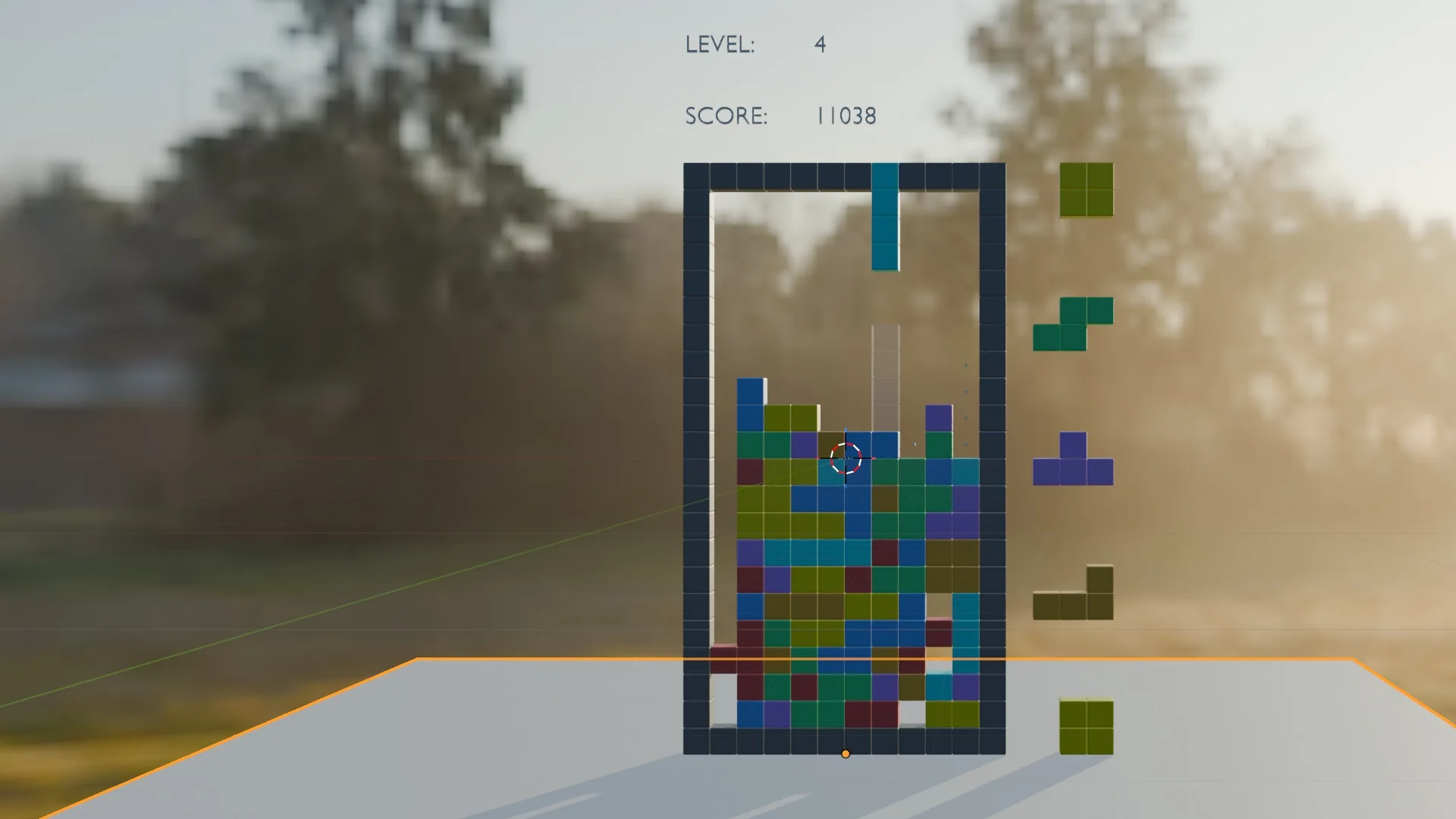
Tetrominode brings a playable Tetris game into Blender’s 3D View. Its board and pieces use Geometry Nodes, while Shader Nodes drive the visuals.
You can give each tetromino its own materials, colors and bevel settings, or use shared styles. The board updates in real time, with animations for events such as clearing a line. That makes the add-on useful for a quick game inside Blender and for exploring how a playable scene can be assembled from nodes.
Game controls, audio and automatic play
Start or resume a session from the Tetrominode panel in the 3D View sidebar. Arrow keys move and rotate pieces by default; keybinds are available in Advanced Settings. On first use, run Setup Assets and Setup Geometry Nodes before starting a game.
Tetrominode also includes an automatic player with 1-ply and 2-ply search depths. Procedural 8-bit music, including “Korobeiniki,” and sound effects use Blender’s audio system. Tetrominode has native support for 12 or more languages.
Record a session as animation
A recorded game session can be baked into keyframed animation for a Blender scene.
Compatibility and release details
The Blender Extensions catalogue data lists version 0.4.6, with Blender 4.2.0 as the minimum version. It identifies Tetrominode as an add-on maintained by darkstarrd and lists the GNU GPL version 3.0 or later. Check the official listing for the available package and current release details before installing.