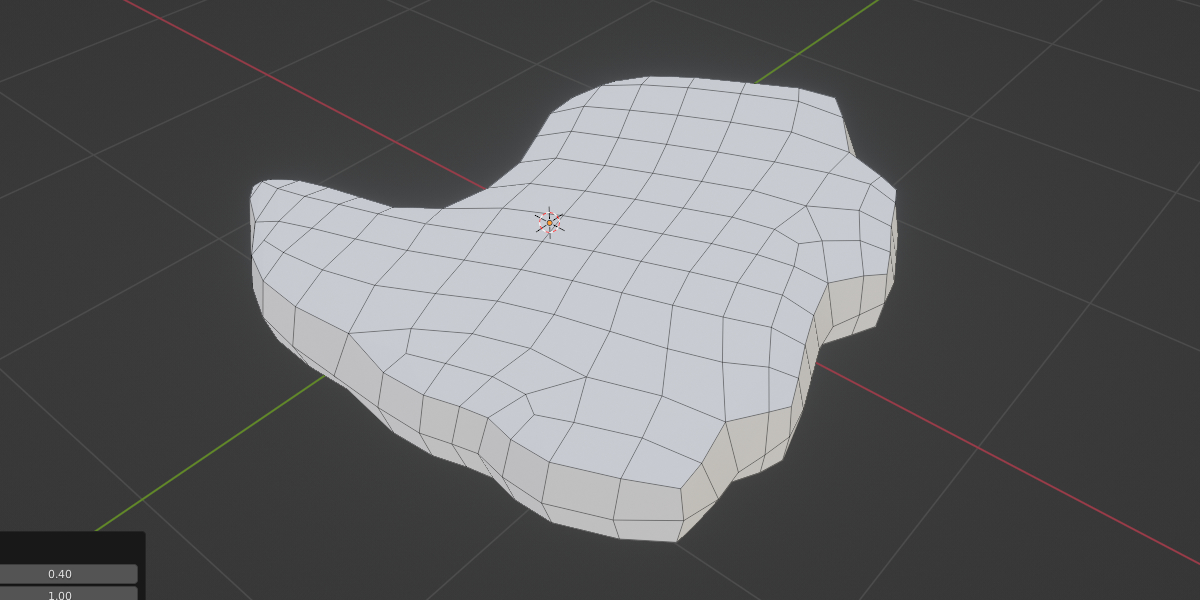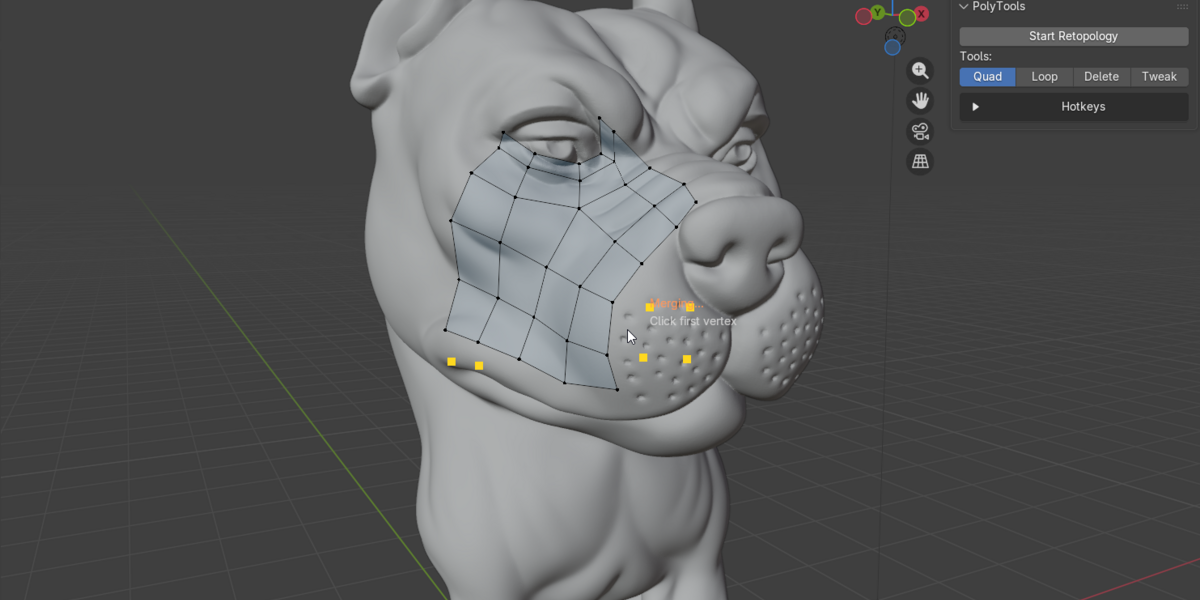
TopoVision is a Blender add-on for automatic retopology that lets you inspect the proposed topology before generating the mesh. Adjust density, edge flow, and polygon distribution with a preview visible, then apply the result when it looks right.
Preview and generate
- Select a mesh and click Preview.
- Turn on Wireframe if you want to inspect the topology, then adjust the settings.
- Click Done to generate the mesh. If you already know the settings you want, click Run to generate it without opening a preview first.
Inspect the mesh and reuse settings
TopoVision includes Check Topology, which highlights topology conditions with color indicators, and Zebra or Heat Map views for inspecting the surface. UV Check and UV Stretch help you inspect the model's UV layout and look for stretching. The product listing notes that enabling another check mode turns off the other mesh inspection tools automatically. Wireframe stays visible until you turn it off manually.
You can save tuned settings as presets and load them again later. This is useful when you return to a similar retopology task and want to reuse a setup instead of adjusting the values from scratch.
Working with multiple meshes
Select multiple objects to preview or generate a separate topology result for each. Single-mesh previews update live as you change settings. Live updates are limited for multiple meshes, so click Update Mesh to refresh the preview after making changes.
Engine options and performance
The product listing describes a custom Engine Mode alongside Blender's default tools, with a modified symmetry system. Symmetry is not supported by the Voxel Engine. A separate QRemeshify add-on by Ksami supplies the option shown as TopoVision Engine; install QRemeshify to use it. The listing warns that processing may lag, particularly with QRemeshify or high-detail models. The creator reports that the demonstration used a GTX 1650 and that higher-end GPUs were not tested, so the demo does not establish performance on other systems.
TopoVision may suit Blender artists who use automatic retopology and want to review density and edge flow before generating a mesh. Superhive lists Blender versions 4.0–5.1; confirm the range on the current product listing before installing.