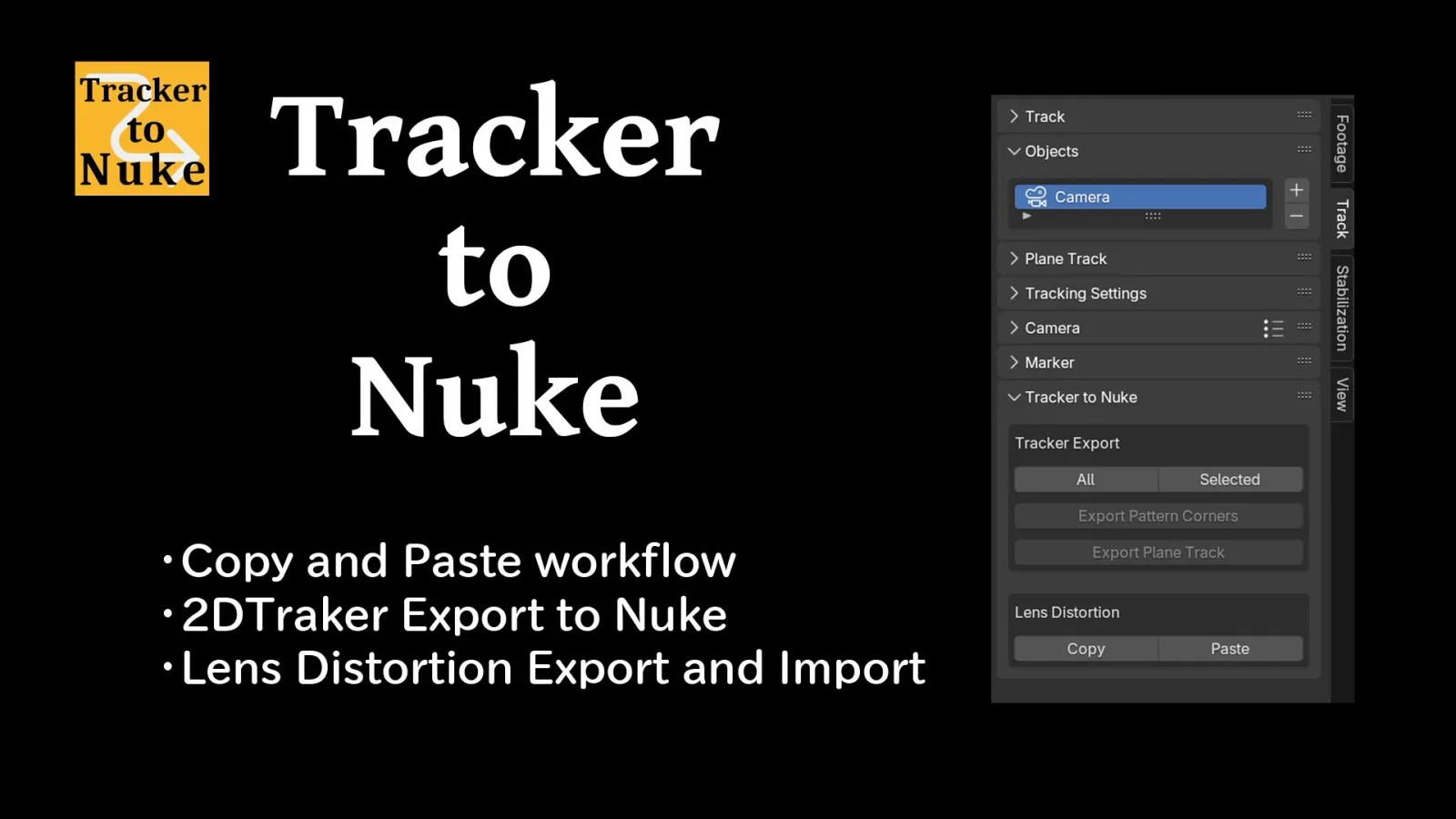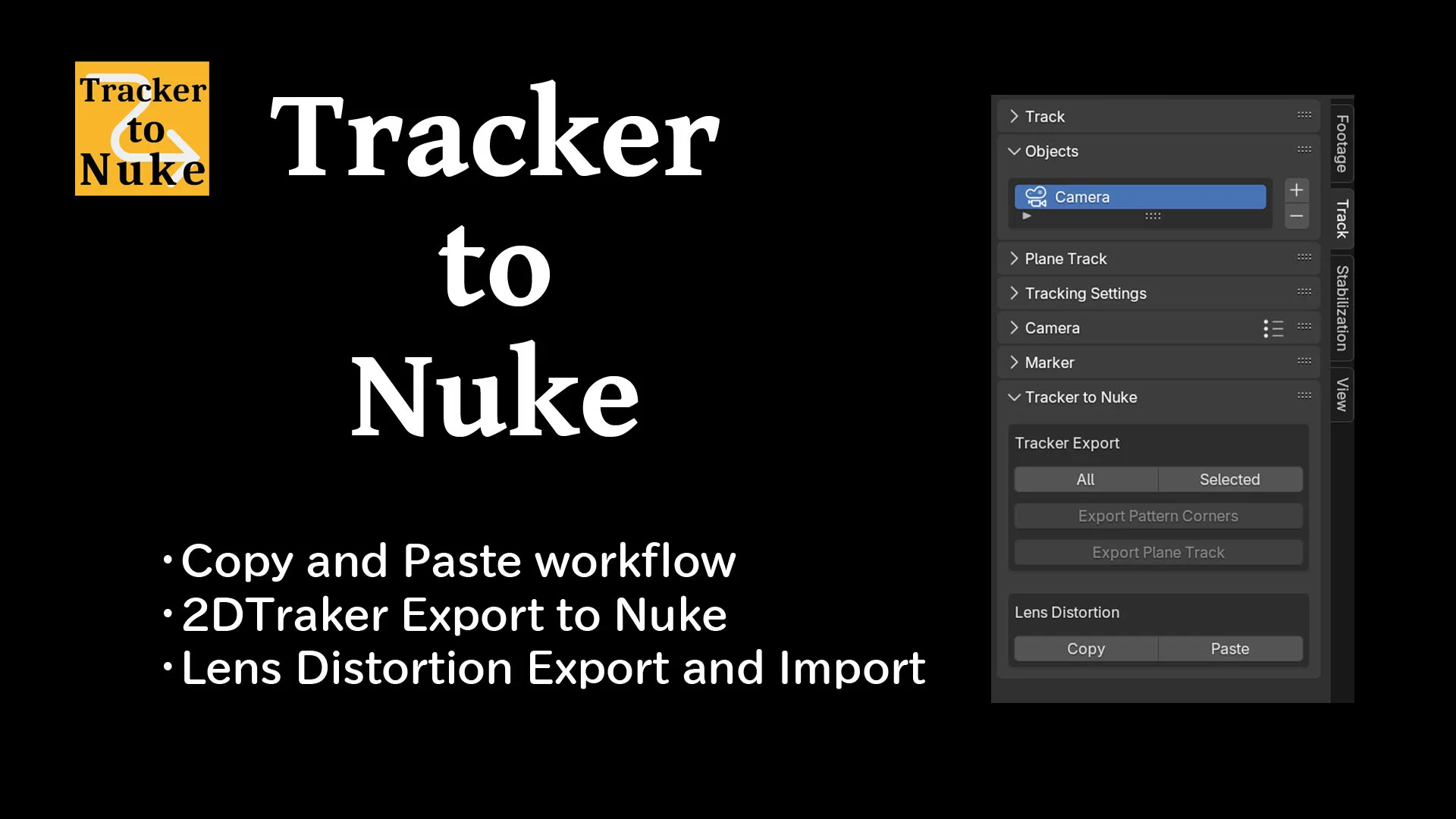
Tracker to Nuke by K_Naoki copies 2D tracking data from Blender's Movie Clip Editor to the clipboard in a format for pasting into Nuke's Tracker Node. Version 1.1.0 also exchanges lens distortion parameters. See the Blender Extensions listing for the current release and compatibility details.
Export trackers, pattern corners and plane tracks
From the active Movie Clip, the add-on can copy all trackers or only selected trackers. It can also copy the four corner positions of a selected track's pattern area or a selected Plane Track. When a clip has multiple tracking objects, it copies markers from the active object. Blender's lens distortion correction is not applied to the coordinate transformation for 2D tracking data.
Exchange lens distortion parameters
Tracker to Nuke transfers distortion settings between Blender and Nuke using Nuke's default distortion model. It supports K1 and K2 values. To send settings to Nuke, copy the active clip's parameters and paste them as a LensDistortion Node. To bring settings into Blender, copy a LensDistortion Node in Nuke and paste its parameters through the add-on. If Blender is using another distortion model, the add-on switches it to Nuke's model when pasting the parameters. Blender 5.1 and later also support the anamorphic P1 and P2 coefficients.
Check frame alignment
The footage should start on the same frame in Blender and Nuke. After pasting tracking data, update the reference frame value under the Tracker Node's Transform tab.
Compatibility and installation
Version 1.1.0 requires Blender 4.2.0 or later. P1 and P2 anamorphic coefficients require Blender 5.1 or later. The extension is maintained by K_Naoki and licensed under GPL-3.0-or-later. Check the Tracker2Nuke repository for project details and the Blender manual's Install from Disk instructions for installation guidance.