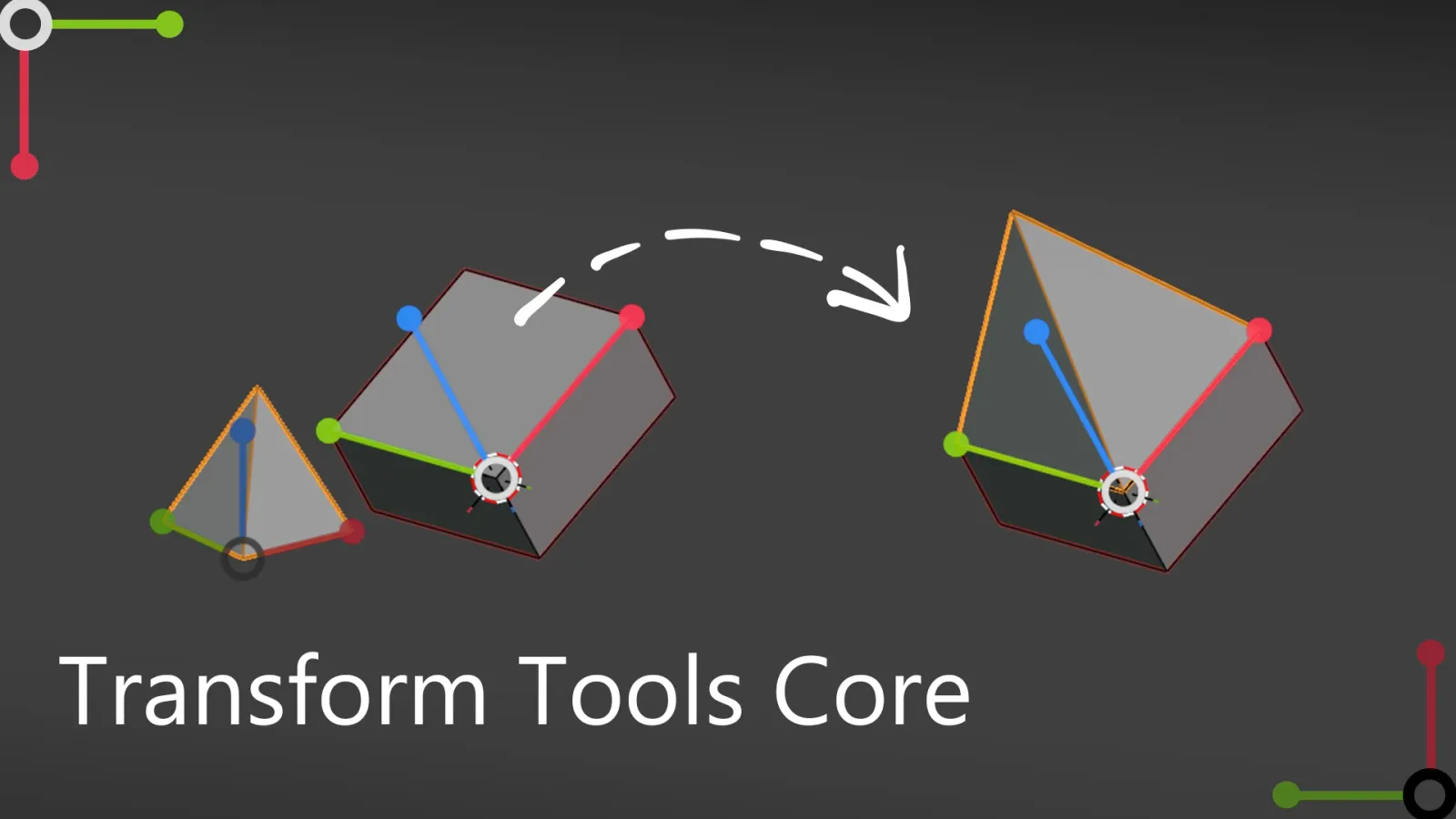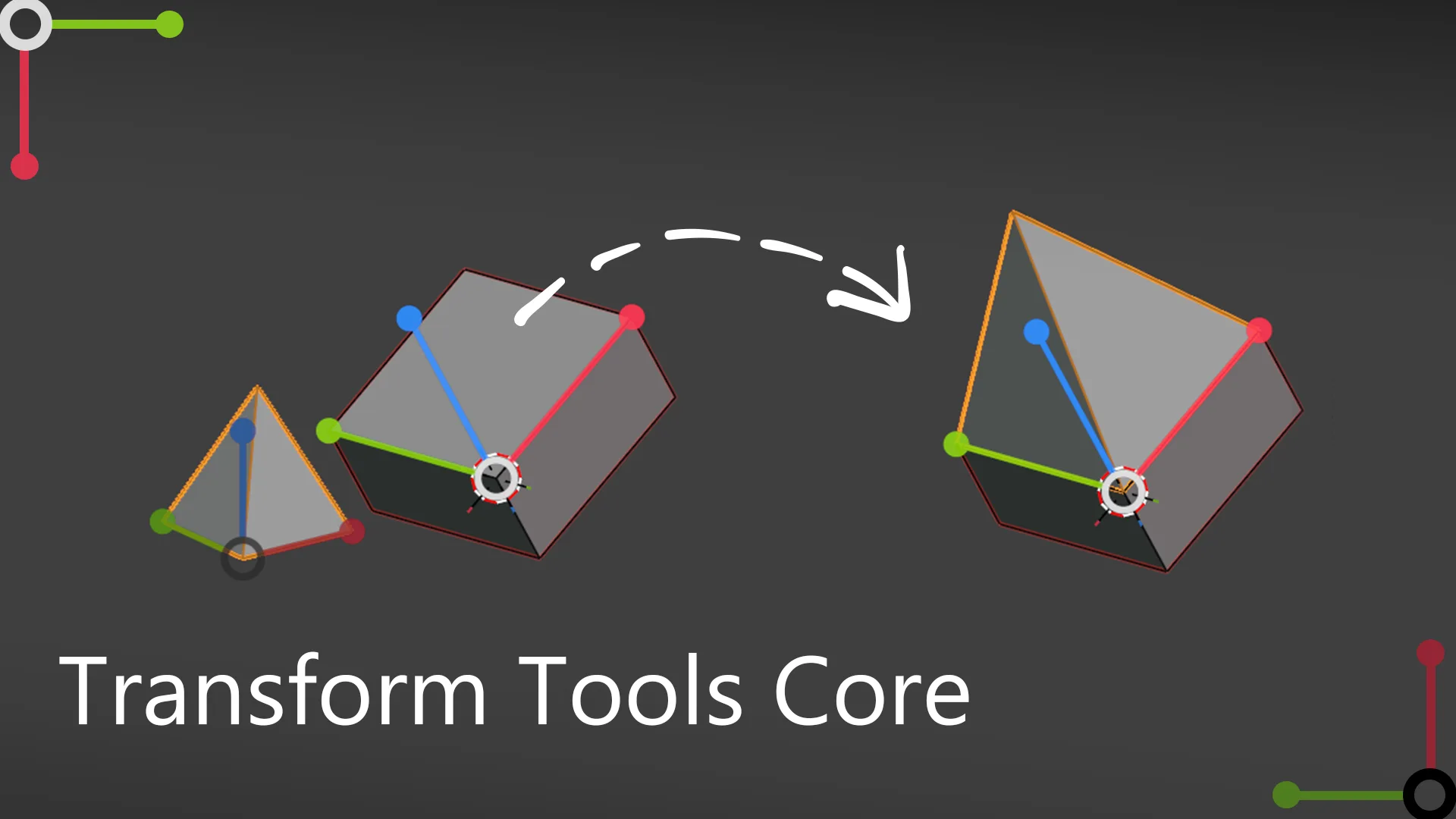
Transform Tools Core is a Blender add-on for applying object and mesh transformations between two defined states. Set the Previous gizmo as the starting transform and the Active gizmo as the target, then apply that relationship to selected objects or mesh components. The Blender Extensions listing identifies version 0.9.7, a minimum Blender version of 4.2.0, and GPL-3.0-or-later licensing.
What the two gizmos define
The Previous gizmo records the starting matrix and the Active gizmo defines the target. Transform Tools Core applies the relationship between them to selected elements, so a group can use one source-to-target setup. The operation applies location and rotation differences; its Scale option includes the uniform scale difference between the gizmos when enabled. It can also align Blender's transform orientation and pivot point with the Active gizmo, which helps when the target placement depends on a particular orientation or pivot as well as location.
Object and mesh operations
Available operations depend on the mode:
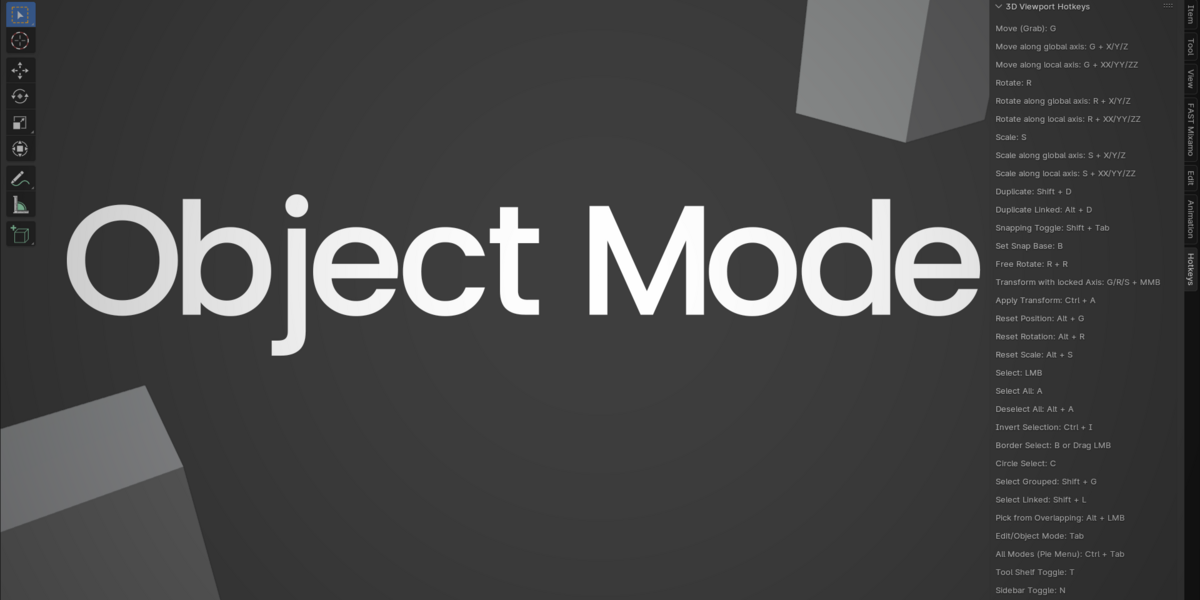
- In Object Mode, the add-on transforms objects and supports duplication and instancing. Standard object duplication is the default in version 0.9.7.
- In Edit Mode, it transforms selected mesh geometry and supports duplication and extrusion.
The Adjust Last Operation panel, opened with F9, provides settings for Scale, Flip, and Duplicate. In Object Mode, Instance creates linked copies when Duplicate is enabled; in Edit Mode, Extrude takes precedence over Duplicate when both are enabled. After a transform, F9 lets you fine-tune the result without undoing and redoing it.
Using the add-on in Blender
Open the 3D Viewport Sidebar, also called the N-panel, and choose the TTools C tab. Define the Previous and Active gizmos, select the objects or mesh components to change, and click Transform. Use F9 to adjust the operation where those settings apply. The developer's Core manual is linked from the extension listing. The listing also links to Blender's Install from Disk instructions.
Compatibility and fit
Version 0.9.7 requires Blender 4.2.0 or later. It focuses on Object and Mesh transformations; support for Curves and Armatures was removed in this release. If your workflow depends on transforming those types, this version does not cover that task. The listing also notes that background drawing and GPU resources activate only while the tool is in use.
Check the version history and current extension listing for release details before installing.