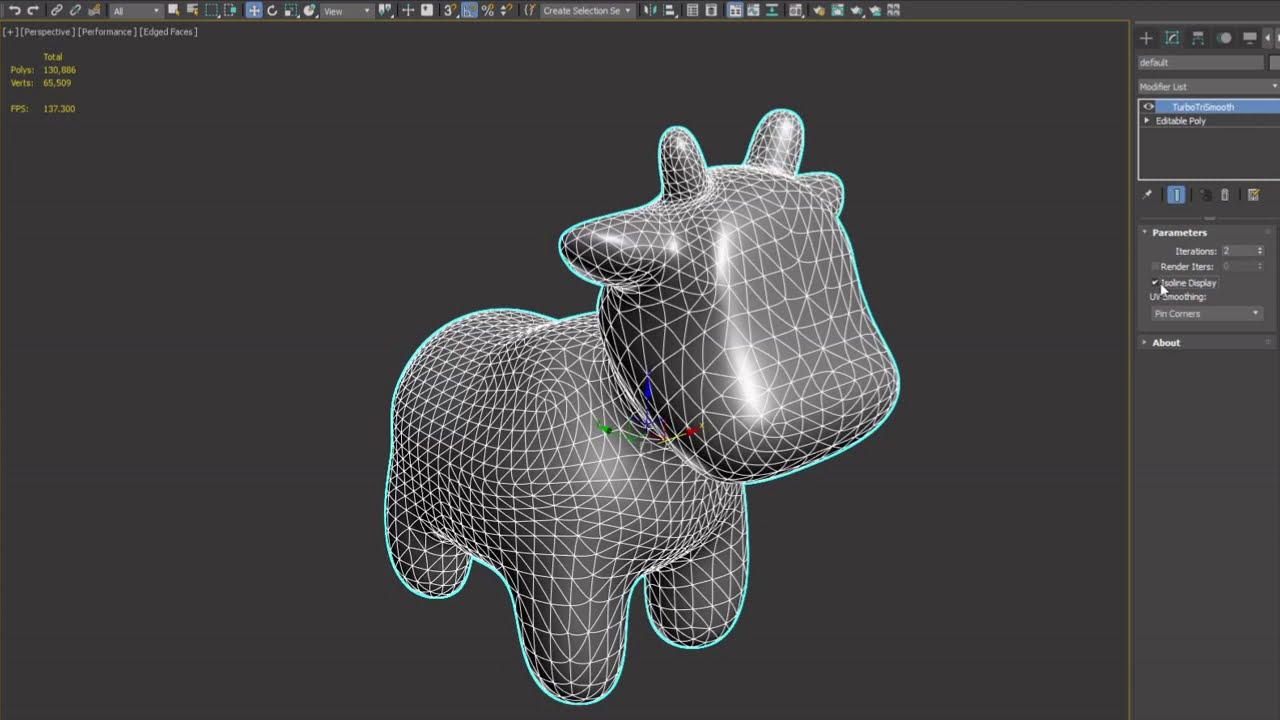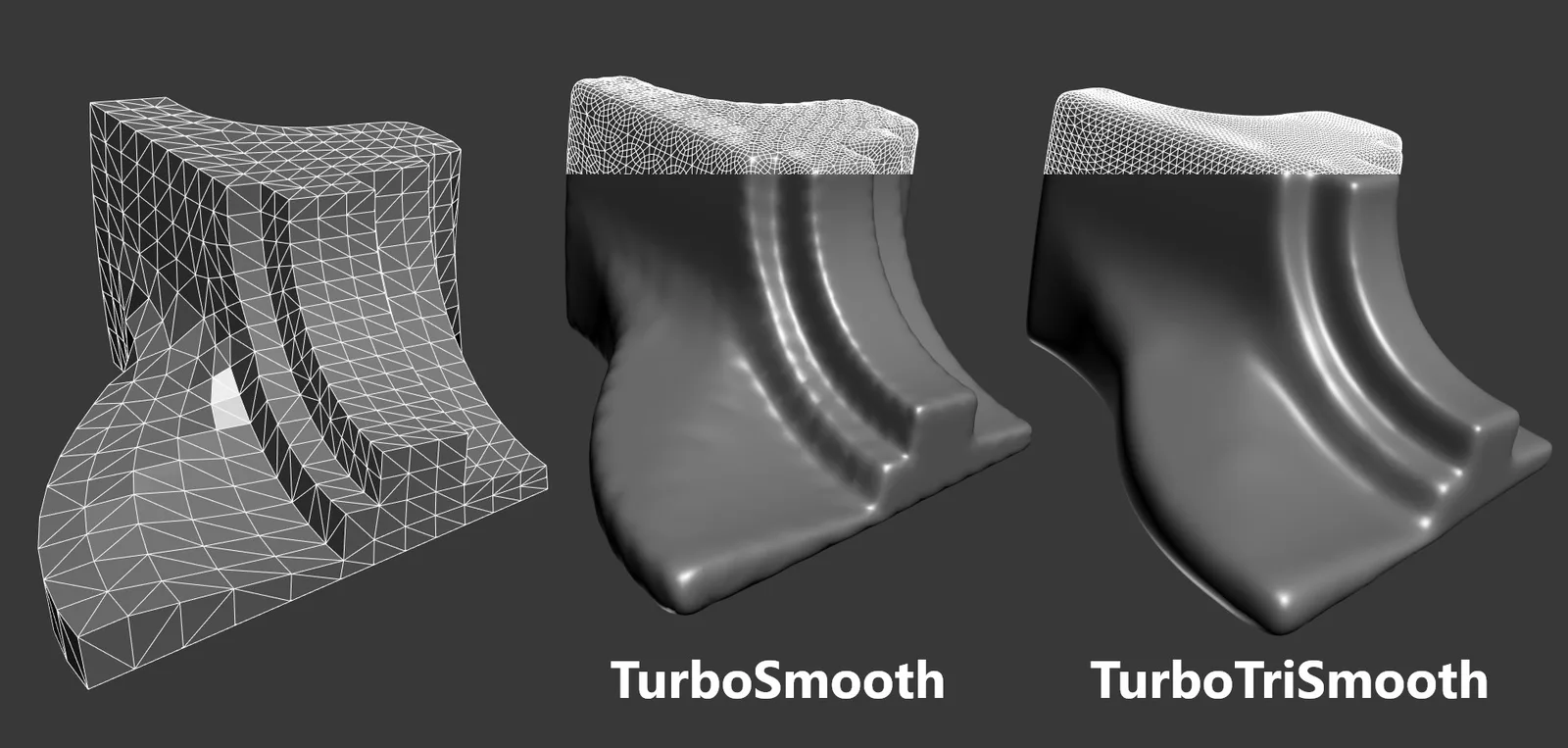
TurboTriSmooth is a 3ds Max modifier for subdividing triangle meshes. It triangulates models before subdivision, and its developer, Marius Silaghi, describes it as producing smoother results and nicer topology than standard TurboSmooth on triangle meshes. See the developer’s product page for current details.
How TurboTriSmooth handles triangle meshes
The developer also says it can produce fewer artifacts and fewer polygons per iteration than standard TurboSmooth. The product page gives no benchmark or test conditions, so these are the developer’s comparisons, not a guaranteed result for every mesh.
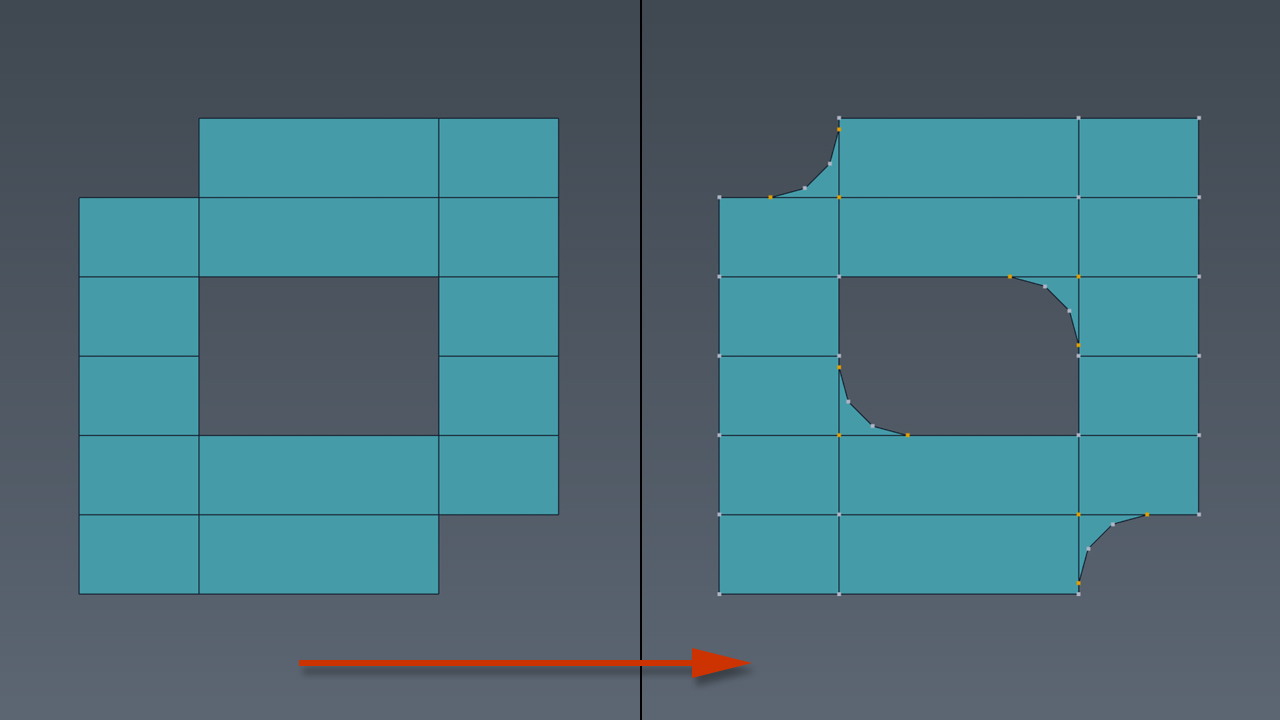
Version 1.02 added semi-sharp crease support based on edge crease values and smoothing groups. This lets the modifier use those values when subdividing a model.
Where it fits in a 3D workflow
TurboTriSmooth is intended for triangle-based geometry. The developer lists triangulated models, cloth, 3D scans, decimated meshes, fluid simulations and terrain as use cases. It can also be used to subdivide a triangle mesh before retopology or remeshing. If preserving an all-quad mesh matters to your workflow, check the resulting topology before relying on automatic triangulation.
Compatibility
The developer lists 3ds Max 2013 through 2027 on 64-bit systems. For the latest compatibility details, see the developer’s current compatibility list before installing.