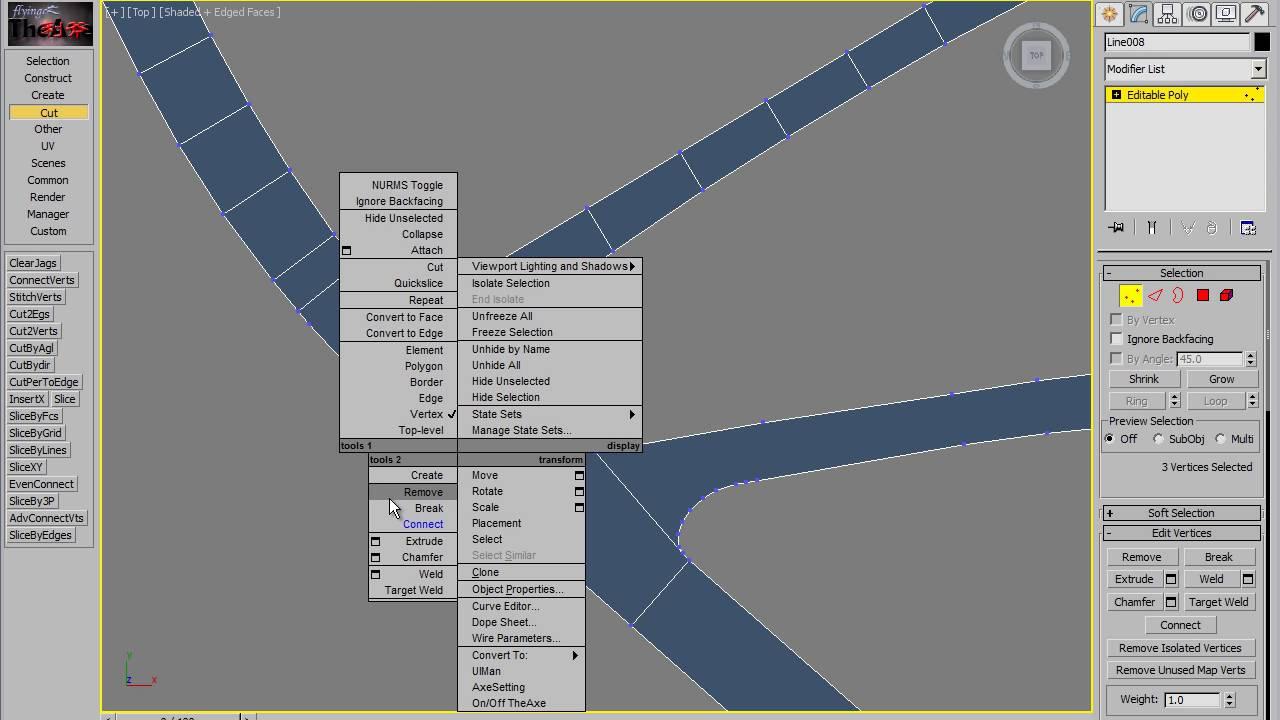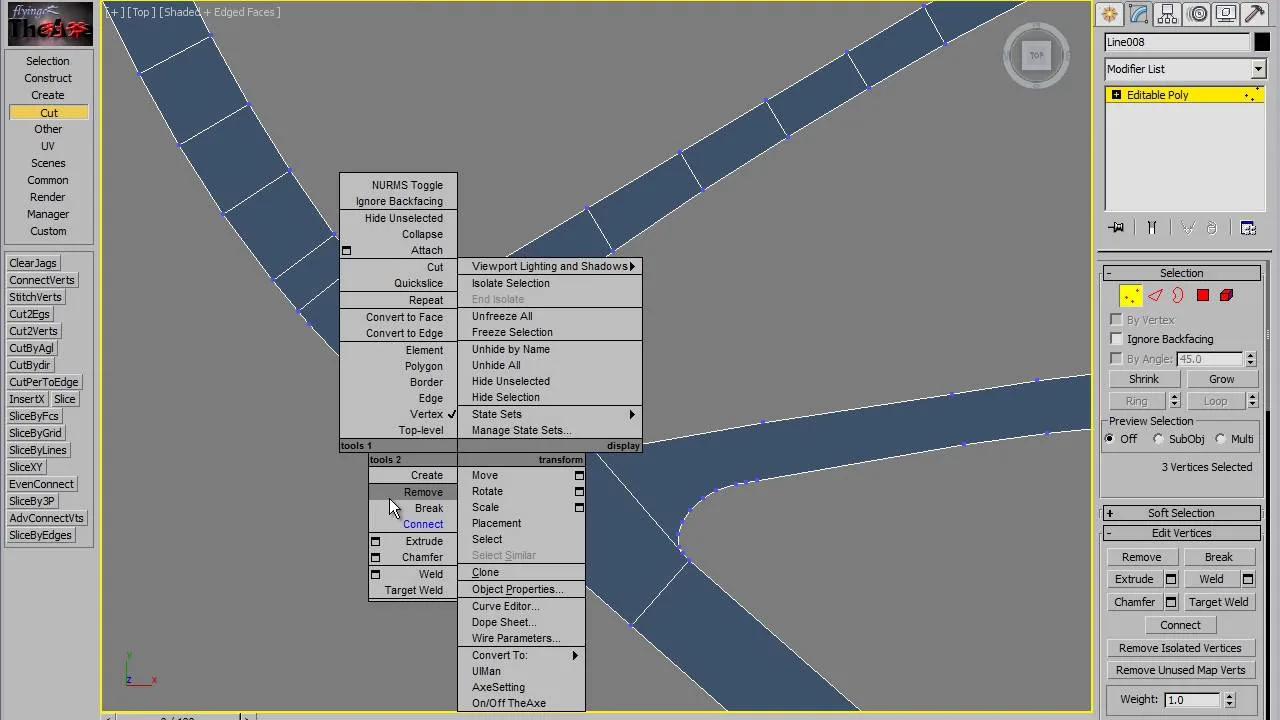
TerrainAxe is flyingc's terrain-modeling toolset for 3ds Max. In a Download page updated 17 July 2026, flyingc describes version 6.0 as a script-based tool execution environment. Users choose and activate individual tools, and only activated tools can be used. ScriptSpot's 2022 version 5.0 listing groups terrain, roads, topology and UVW work into eight feature groups.
- Selection tools for vertices, edges and faces.
- Creation tools for curbs, runlines, stairs, handrails and pavement pieces.
- Construct tools for smoothing roads, rounding vertices, welding vertices to edges and poly stitching.
- Cutting tools for laying out topology lines, grid-cutting polygons and connecting vertices.
- Scene tools for runlines and AdvArray placement of handrails, piers, trees and street lamps.
- Common tools for copying and pasting objects and importing DWG files.
- Material management tools.
- UVW mapping tools, including mapping for complex roads.
The TerrainAxe 6.0 Download page lists a basic tutorial, “Make a road on the terrain,” and recent videos. ScriptSpot's 2022 version 5.0 listing links to the older “Make Roads Through Terrain” tutorial and demo videos.
flyingc's TerrainAxe 6.0 Download page, updated 17 July 2026, lists 64-bit 3ds Max 2009 through 2027. The Download page also asks users to test its new 3ds Max 2027 support; the 6.0 Buy page lists 3ds Max 9 through 2026, while the Install guide lists 3ds Max 9 through 2024. ScriptSpot's 2022 version 5.0 listing gives 3ds Max 9 through 2023 and states that Service Pack 2 is required for versions 9 and 2012; it does not list later releases. Check the developer's current release information for your Max version and download terms before installing.