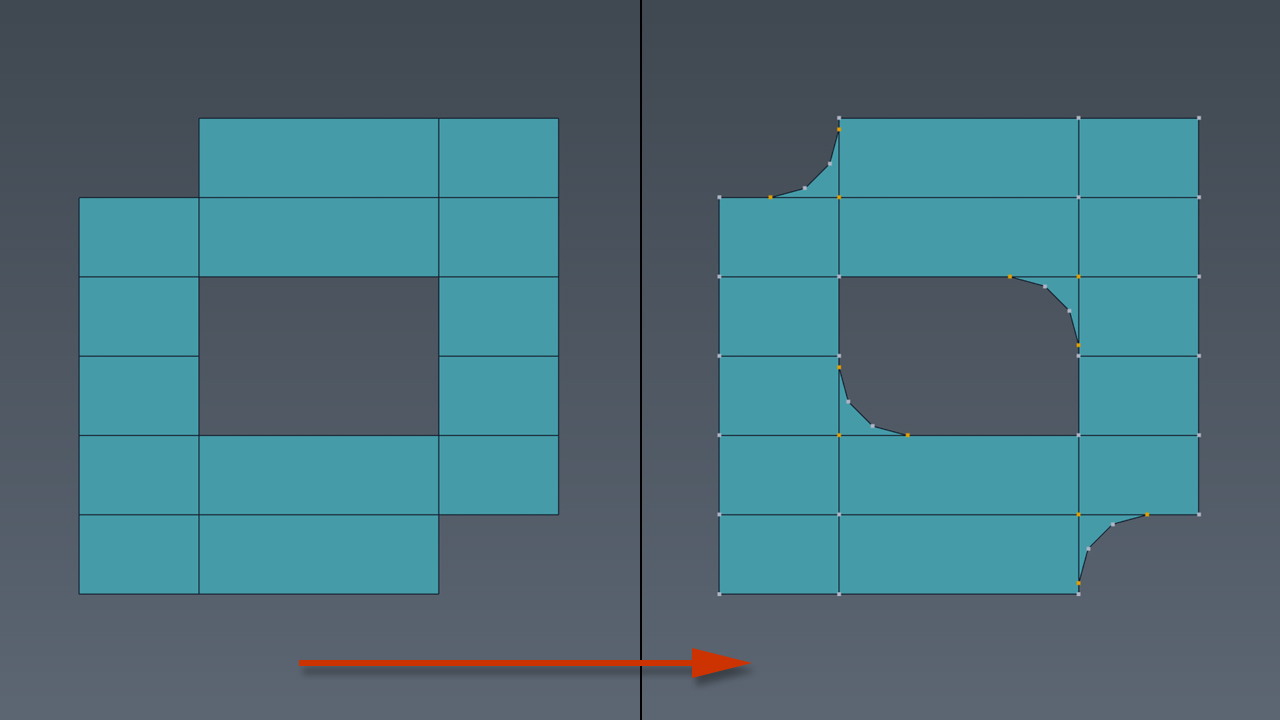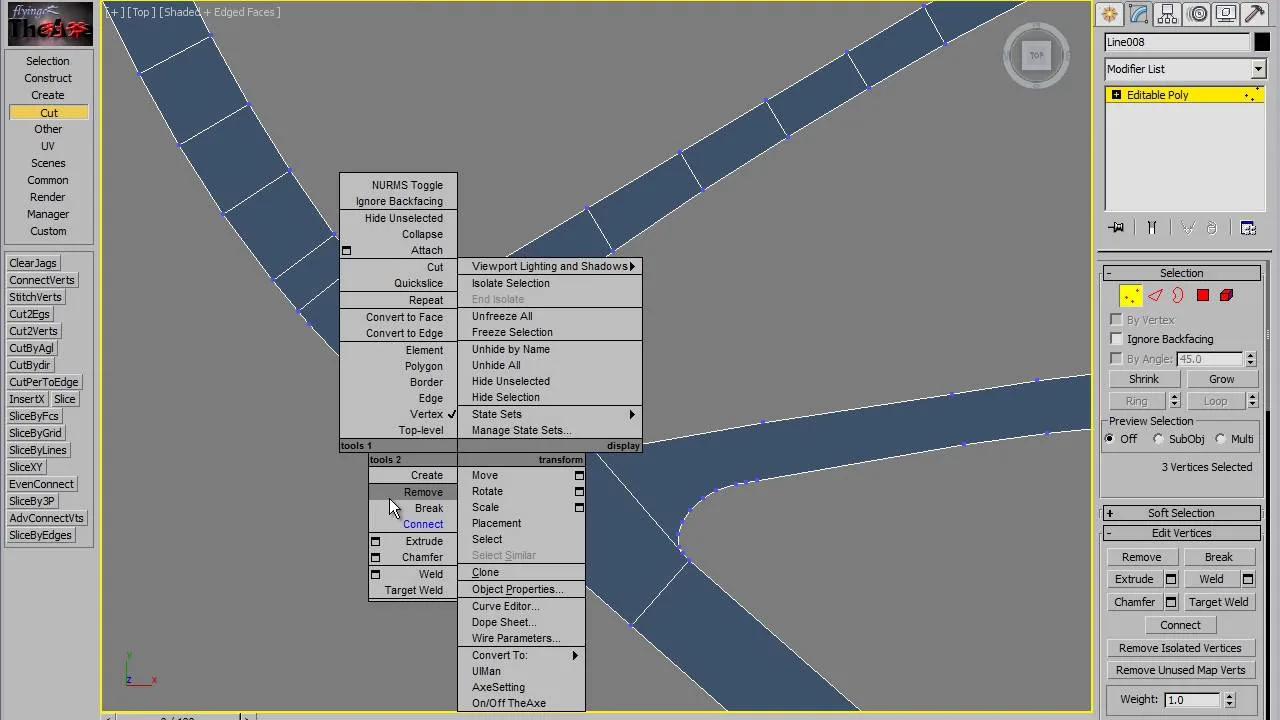
Poly Stitch tools create new faces between selected open borders on editable polygon objects in 3ds Max. The developer describes StitchPoly as a way to patch gaps between roads and terrain. For that workflow, the source listing says the road and terrain should be single-sided polygon objects.
Choose a stitching method
Use StitchPoly when the borders belong to different objects, or when two borders on one object cannot be selected in one pass. Select the source object and its border, then select the destination polygon and border. Source Border marks where stitching begins; Dest Border marks where it ends. When enabled, Dest->Source makes the new faces part of the source border's object. QuickStitch handles the simpler same-object case when both borders are easy to select.
Review the generated faces
The new faces appear red in the viewport. StitchPoly's Relax option opens a dialog for adjusting the new faces when enabled; its MatID control assigns their material ID.
ScriptSpot's version 5.0 listing describes an algorithm update that reduced the probability of errors, improved final triangulation, and removed the need to clear border jags beforehand. Inspect the generated mesh after stitching. See the developer's StitchPoly help and the ScriptSpot listing for workflow details.
Check the TerrainAxe package
Poly Stitch tools are a feature of TerrainAxe. The developer's Download and Buy pages describe different releases: the Download page describes TerrainAxe 6.0 as a script-based tool environment where users choose and activate tools; only activated tools can be used. It lists support for 64-bit 3ds Max 2009–2027, but does not say whether Poly Stitch tools are available in version 6. The Buy page lists version 5.0 and includes StitchPoly in Standard. ScriptSpot's 2016 listing says release 12.28 made StitchPoly and QuickStitch available in Basic. Check the current edition and license terms with Flyingc before downloading or relying on the catalog's Free label.