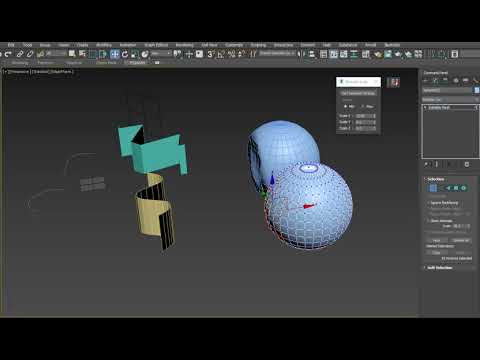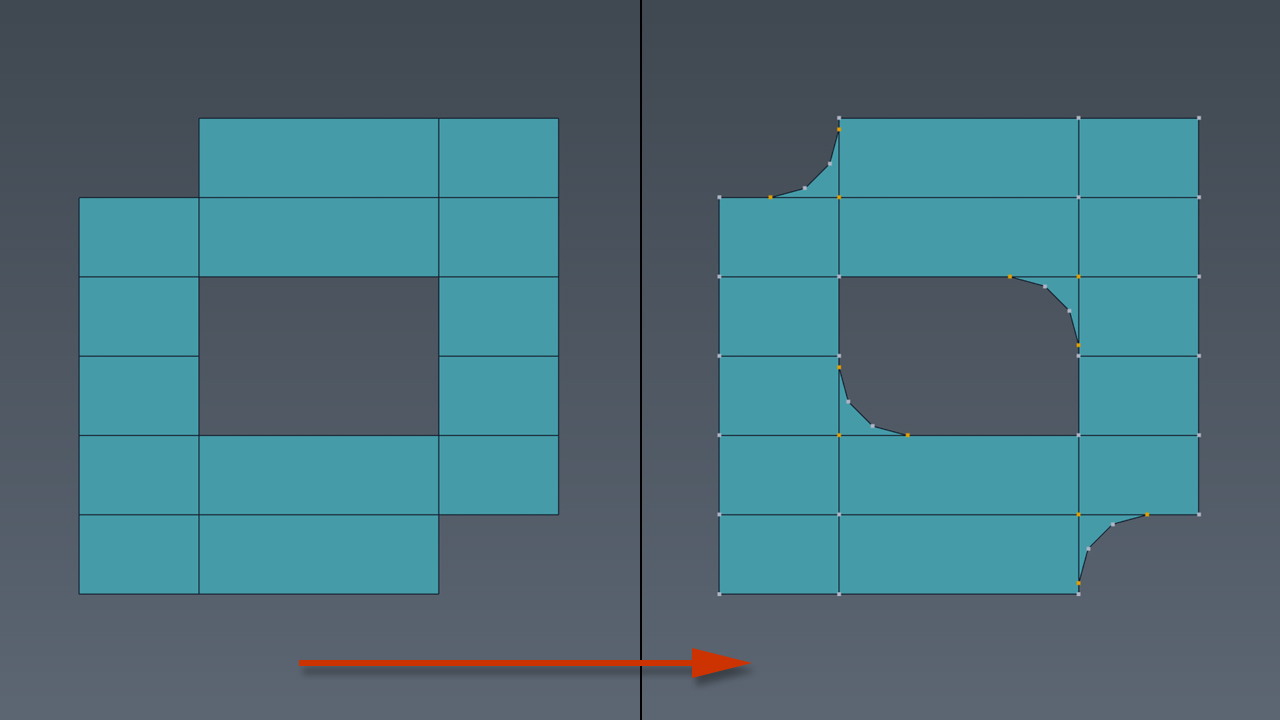
Random Extrude is a 3ds Max script that extrudes selected polygons on an Editable Poly object by random amounts. Set the minimum and maximum extrusion values, then run the script on the faces you have selected. This can save time when you want different extrusion depths across a selection instead of adjusting each polygon by hand.
How to install it on a toolbar
The ScriptSpot listing gives these setup steps:
- Drag
InstallerDragnDrop.msinto the 3ds Max viewport. - Right-click the toolbar and choose Customize, then open the Toolbars tab.
- Select ManniiCode from the Category dropdown.
- Drag the Random Extrude script onto the toolbar where you want its button.
Object and version requirements
Random Extrude works on Editable Poly objects and uses their selected polygons. If you run it while another object type is active, it displays a message that an Editable Poly object is required.
The ScriptSpot listing identifies version 2.0, updated May 20, 2023, and lists 3ds Max 2022.3 or later as the version requirement. Check the developer project page for current package and compatibility details.