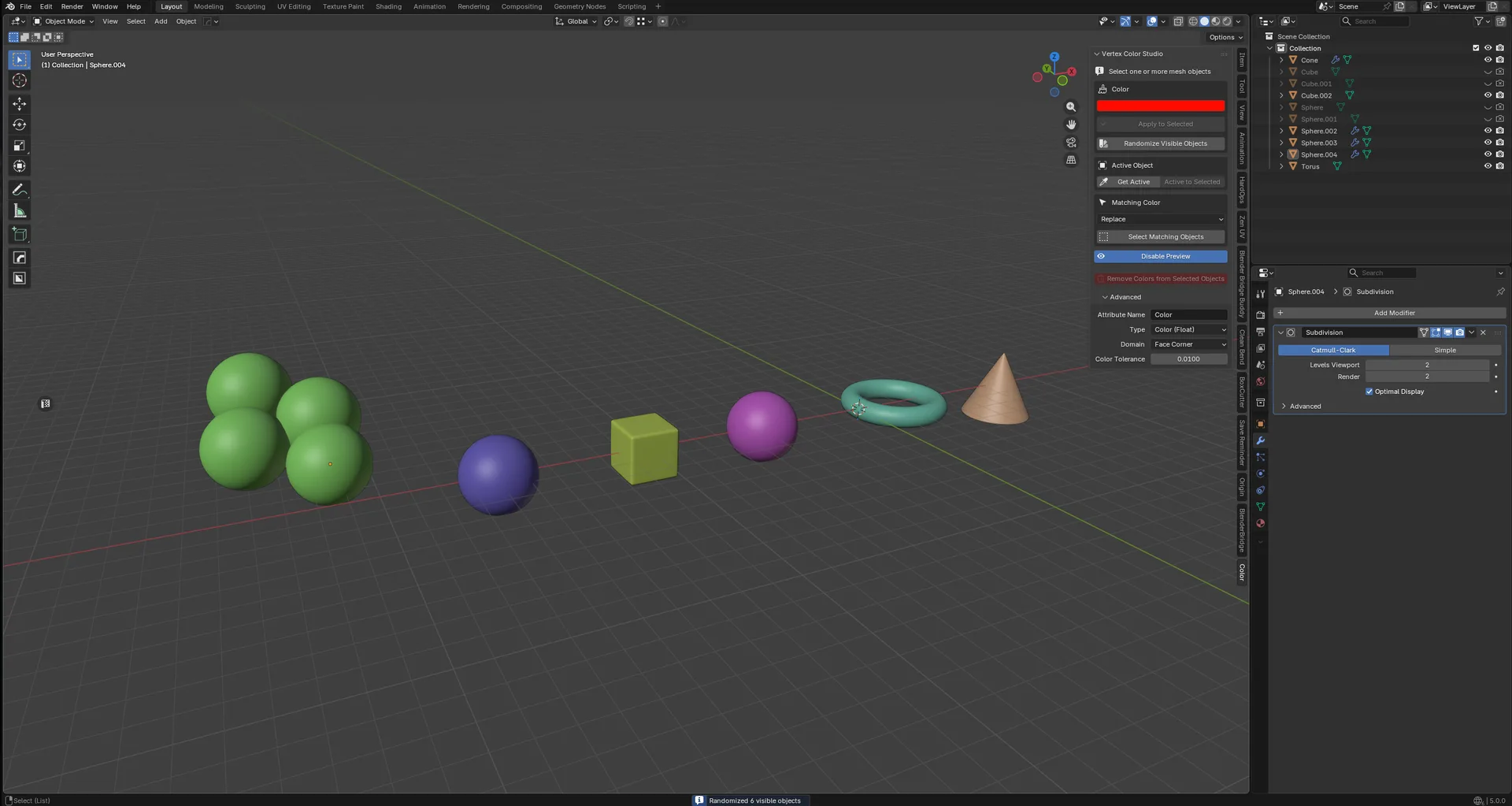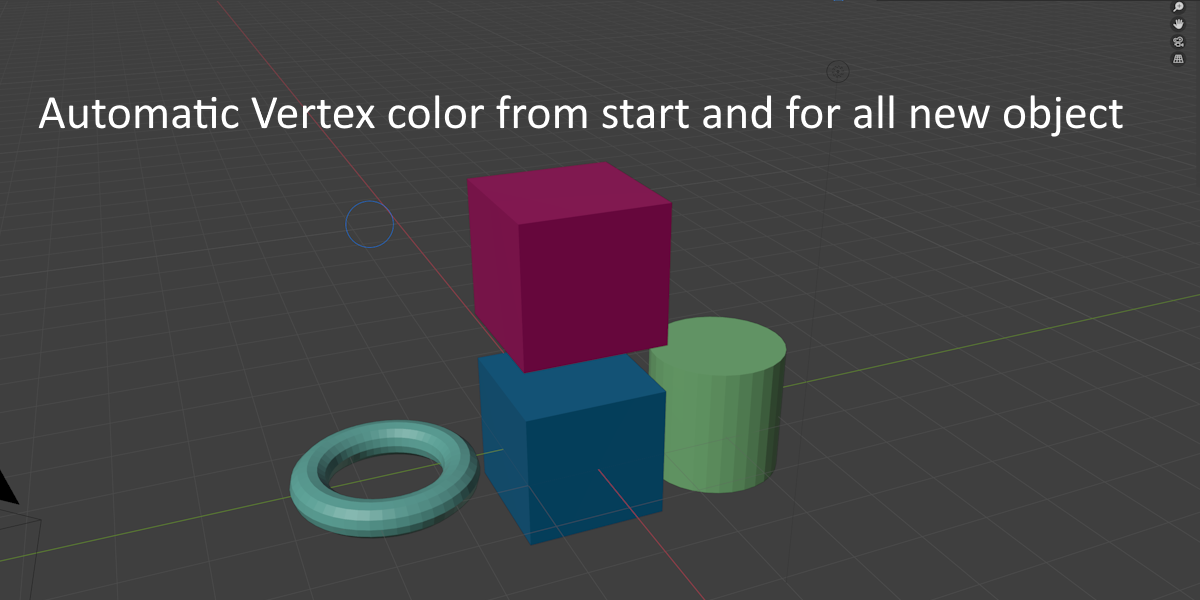
Ultimate Vertex Color Pro is a Blender add-on for assigning and recovering vertex colors across a scene. Version 1.1.1, released in April 2025, added Turbo Mode, per-face editing, duplicate geometry detection, and emergency recovery; it also improved intelligent color assignment and the multi-layered recovery system. The product listing names game asset preparation, architectural visualization, technical modeling, and quality assurance as intended workflows.
Scene-wide and face-level coloring
The add-on groups several coloring approaches in one workflow. It can apply unique, random, polycount-based, or per-polygon colors across a scene. Intelligent assignment aims to make adjacent objects easier to distinguish, which can help when inspecting assemblies or sorting similar parts.
For more targeted edits, per-face controls let you assign custom colors to individual faces. The release notes identify this as a version 1.1.1 addition. These scene-wide and face-level options suit different tasks: broad color assignment helps scan many objects, while custom face colors provide more control over a selected area.
Recovery and duplicate detection
The listing describes a multi-layered recovery system intended to preserve vertex colors through join, merge, and subdivision operations. It also describes an emergency recovery feature for crashes or corrupted files. These are the add-on's stated capabilities; the source does not provide recovery test results or guarantee that every file can be restored.
Identical object detection can find duplicate geometries and color-code them. Together with polycount-based coloring, this can make scene review easier when checking repeated parts or comparing mesh complexity.
Workflows it supports
The add-on also supports asset organization through color-coded models, and polygon-distribution review for performance planning.
Version and installation notes
Version 1.1.1's April 2025 changelog says it fixed Blender 4.5 compatibility issues. The product FAQ and documentation list support through Blender 4.5, while the compatibility details on the main listing stop at 4.4. Check the developer's current compatibility notes for your Blender release before installing.
The documentation describes installing the downloaded ZIP through Blender's Edit > Preferences > Add-ons > Install... menu, enabling the add-on, then opening the 3D View sidebar with N and selecting the Tool tab. The listing also reports performance optimizations for scenes with 10,000 or more objects; its separate claim of processing up to 100 times faster does not include benchmark conditions.