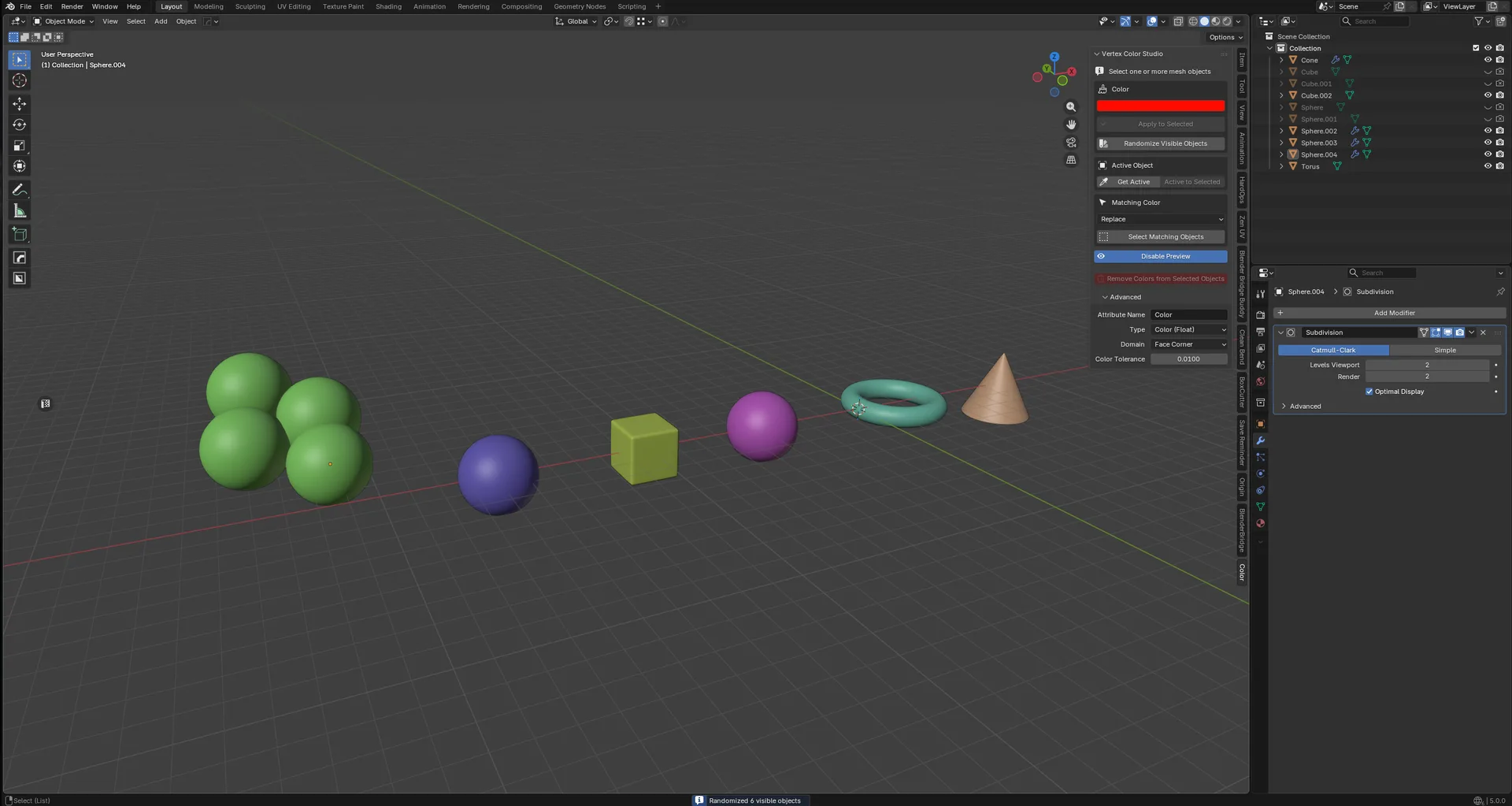
Vertex Color Studio is a Blender add-on for managing color attributes in the 3D Viewport. It lets you apply colors to multiple objects or selected faces in Edit Mode, sample active colors, and select matching colors across the scene. The Blender Extensions listing identifies version 1.5.1 and support for Blender 4.2.0 or later.
Manage colors across objects and faces
The add-on brings several color-attribute operations into one workflow:
- Apply a color to multiple objects or to selected faces in Edit Mode.
- Sample an active color and select matching colors across objects and faces.
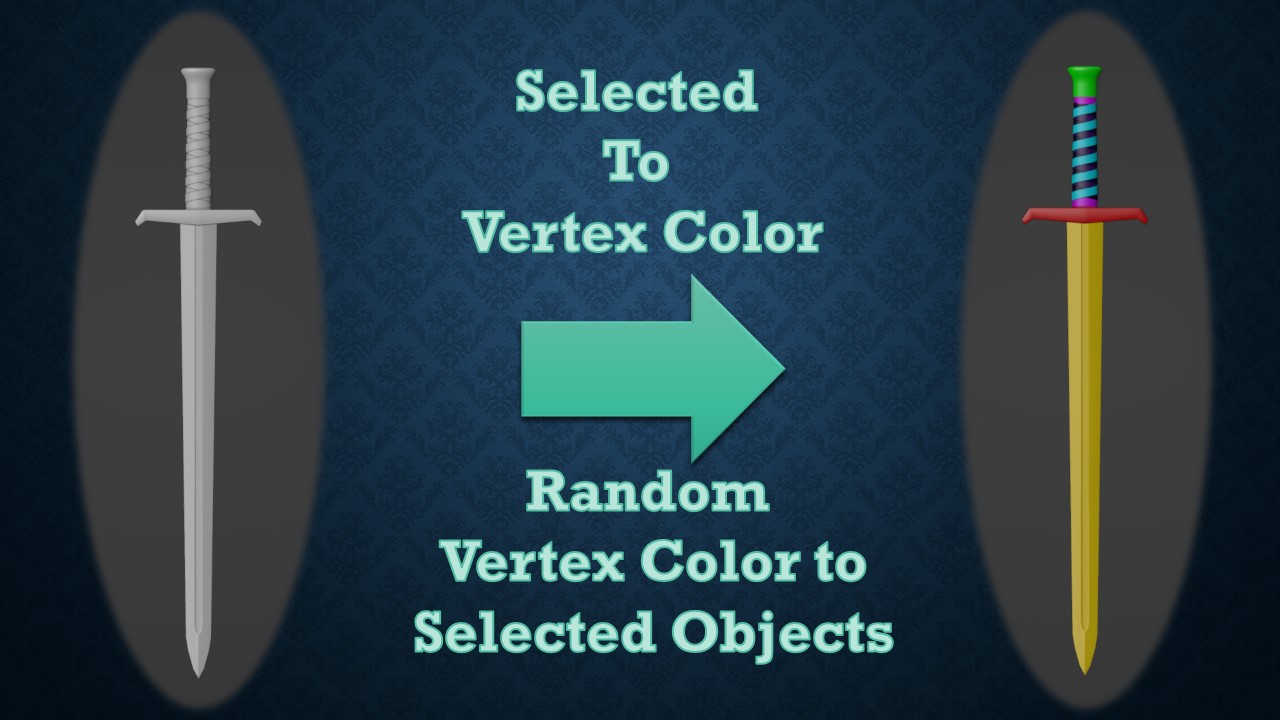
- Assign random colors to visible objects or disconnected mesh islands.
- Remove vertex color data from selected objects.
Choose the color attribute settings
Vertex Color Studio keeps the color attribute type and domain configurable. Its defaults are Color (Float) and Face Corner, so you can review those settings and adjust them when your work requires a different combination.
Version and installation
The extension is developed by Aresp and is licensed under GNU GPL v3.0 or later. The listing reports that it requires no special permissions and links to Blender's instructions for installing an extension from disk. Check the Vertex Color Studio listing for current version and compatibility details.