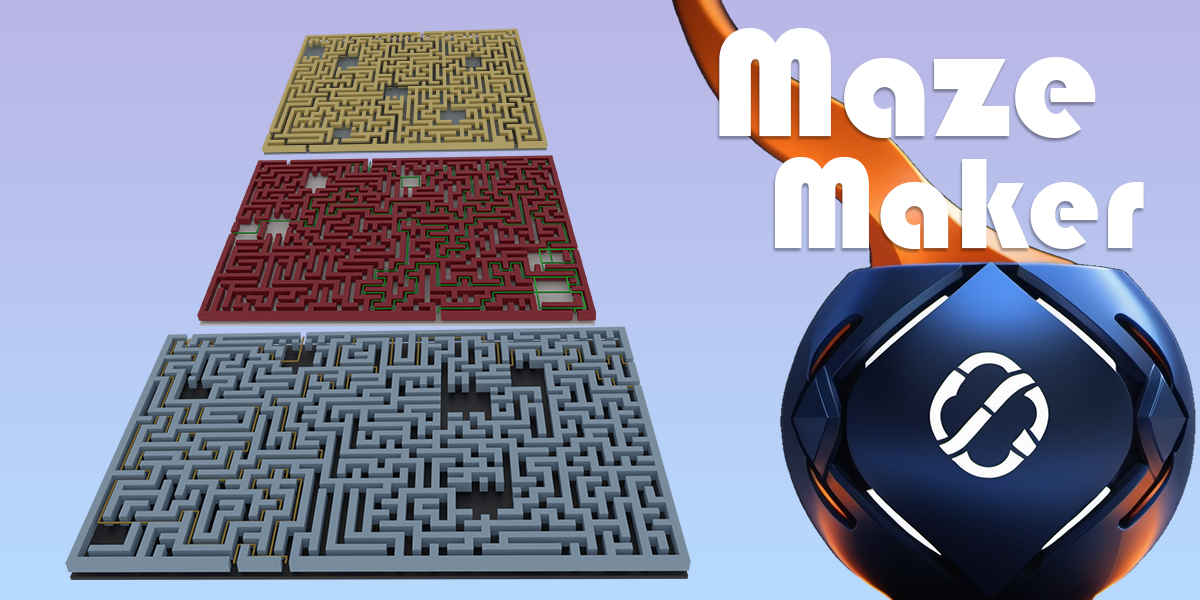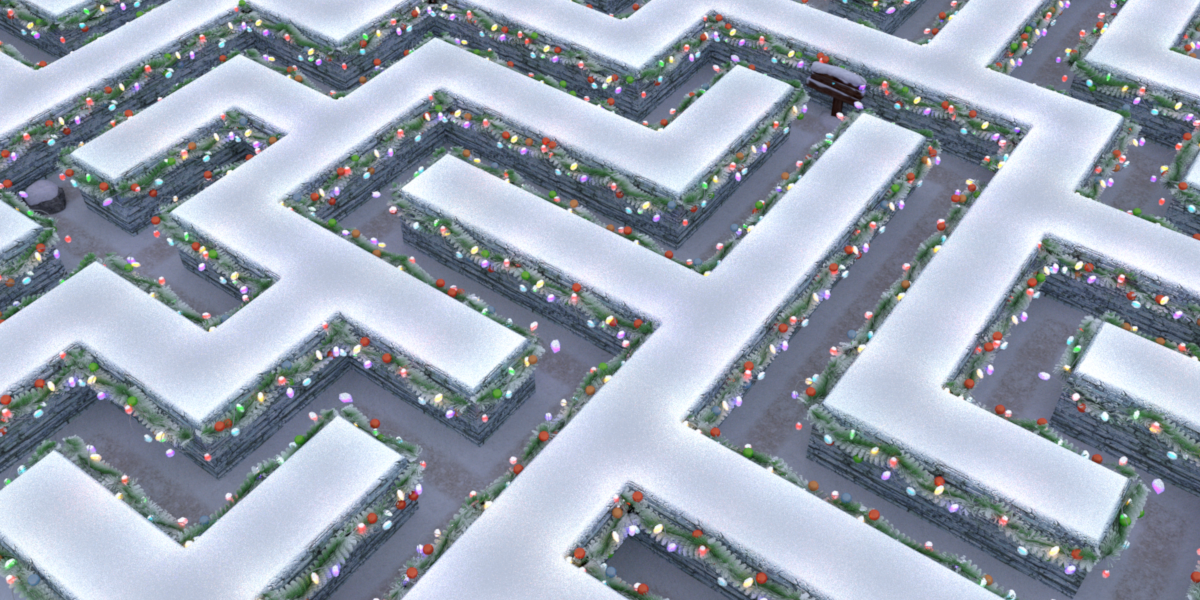
UltiMaze [Pro] by Integrity Software & Games is a Blender add-on for designing maze layouts and building them as 3D geometry. It can generate layouts algorithmically, use text-file layouts, convert image mazes into 3D meshes, and build geometry with pre-modeled or custom tiles. Its batch tools also let you set up multiple mazes for generation at once.
Generate layouts with algorithms, text, or images
Set the maze width and height, then choose from algorithms including depth-first, Eller's, Kruskal's, and binary tree. Most algorithms have settings such as bias. You can allow loops and control how many are distributed through the maze.
For a prepared layout, UltiMaze [Pro] accepts text files that use 1s and 0s for walls and paths; the add-on can also generate these files. For an image-based maze, load a black-and-white image to convert it into a 3D mesh, or use the add-on's layout tools to build image mazes.
Build geometry with tile sets
The tile importer displays preview images for the available sets. Several pre-modeled tile sets are included, and you can add custom tiles with automatically built preview images. During a build, the add-on can apply modifiers to tile objects, merge the objects, and remove doubles.
You can choose between six- and twelve-piece tile modes. The product page describes six-tile mode as beta and notes that it can produce strange output with some custom maze layouts, so check the result when using that mode with your own layouts.
Set up batch generation
Batch generation lets you prepare multiple mazes to run together, including large or complicated sets. You can save maze settings in one blend file and generate the maze in another. When a time-consuming operation begins, the add-on can auto-save the blend file, images, and external text files. It also includes a time estimate and a help system, with a user manual covering its features.
Check Blender compatibility and license
The product page lists Blender 2.7x and 3.1 and says the add-on was updated for Blender 3. It does not confirm compatibility with later Blender releases, so check the product documentation before installing it in a newer setup. The listing identifies the license as GPL.