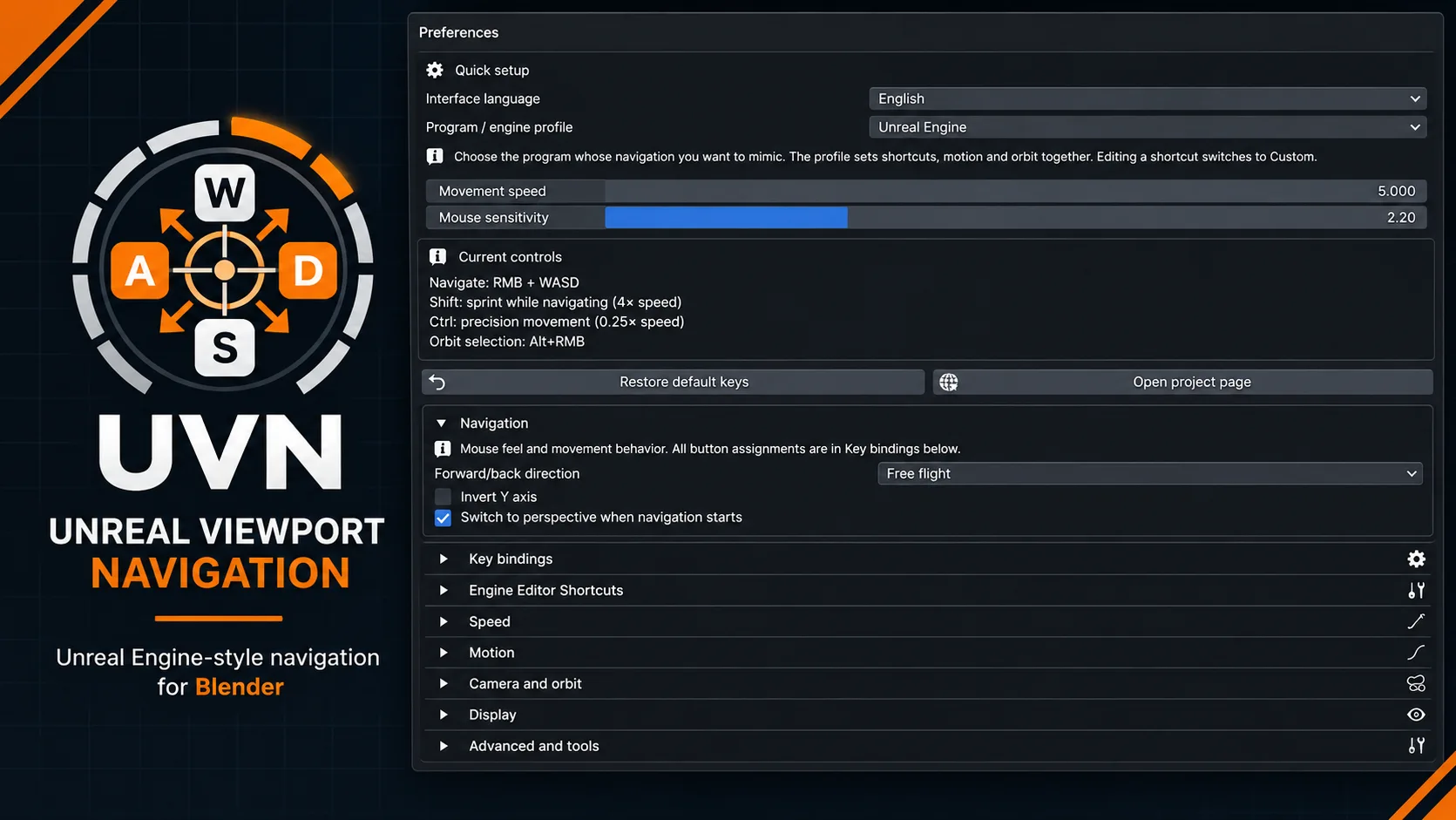
Navigate Blender’s 3D Viewport with familiar controls
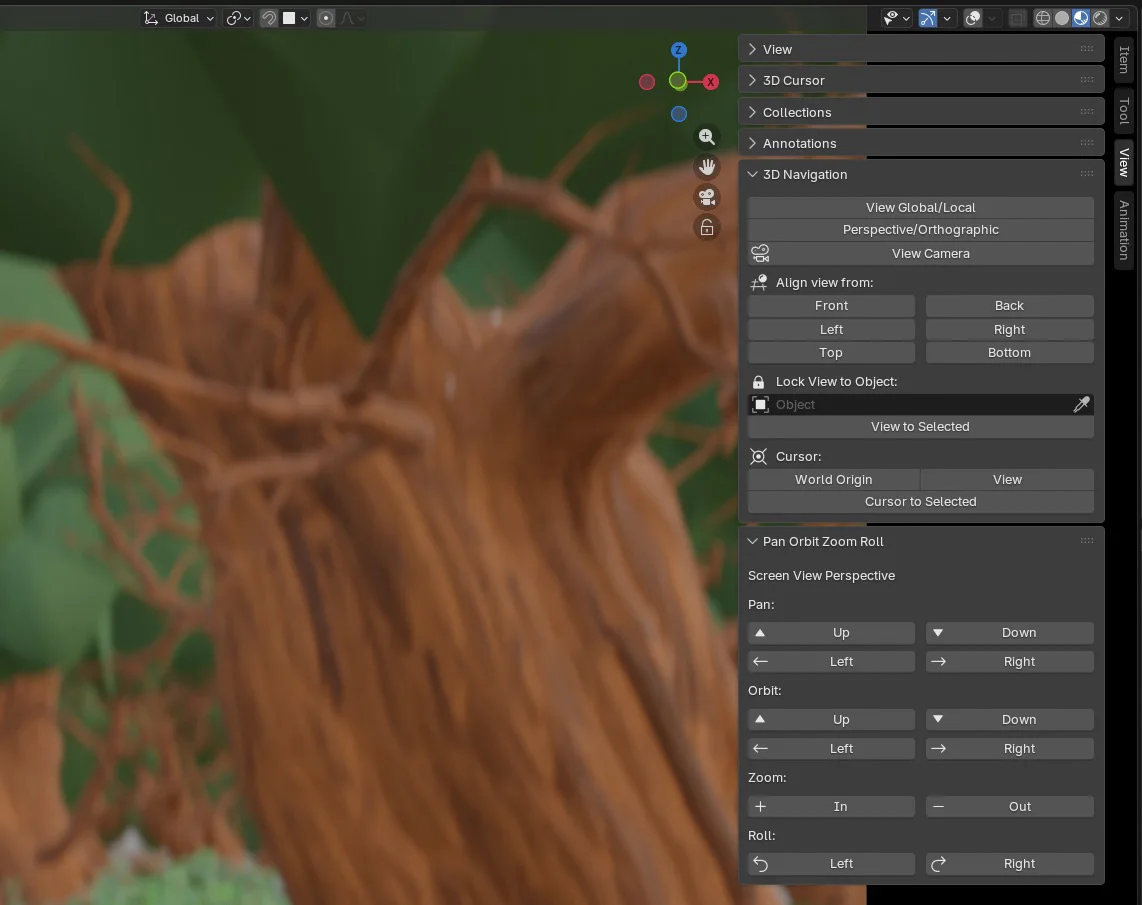
Unreal Viewport Navigation - WASD is a Blender extension for first-person and fly navigation in the 3D Viewport. Hold the right mouse button and move the mouse to look around, then use the keyboard to move through a scene. Its controls are intended for artists and game developers who prefer game-engine-style navigation while working in Blender.
Matsm-Studio maintains the extension. The project README lists its controls and features; the Blender Extensions listing provides the add-on details.
Default navigation controls
| Input | Action |
|---|---|
| Right mouse button + mouse | Look around |
| W, A, S, D | Move forward, left, backward, and right |
| Q and E | Move down and up |
| Shift | Sprint |
| Ctrl | Move with precision |
| Mouse wheel | Adjust movement speed during navigation |
The project also lists arrow-key movement. Presets include Unreal Engine, Blender, Maya, Unity, Godot, and a custom option. You can change key bindings in the extension preferences.
Orbit around objects and move the camera
For orbit navigation, hold Alt with the right mouse button and move the mouse to orbit around the selection. Press F during orbit to center on the selection, or Ctrl + Alt + F to center the orbit in the viewport. Press Esc during orbit to cancel and restore the previous view.
Orbit settings include sensitivity, optional wheel zoom, vertical direction, and manual or automatic centering. The extension can also move and rotate Blender’s active camera. These options let you choose between moving through a scene, inspecting an object from different angles, and adjusting the camera view.
Customize the viewport workflow
In Edit > Preferences > Get Extensions / Add-ons > Unreal Viewport Navigation, you can configure navigation presets and custom bindings. Movement settings include sprint, precision, speed limits, acceleration, deceleration, and smoothing. The viewport HUD can show speed hints, and the crosshair’s style, position, and opacity are adjustable.
Version 1.6.5 adds optional game-editor-style shortcuts and a Quick Tools sidebar for Select, Move, Rotate, Scale, Frame, and Duplicate. The editor shortcuts are off by default to avoid replacing Blender’s usual Object Mode keys. Enable them only if their key assignments fit your setup.
Compatibility and license
The listed release is version 1.6.5, with Blender 4.2 or newer as the compatibility floor. The extension is licensed under GPL-3.0-or-later. Check the project repository for its README, release notes, source code, and issue tracker.