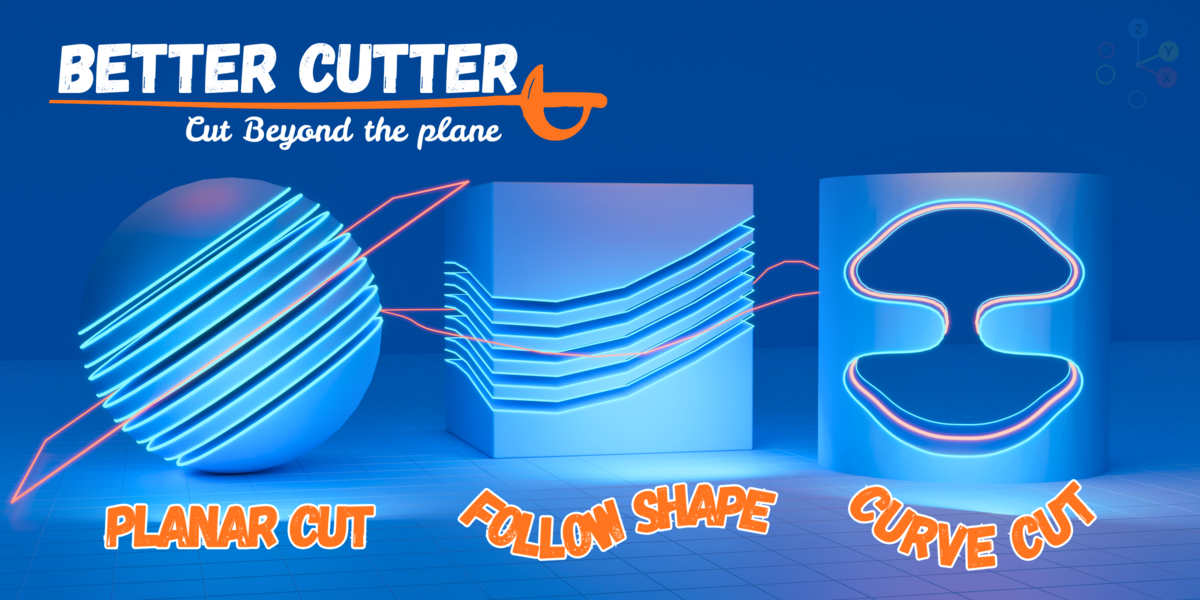
Updated! Better Cutter is a mesh-cutting add-on for Blender. It lets you define a cut with a plane, the outline of a cutter, or a curve, then choose whether to keep the geometry together or split it into pieces.
Choose a cutting method
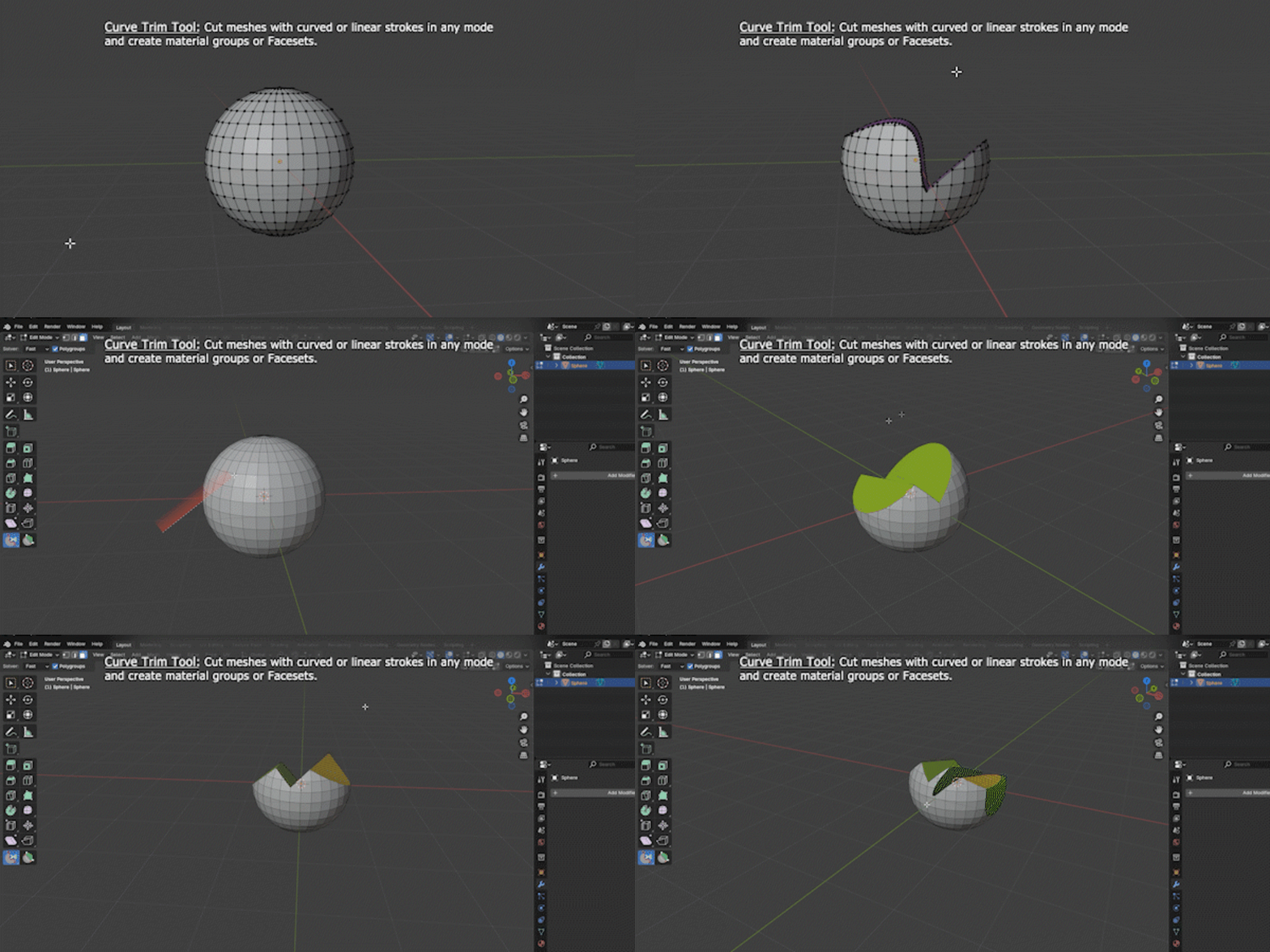
Planar Cut makes a straight cut based on the cutter plane's position and orientation. Follow Shape Cut uses the outline of a plane or curve, which is useful for panel lines, cutouts, and other shaped silhouettes. Curve Cutter follows a Bezier, NURBS, or Poly curve inside the mesh, so reshaping the curve also changes the cut.
Follow Shape operations include Cut Through, which adds edges where the shape intersects the mesh; Cookie Cut, which removes cut parts; and Keep Inside, which retains the geometry inside the cutter shape. Face Cutter can turn a selected face into a cutter.
Control the resulting geometry
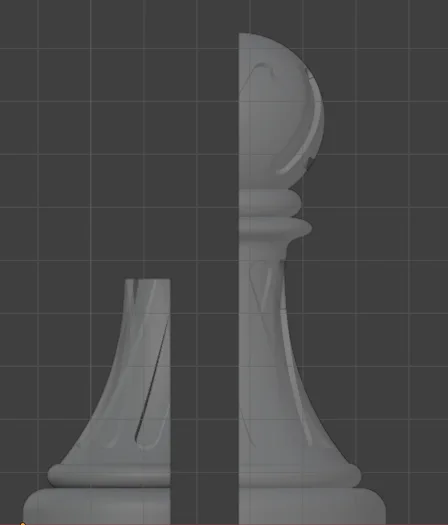
Cut Only adds edge loops without separating the mesh and works on meshes with ngons. Split separates the mesh along the cuts. When you finalize a Split operation, loose pieces are separated into their own objects. The add-on can also apply a cut to multiple selected objects.
Adjust, cancel, or commit
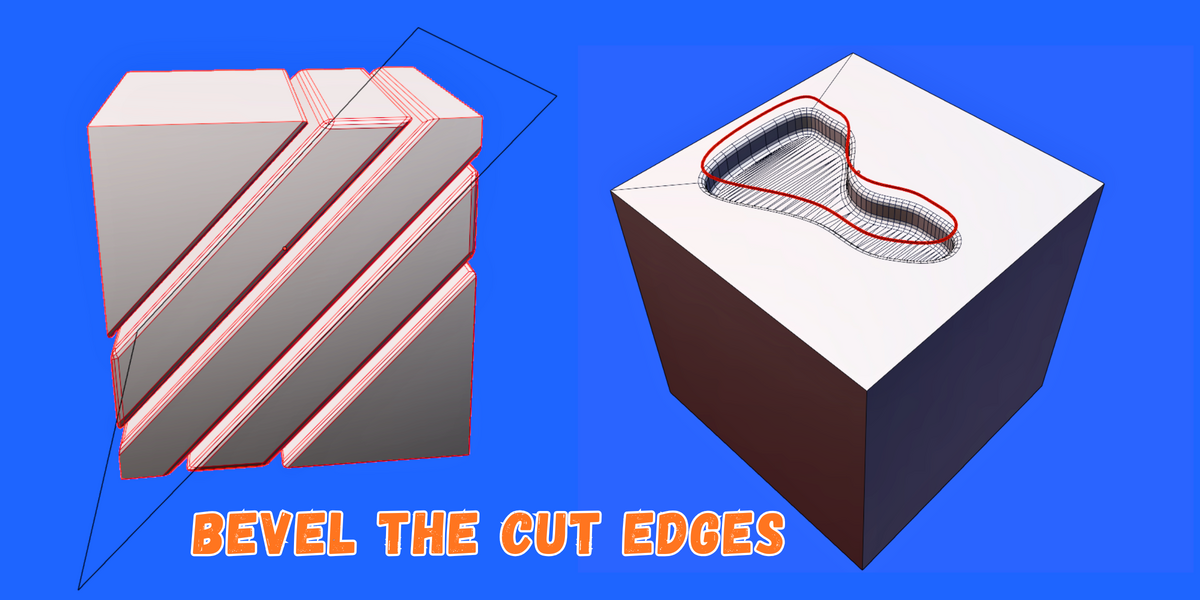
Start Cut begins the operation. In Live Mode, the cut updates as you move or rotate the cutter. Manual Mode updates only when you click Update, which the documentation recommends if Live Mode slows the viewport. Cancel restores the original mesh; Finalize commits the cut. You can also bevel cut edges.
The documentation notes that beveling with Face Cutter had issues when those instructions were written. Check the current documentation if that combination matters to your work. The Better Cutter documentation includes workflow steps, and the product listing currently lists Blender 4.2 through 5.3 as supported.