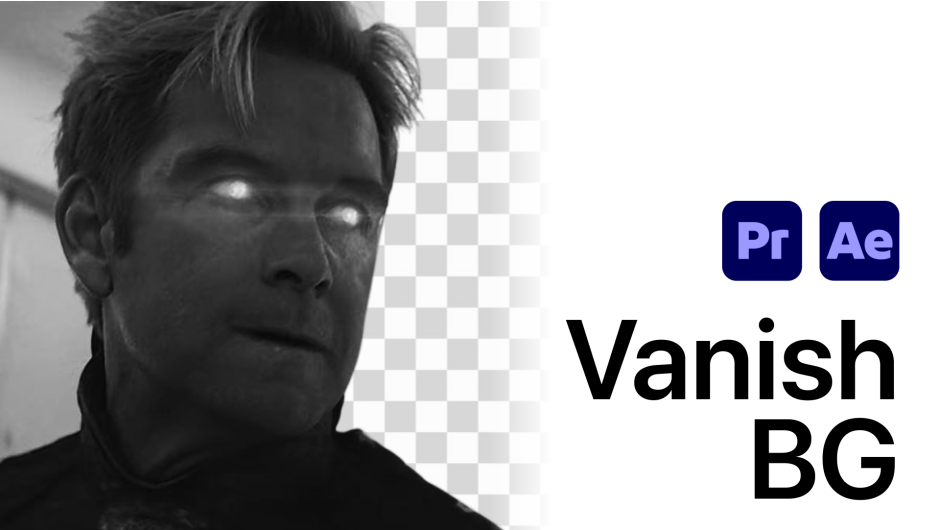
Vanish BG is a batch background-removal plugin for Adobe Premiere Pro and After Effects. It processes image clips on the timeline, so editors can create cut-outs without leaving the project for a separate image editor or browser service.
After processing, replace the clip in the current edit or export the cut-out to the project bin for reuse elsewhere in the project.
Image formats and processing
Vanish BG supports JPG, JPEG, PNG and WebP images. The developer says background removal runs locally and images are not uploaded. The product listing describes the output as full resolution and lossless.
This setup may suit editors who regularly need cut-outs from still images while working in Premiere Pro or After Effects. Check the supported formats and host version before adding it to a production workflow.
Compatibility and installation
The developer's page says Vanish BG works with Premiere Pro and After Effects on Mac and Windows. Its product description names CC 2022 and newer, while the compatibility panel lists versions 2020 through 2026 and After Effects versions 2020 through 2027, including years earlier than the stated CC 2022+ minimum. Contact the developer through the Vanish BG product page to confirm support for your Adobe version before installing.
The developer recommends installing through the aescripts + aeplugins Manager, which installs and updates the extension. Step-by-step instructions are also included in a PDF with the download.
Price
On November 23, 2026, the aescripts listing showed a US$39 one-time price and advertised 25% off at checkout. It also listed a free trial. Check the final price before purchasing.