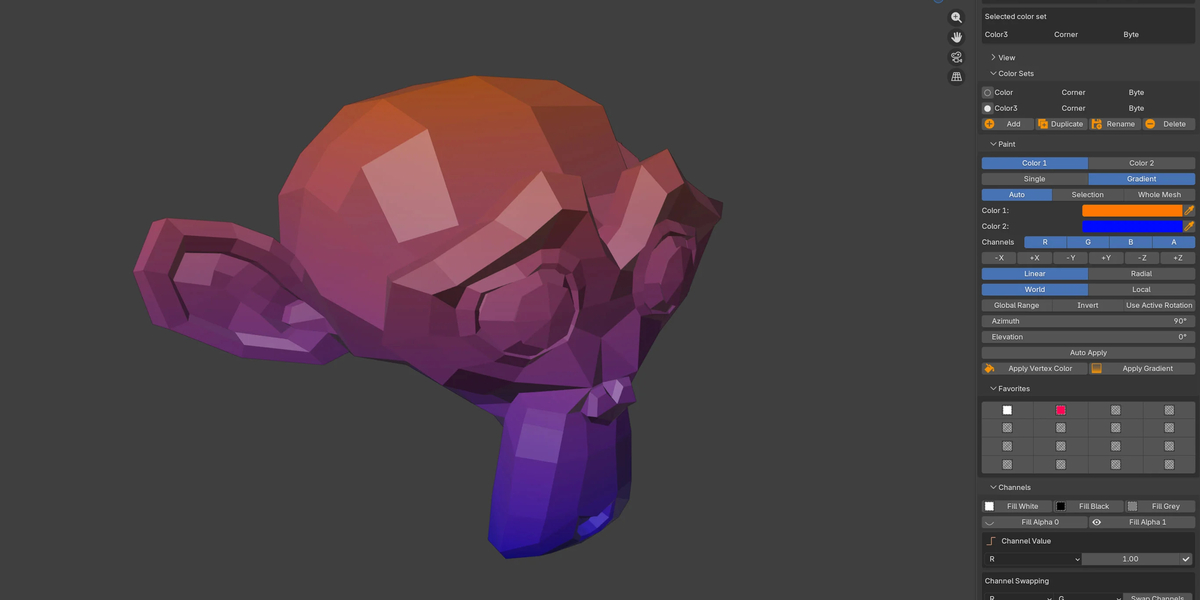
Vertex Color Octopus is a Blender add-on for creating, editing, inspecting, randomizing and baking mesh color attributes. Its tools sit in the 3D Viewport sidebar and support workflows such as shader masks, material blending, color IDs, baked shading and asset variation.
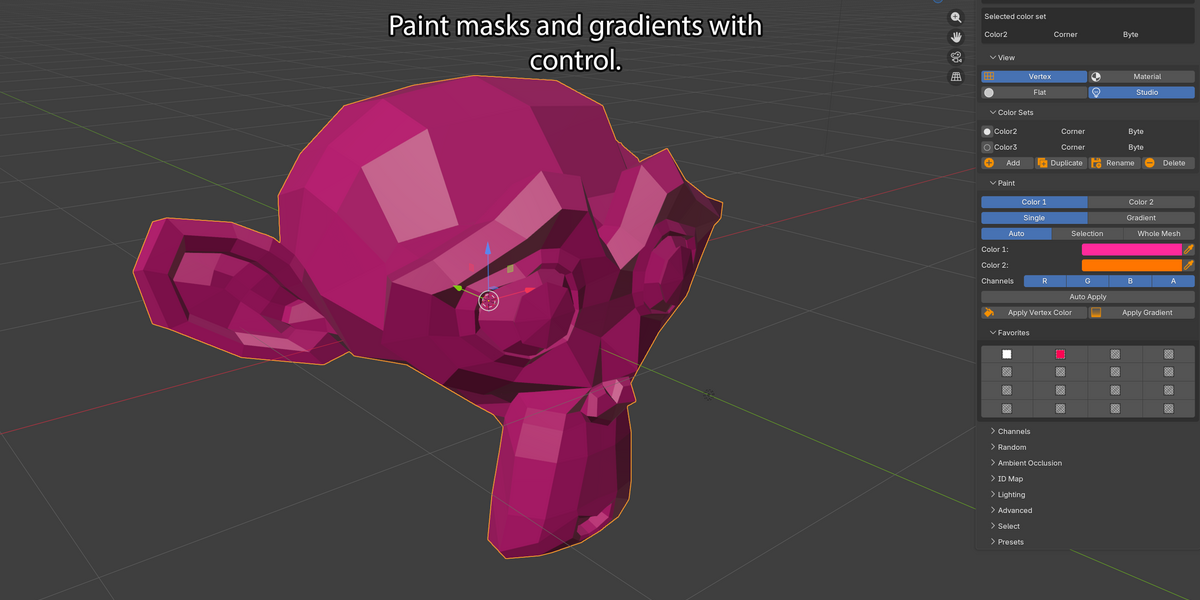
Manage attributes and paint RGBA channels
The add-on can create, duplicate, rename, delete and organize multiple color attributes. It keeps the active color set visible and render-active, which helps when a material or shader uses several color layers.
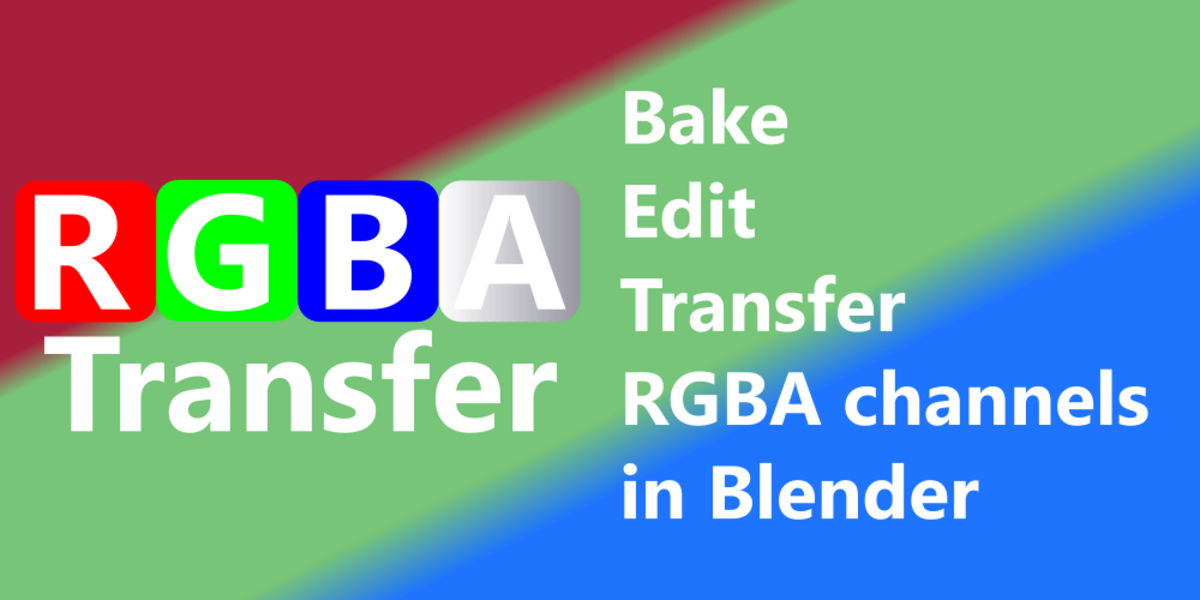
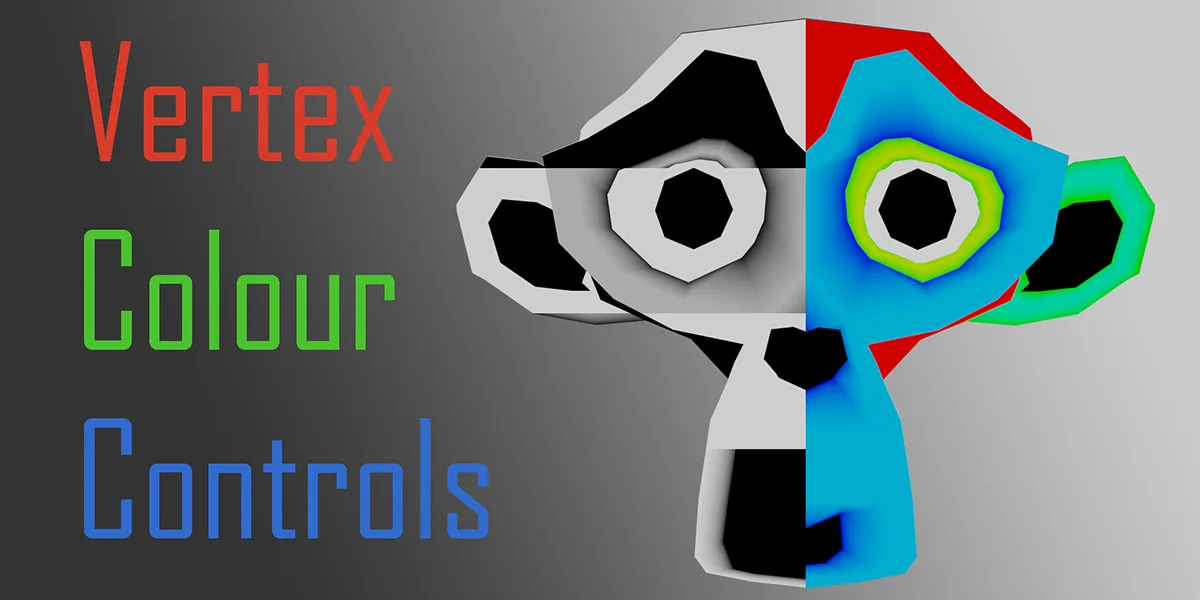
Painting can target selected vertices, selected faces, whole meshes or multiple objects. Channel controls let you change chosen parts of RGBA data while leaving other channels alone. Fill tools include white, black, grey, alpha values and custom values, along with channel swapping and inversion. Object Mode fills affect the entire selected mesh.
Build reusable presets, gradients and variation
Named fill presets store RGBA values for masks, material parameters or studio standards. Apply only the channels that need updating; unchecked channels remain unchanged. Presets can be imported and exported as JSON for sharing across projects or a team. Color favorites persist across Blender sessions.
Directional gradients use axis presets, with adjustable angles and two-color gradients. They can provide height masks, blend data or stylized shading. Randomization can vary color by object, mesh element, connected component or UV island, which is useful for modular assets, foliage and props.
Bake vertex data and inspect it
Texture baking samples color into vertex attributes using the active UV map. Sources include the Base Color texture, the active Image Texture node or the first Image Texture found in the material. Choose bilinear or nearest sampling, and optionally transfer texture alpha to vertex alpha. Texture baking needs valid UVs and material textures.
Other tools bake ambient occlusion, generate ID colors for objects, connected components or UV islands, and bake simple lighting in ambient-and-direct, direct-only or ambient-only modes. A sampler displays high-precision RGBA values and reports the active object, color set and sampled element count, helping check packed masks or preset results.
Compatibility and setup
The documentation lists Blender 5.0+ and says the add-on was tested with Blender 5.1; the product listing's Blender Version field shows 5.0 through 5.1. It uses Blender Color Attributes and has no external dependencies. After installing the ZIP file through Edit → Preferences → Add-ons → Install from Disk and enabling the add-on, open the 3D Viewport sidebar with N and choose the Octopus Vtx tab. A mesh must be selected for most tools, and a color attribute must exist before painting, filling, baking or sampling.
The publisher listing identifies the license as GPL. See the publisher documentation for setup and workflow details, and the product listing for current product and license information.