VertX Artist is a Blender add-on for painting and managing vertex colors through a dedicated workflow. Its channel tools can help with game-engine assets where RGB holds color and Alpha holds data such as roughness, metallic values or ambient occlusion. The product listing describes its features, installation steps, Blender version range and GPL license.
Paint and correct individual channels
The add-on separates RGBA data into R, G, B, A, RGB, RG, RB, GB and RGBA targets, letting you paint directly on the channels you need. It can also extract and bake alpha layers independently. Gamma tools convert Blender color data from Raw to Standard, with inverse correction from Standard to Raw.
Select and recolor geometry by color
VertX Artist can refresh an object’s colors, then select geometry that uses a chosen color. Selection by color includes a tolerance setting for how much of a vertex’s corners must match the selected color, HSV Ignore options that disregard selected channels during color matching, and an additive mode for building a larger selection. Object color adjustments can propagate to all instances that share that color.
HSV controls shift hue, saturation and value on selected geometry, with incremental plus and minus buttons. These adjustments can change a color scheme without repainting each area manually.
Preview layered transformations
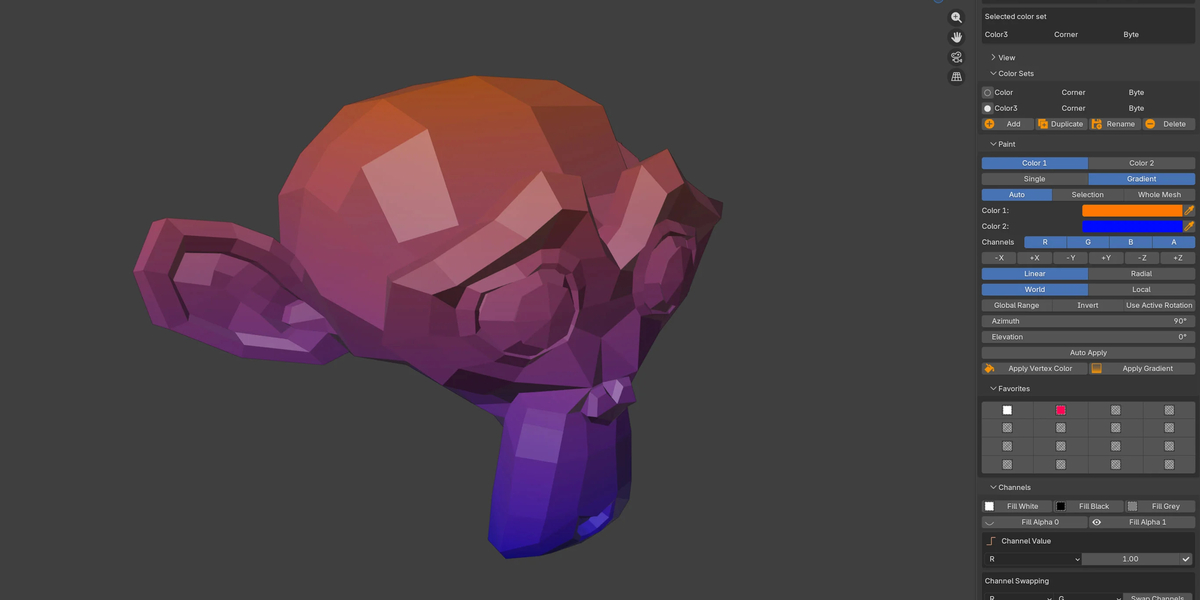
A layer-based transformation stack previews color changes through the material system before you apply them. Its blend modes include Mix, Multiply, Screen, Overlay and Add. Applying the stack creates a permanent color layer. VertX Artist also creates alpha gradients along a selected axis and supports working on multiple objects in Edit mode.
Manage palettes and sample colors
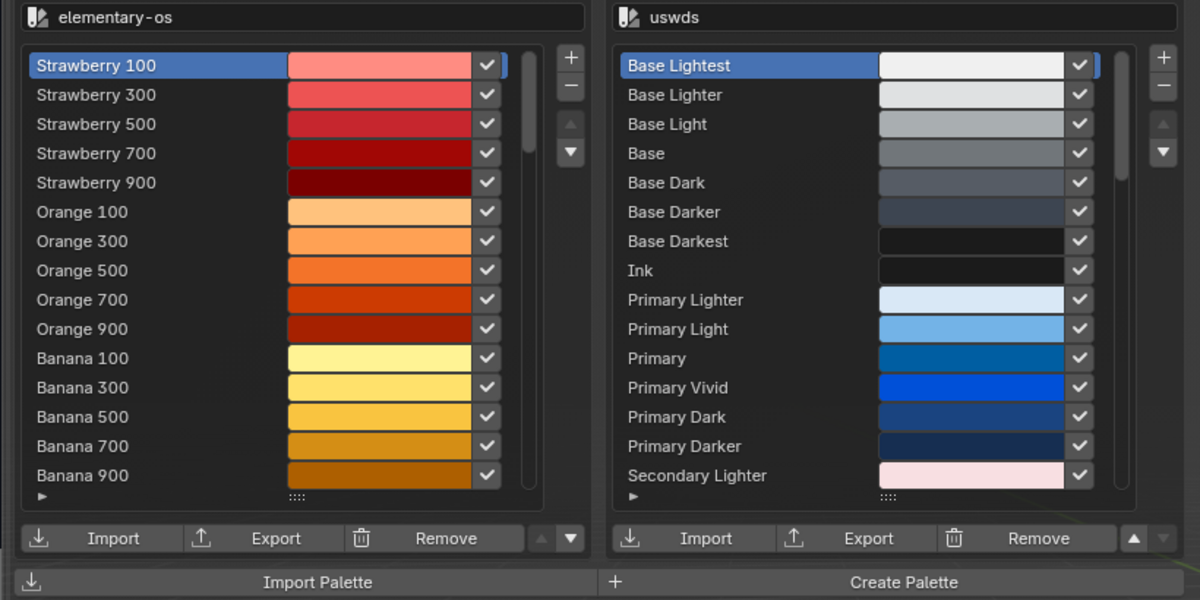
Create palettes in Blender or import and export .ccb, .gpl and .colors files. The enhanced eyedropper samples colors from anywhere in the viewport, copies the hex value to the clipboard on Windows and macOS, and can select geometry with the sampled color. Its default shortcut is Alt+Shift+S, which can be changed in preferences.
Installation and workflow notes
Install the downloaded ZIP from Blender’s Edit > Preferences > Add-ons > Install from Disk menu, then enable VertX Artist in the add-on list. The supplied product listing reports Blender 4.2 through 4.5 and a GPL license; check the listing for current details before installing.
Changes made inside VertX Artist update automatically. After changing colors with Blender’s native tools or another add-on, use Refresh to detect those edits. The listing notes that this step is manual because refreshing can be computationally expensive on large models. Its Checkpoint system creates manual undo steps for color adjustments, which Blender’s regular undo system does not track. For questions, bug reports or feature ideas, use the developer’s GitHub Issues page.