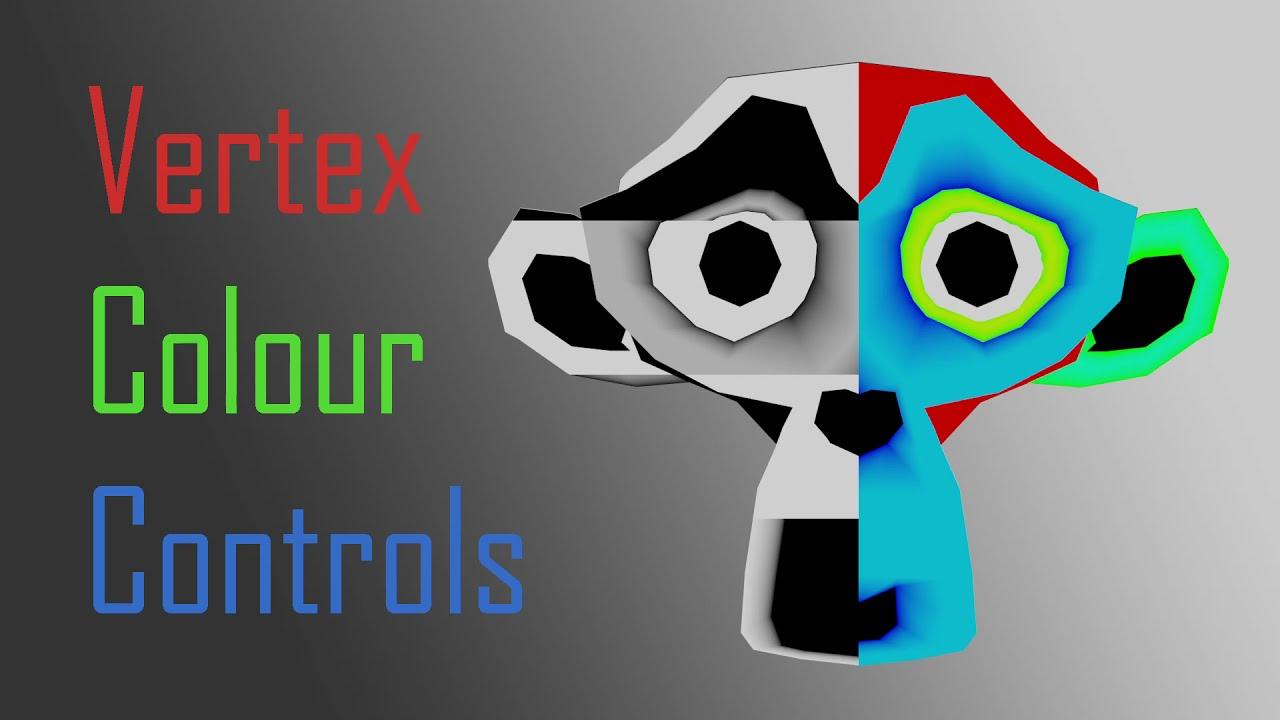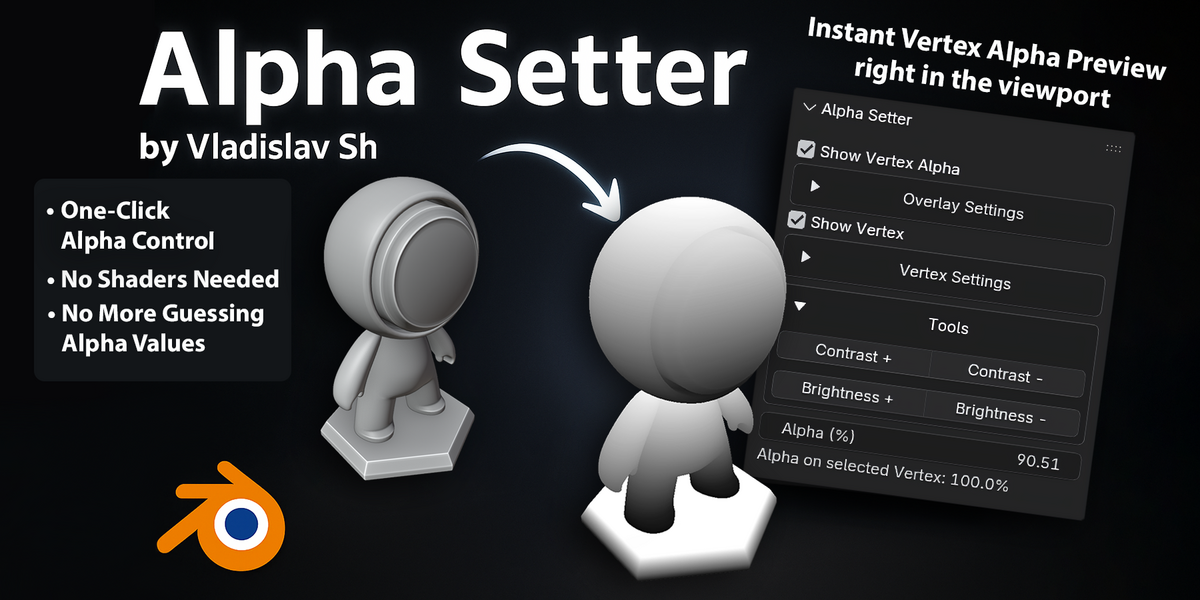
Vertex Colour Controls (VCC) is a Blender add-on for applying precise vertex colour values to one or more meshes. You can choose which RGBA channels to change, work with 0–1 strength values or full colours, and reuse values across projects. It may suit artists working with vertex-colour-driven shaders or editing colour data across several meshes.
Set values on selected meshes
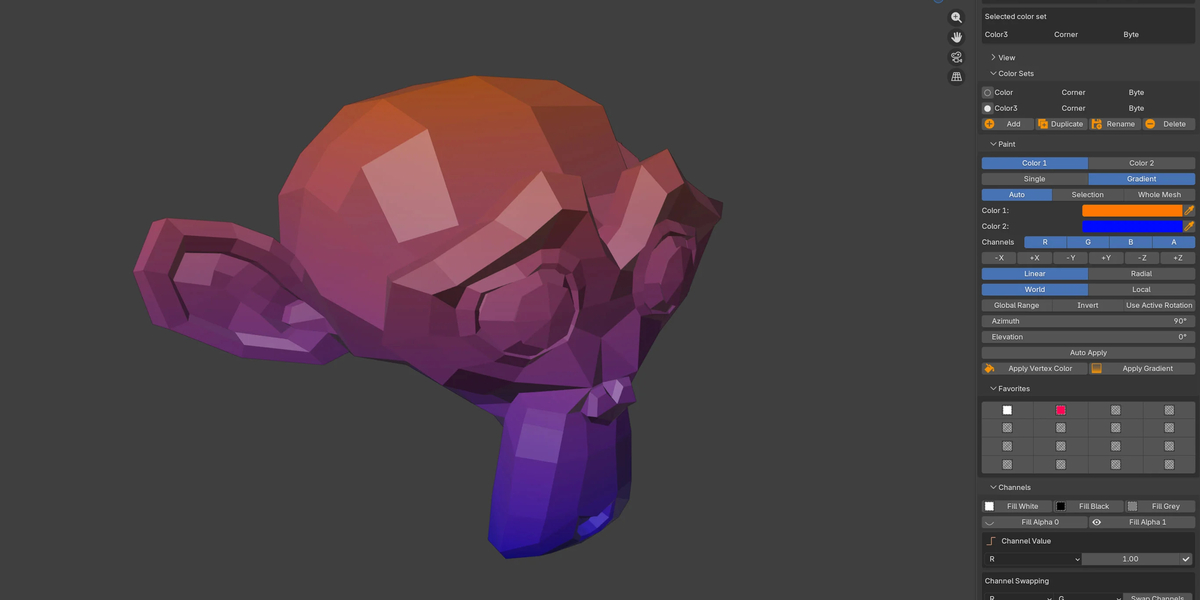
VCC lets you control which red, green, blue and alpha channels receive a value. Its strength modes work with numeric channel values, while Colour mode uses full RGBA colours. The 1.4.5 release added an option to use gamma-corrected colour values in Colour mode.
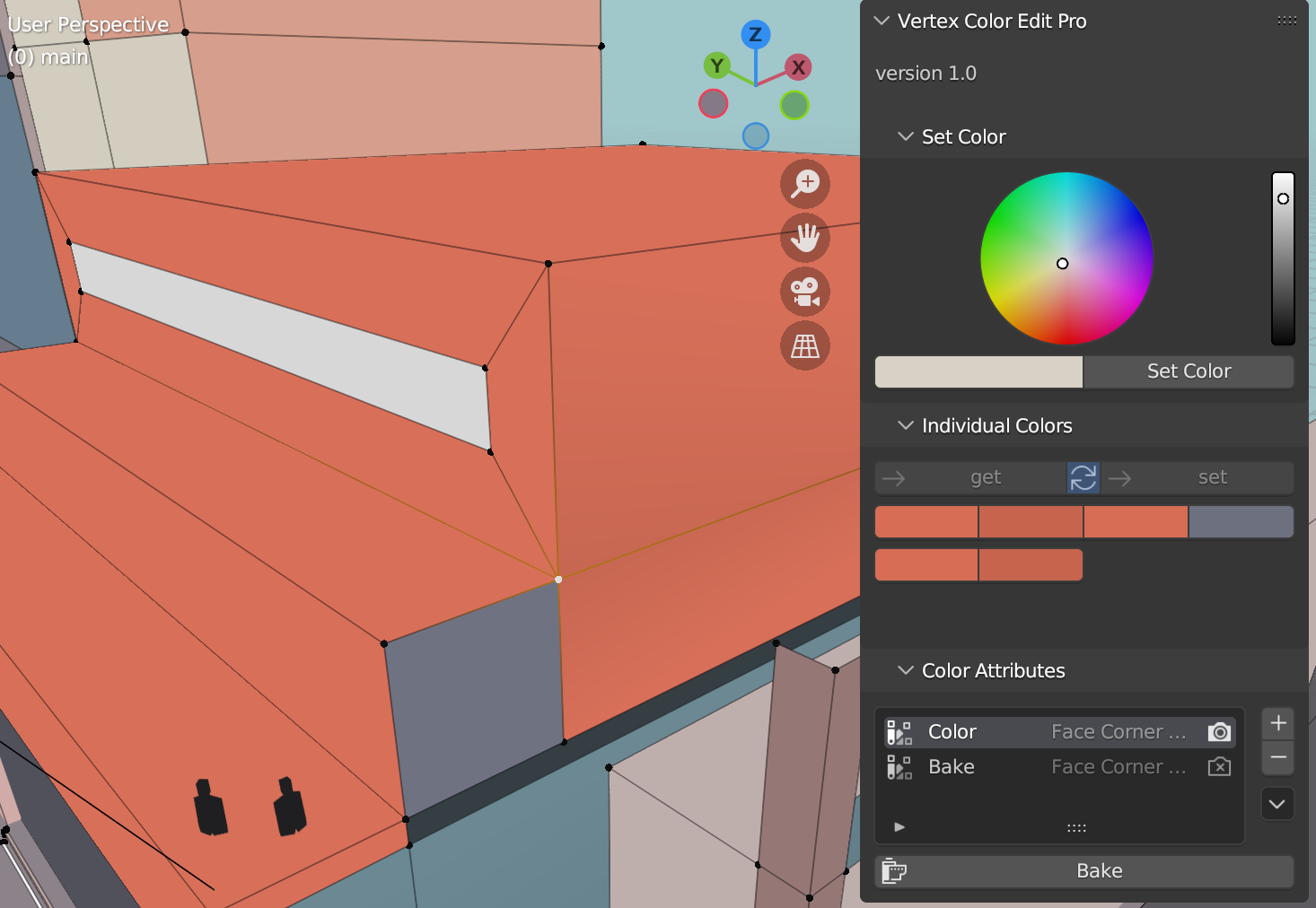
You can copy a channel strength or colour from a vertex for reuse. In Simple and Advanced strength modes, Add and Subtract operations apply the current strength values to values already on selected vertices or faces.
Inspect channels and reuse presets
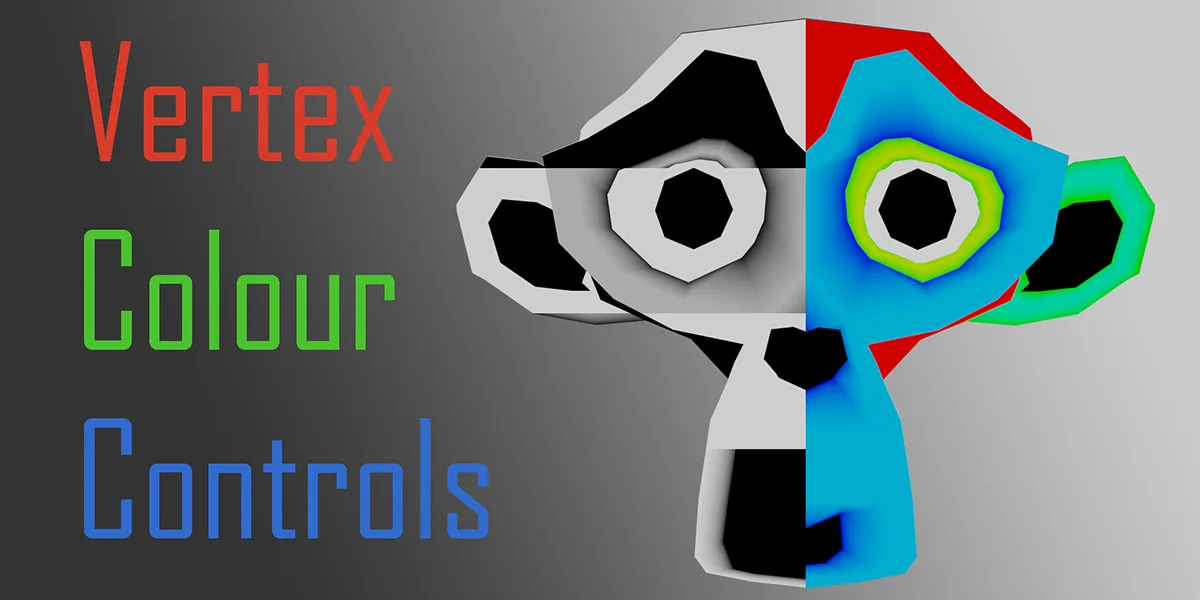
The included Channel Viewer shader displays RGBA channels in isolation or shows the RGB elements in the usual way. You control the viewer through the VCC Panel, which helps when checking colour data used by a shader.
Strength and colour values can be saved to presets. The preset list is stored independently of Blend files, so it can be accessed from other projects. If saved presets do not appear, the product FAQ suggests checking the add-on’s Preset Directory and confirming that the JSON file is still named VCC Presets.json. Presets are checked when a Blend file opens, so reopening the file can also help.
Bake gradients, transfer values and select vertices
VCC can bake a colour gradient onto selected vertices or faces in linear, spherical or normal directions. Its Transfer controls copy values from one channel to another or swap the two channels. You can also select vertices by their current strength or colour values, with a tolerance setting controlling how close a match must be.
Mesh size and visibility checks
To apply values, VCC checks vertices in the selected meshes to determine which need changes. The developer’s FAQ says this is quick on low-poly meshes; with meshes in the tens of thousands of vertices, an operation may take a few seconds depending on the computer.
If applied colours are not visible, the FAQ recommends checking that the Channel Viewer is set to the intended channel. For meshes with multiple colour layers, check the active render layer in Blender’s Object Data Properties under Vertex Colors. The FAQ also suggests deselecting and reselecting the mesh before applying values again.
Version and documentation
Version 1.4.5 is listed as compatible with Blender 4.0 through 5.0. The 27 April 2025 VCC update added the gamma-corrected colour option and fixed a selection issue in Colour mode. For links to VCC documentation and the tutorial video, see the Superhive listing .