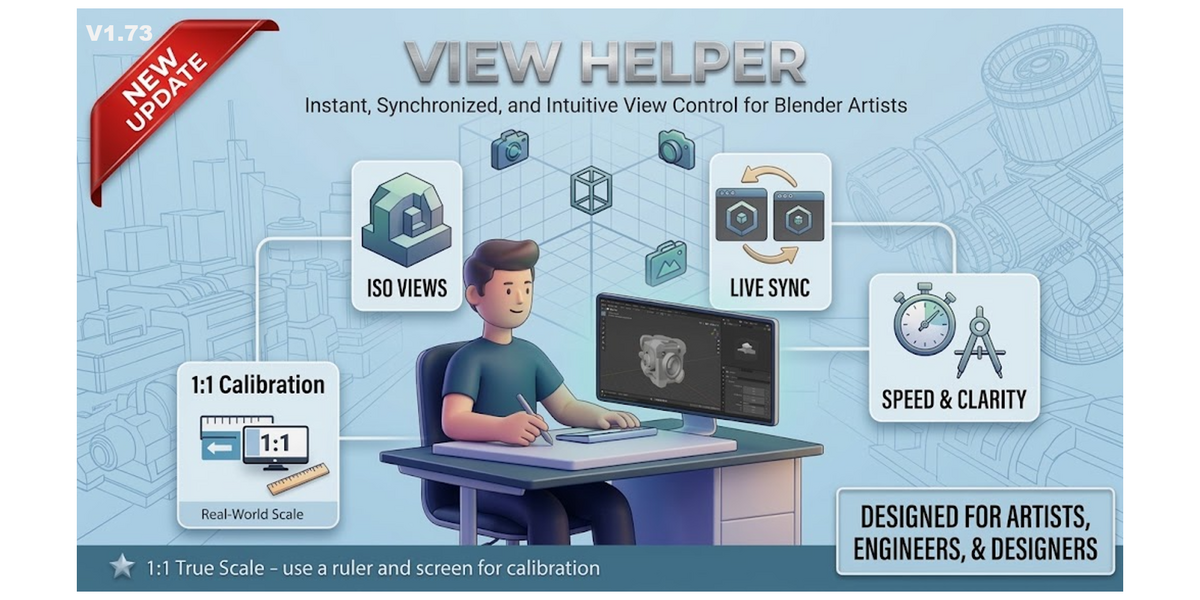
View Helper is a Blender add-on by Hisoka852 for saving, restoring, and editing viewport perspectives. It adds ISO view controls and live sync options for artists, engineers, and designers who work with technical visualisation. The Superhive listing identifies it as an add-on under the GPL license and lists Blender versions 4.2 through 5.1.
Set up orthographic and isometric views
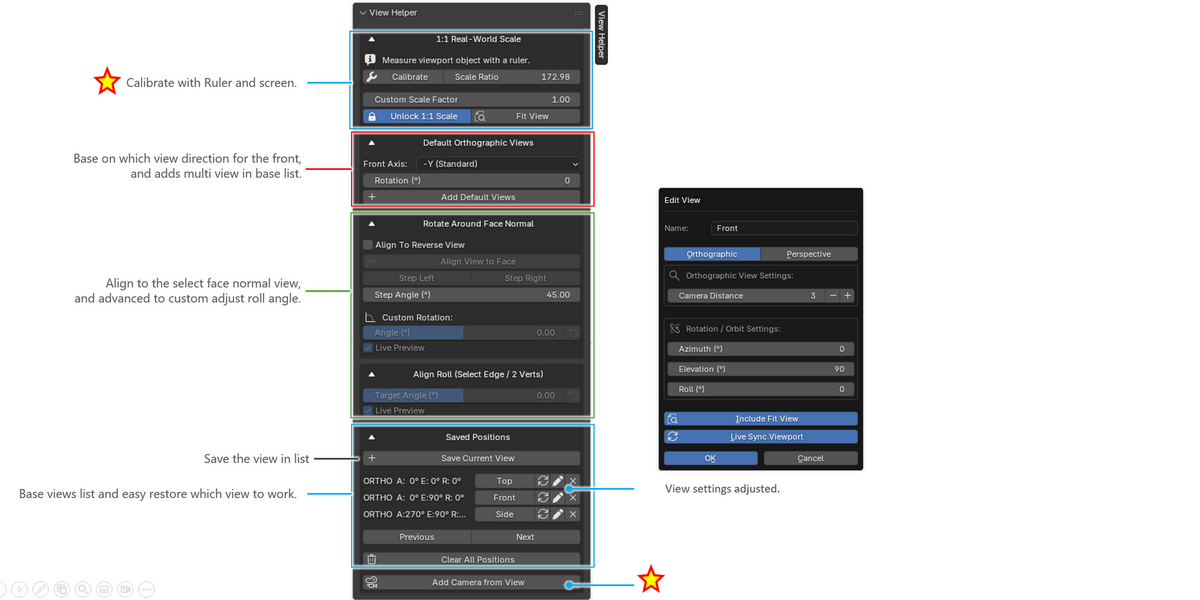
The documentation describes a default view generator with a configurable front axis. Choose an axis that matches the orientation of your asset, then create top, bottom, front, back, left, and right views, along with 30-degree and 45-degree isometric setups. This is useful when the model's working orientation does not match the default front direction.
Align the viewport to mesh geometry
For mesh work, View Helper can align the view to a selected polygon's normal, with an option to view from the reverse side. The documented controls also let you rotate around the active face in set increments or use an angle dial for finer adjustments. To level the view against geometry, select one edge or two vertices in Edit Mode and use roll alignment.
Save and edit viewport snapshots
The snapshot manager records viewport properties such as orientation, target location, camera distance, projection type, focal length, field of view, and clipping distances. You can revisit saved views and edit their projection or angle. Live sync options let you update a saved view from the active viewport. These controls suit repeatable reference angles during modeling or other work where you need to return to a particular perspective.
The product listing's version 1.7 update note also names 1:1 True Scale and a calibration function. Check the View Helper documentation and listing for setup details and the current package information, especially if your Blender version falls outside the listed range.