View Layer Plus is a Blender add-on by Trukas for managing View Layers through the compositor, a dedicated manager, and the Outliner. Its tools cover layer switching and visibility, plus copying Layer Collection render settings to View Layers.
Manage View Layers from the compositor
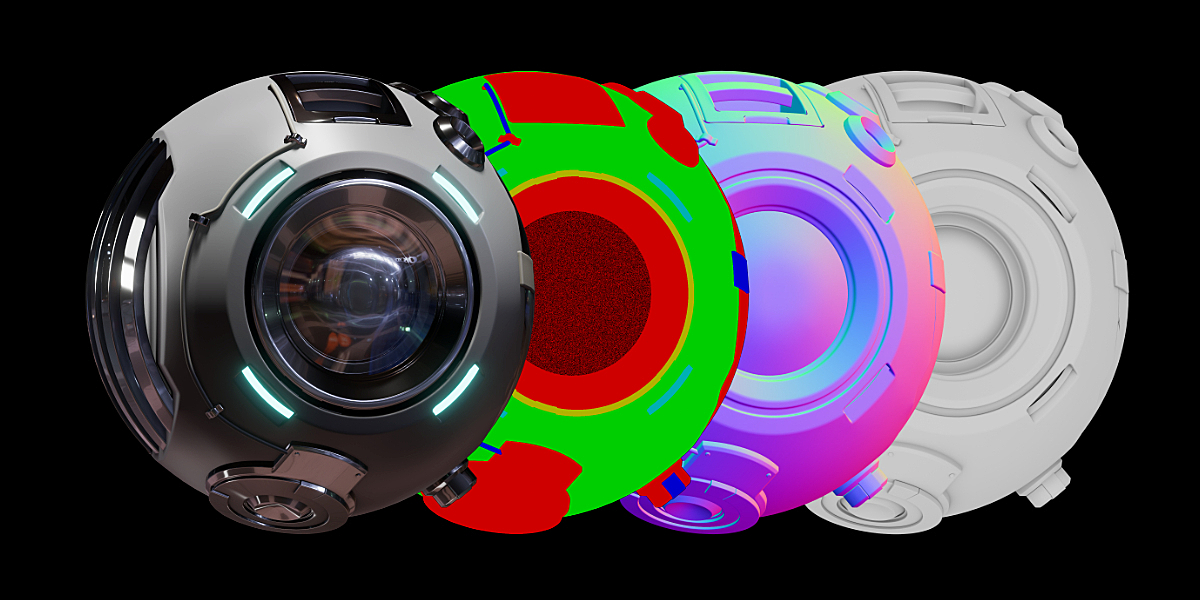
The compositor menu and contextual menu include actions for Render Layer nodes. You can enable or disable View Layers used by selected nodes, toggle all View Layers in the scene, target unmuted nodes, or switch to the View Layer used by a selected node. These controls are useful when you are comparing layer setups and want to change visibility or move between layers from the compositor.
Organize layers in a dedicated manager
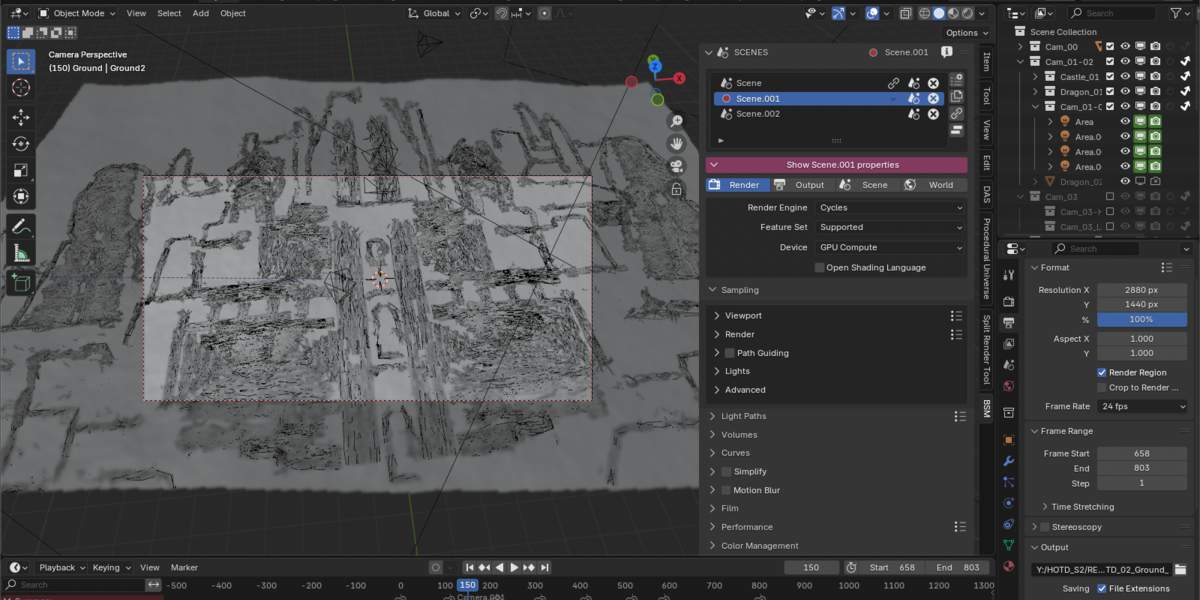
The manager handles View Layers as a list. Use it to switch between layers, enable or disable them, and add or remove them. Its sorting menu can arrange layers by name or reverse name order, and move a layer to the top, bottom, up, or down. Menus and panels can be shown or hidden to suit the workspace.
Copy collection render settings
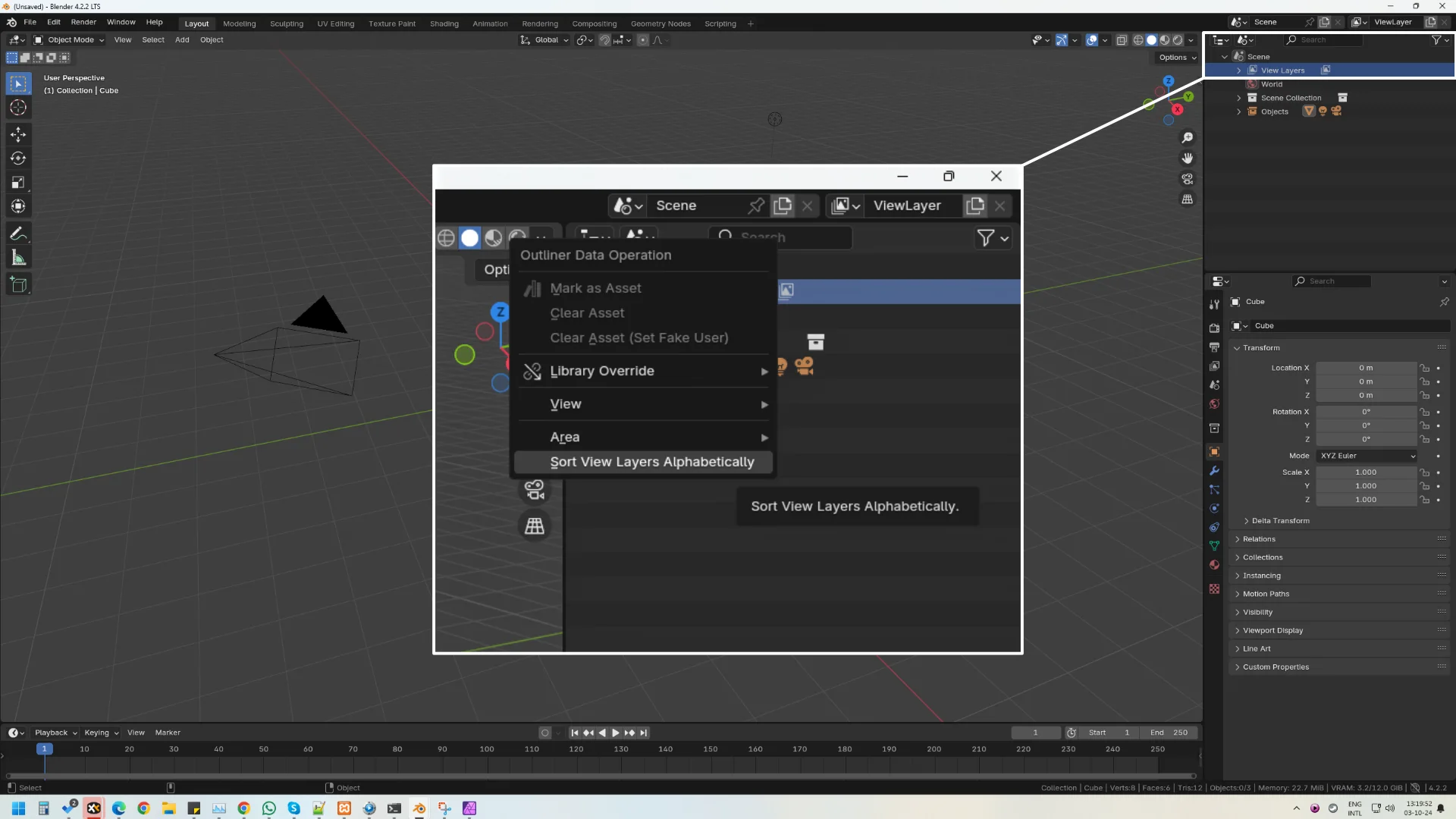
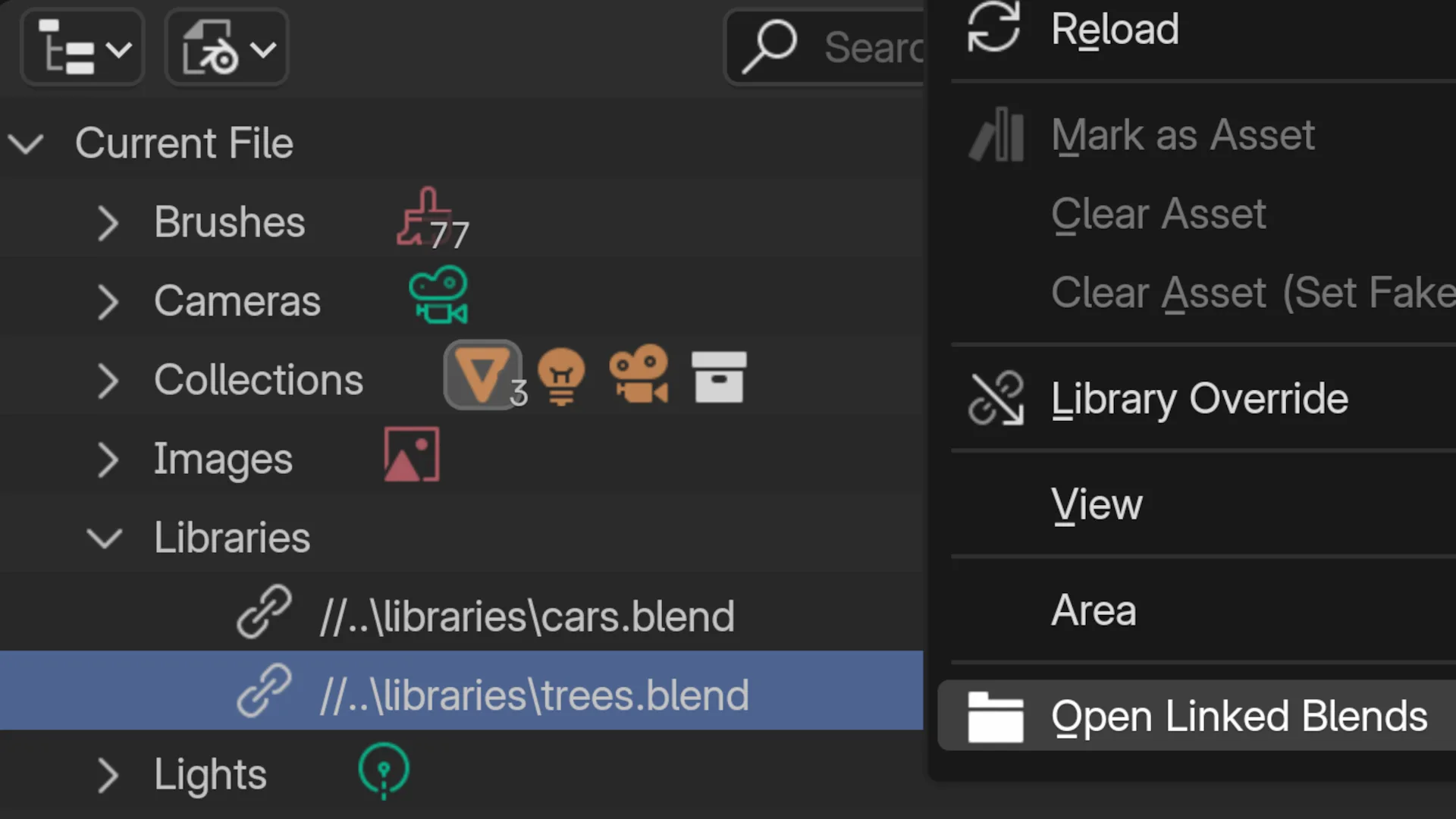
The manager includes copy-and-paste operations for render settings from Layer Collections. The Outliner adds a separate option to copy settings from selected Layer Collections to selected View Layers. The listed settings are exclude, holdout, indirect_only, and hide_viewport.
View Layer Plus is most relevant to Blender projects that use several View Layers and require repeated visibility changes or collection-setting adjustments. The feature overview describes its compositor, manager, and Outliner tools. The Blender Extensions listing identifies Trukas as maintainer, lists version 1.2.5 and Blender 4.2.0 as the minimum, and gives the license as GPL-3.0-or-later. Check the listing for current release details.