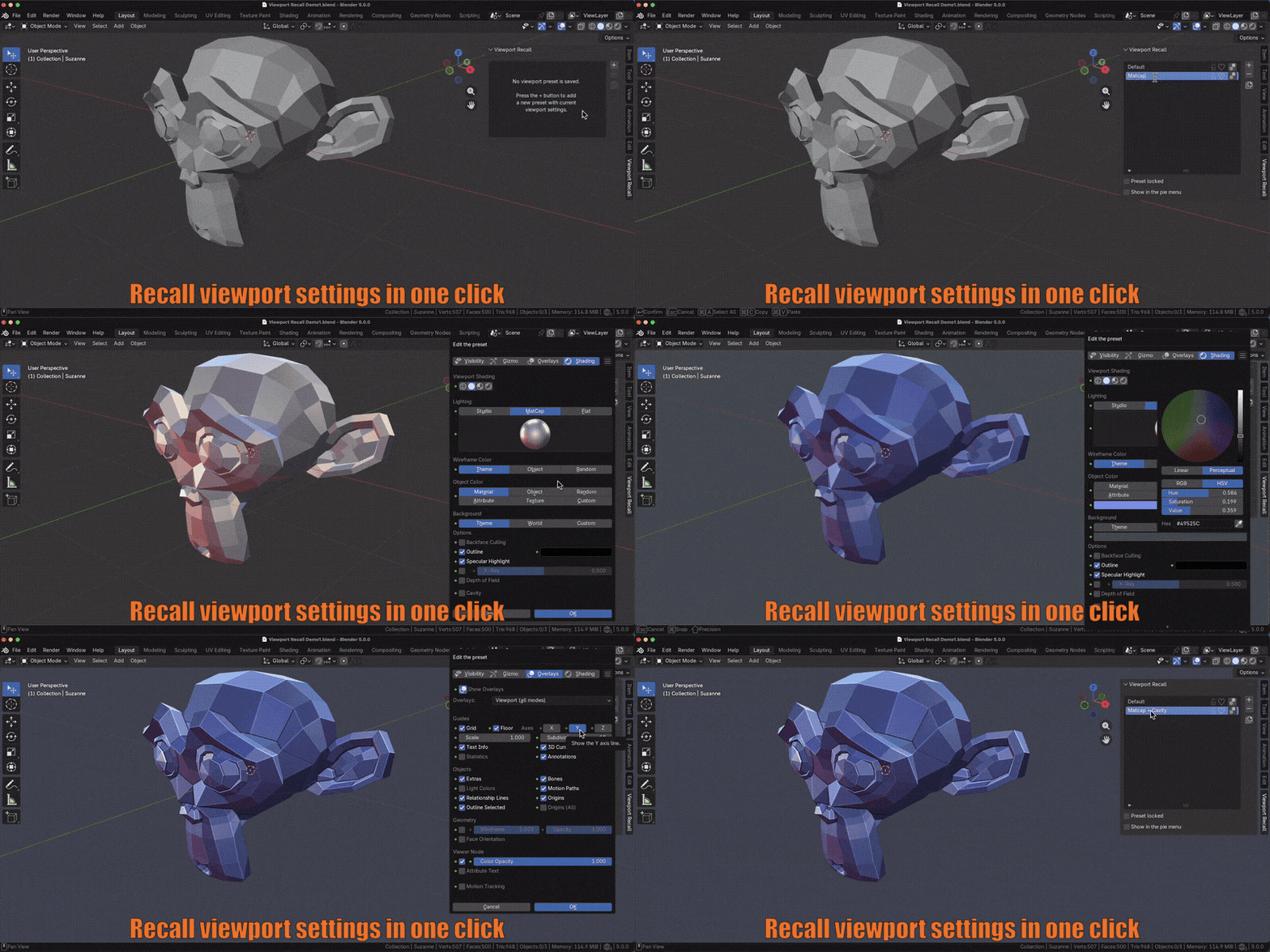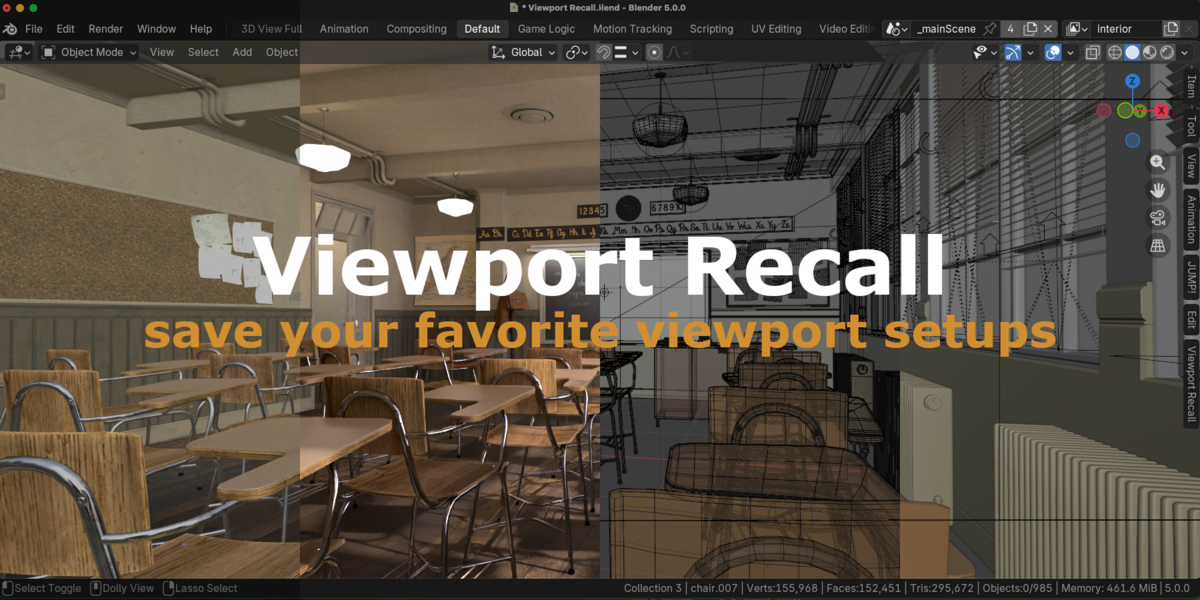
Viewport Recall is a Blender add-on for saving combinations of 3D Viewport settings as presets and restoring them when needed. It can retain visibility and object selection, gizmo settings, overlays, and shading choices such as Wireframe, Solid, Material Preview, and Rendered. It also includes shading options such as Look and background color. The Superhive product listing describes its features and compatibility.
Viewport Recall changes the viewport display while leaving the workspace layout, camera, and active tool untouched. That makes it useful when you want a different view of the same work without switching the rest of your workspace.
Choose which viewport settings to save
A preset can include several parts of the viewport:
- Object visibility and selection
- Gizmo visibility, type, and orientation
- Overlay settings, including options for modes such as Sculpt and Paint
- Shading modes and options, including background color
You can also decide which saved parameters should apply when you recall a preset. Set a parameter to load or ignore; ignored settings stay as they are in the current viewport. For example, a preset can change the background color, grid, and cavity while leaving the current shading mode alone.
Recall and manage presets
Open presets from the sidebar with N, the View > Viewport Presets menu, the pie menu, or a custom keyboard shortcut. Presets marked as favorites appear in the pie menu. You can lock a preset against accidental edits, or duplicate, rename, and delete it.
When Viewport Recall fits
Saved viewport setups can help when you move between tasks that use different visibility, overlay, gizmo, or shading choices. You might keep one setup for a clearer modeling view and another for checking materials in Material Preview or Rendered mode. Selective loading lets each preset change only the settings that matter to that view.
Because the add-on only changes viewport display settings, it will not switch the editor layout, camera, or active tool for you. For configuration and preset details, see the Viewport Recall user manual. Superhive lists Blender 4.5 through 5.2; check the product listing for current compatibility before installing.