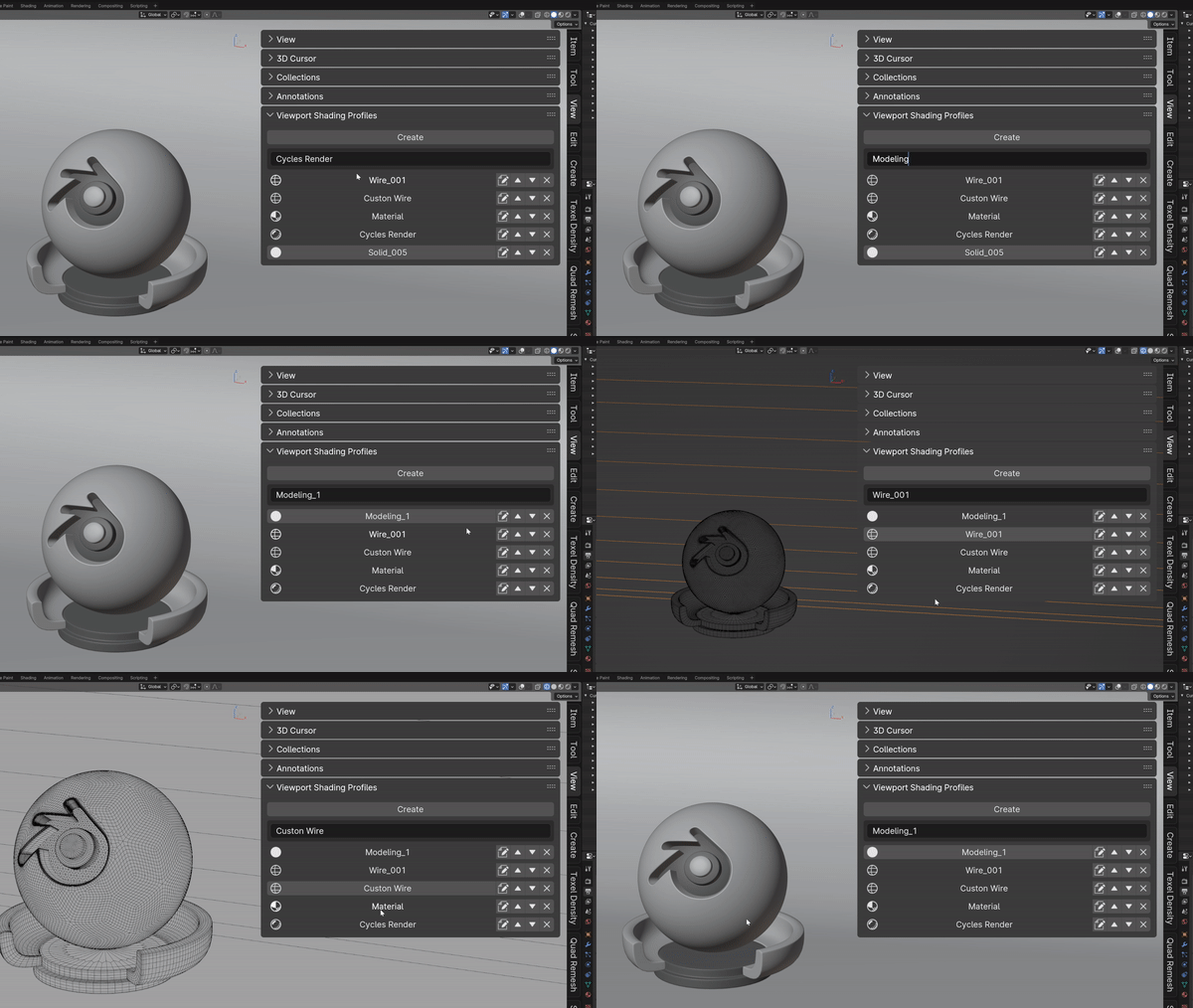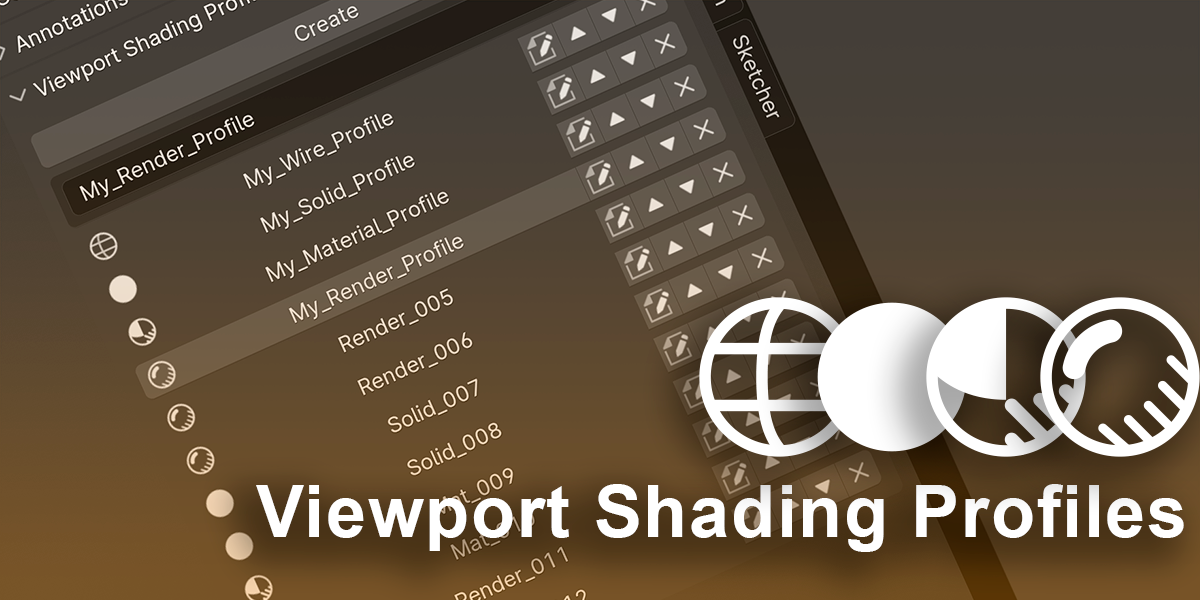
Viewport Shading Profiles is a Blender add-on by BlenderWeapons for saving and managing viewport shading setups. Create profiles from the settings currently in use, then organize them for different scenes, projects, or presentation needs.
The add-on's Shading Profiles panel appears under the View tab in the 3D workspace toolbar. It gives you access to saved setups while you work in the viewport.
Create and manage profiles
Click Create to make a profile from the current viewport settings. To change one, select it, adjust the shading settings, and click Save. You can rename a profile with the text field and Apply Name button, move it up or down in the list, or delete it when it is no longer needed.
Profiles can hold settings for lighting, color, contours, wireframe and object presentation. The add-on also supports synchronizing profiles with the current workspace, which helps when you switch between workspace configurations.
Preview different shading setups
An instant preview lets you see how a model looks under different shading configurations. This is useful when you want to compare viewport presentation settings while working on a scene, without rebuilding each setup by hand.
Version 1.1 and Blender compatibility
The version 1.1 release notes add the ability to save Render Passes in Cycles and mention bug fixes. The product listing names Blender 4.0, 4.1, 4.2, and 4.3. Check the BlenderWeapons product listing for current release and compatibility details before installing.
Install the add-on
- Download the add-on ZIP from its product page.
- In Blender, open Edit, then Preferences, and select the Add-ons tab.
- Click Install, choose the ZIP file, and enable Shading Profiles.
- Open the 3D workspace and find the Shading Profiles panel under the View tab in the toolbar.