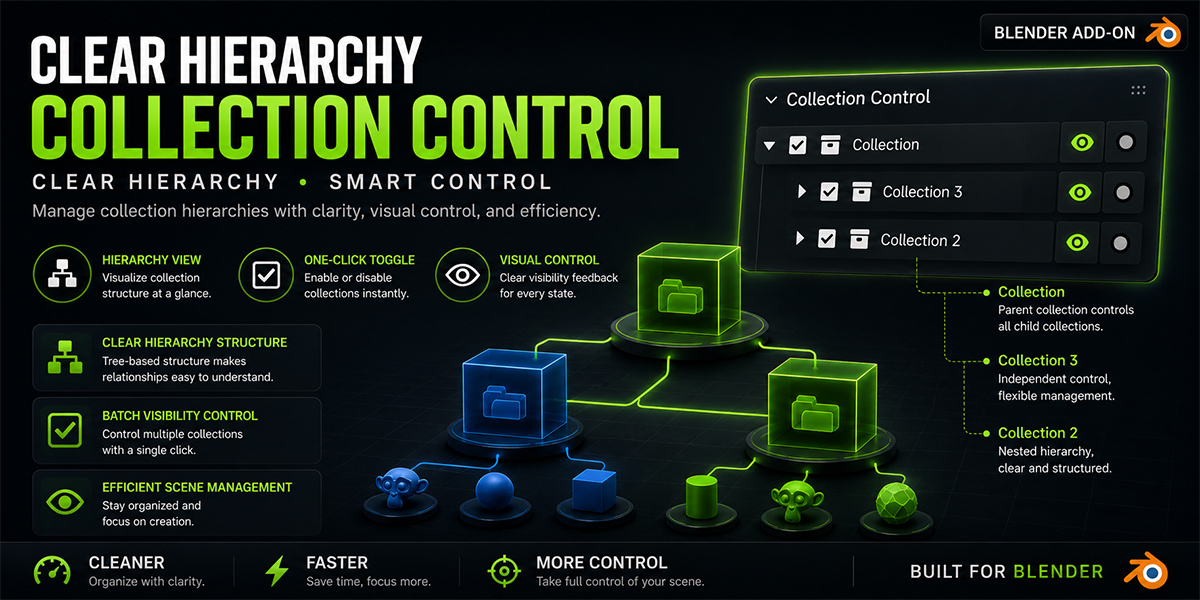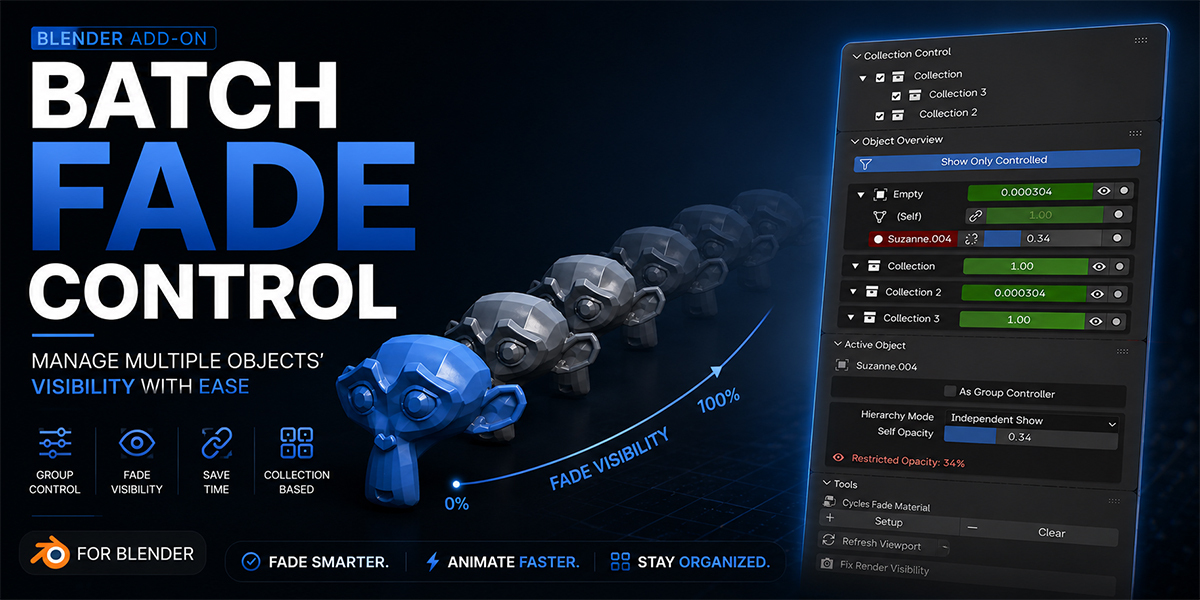
Visibility Controller is a Blender add-on for managing visibility and opacity across object and collection hierarchies. Select a parent object or collection, enable Group Control, then adjust the Group Opacity slider to control its children. This can help when preparing product scenes or interior renders with many nested objects.
Control nested objects and collections
The add-on provides controls for collections, child collections, nested levels, and individual object solo. Its override modes let you choose how an object responds to its parent:
- Inherit: follow the parent’s visibility.
- Independent Show: remain visible when the parent group is hidden.
- Force Hide: stay hidden regardless of the hierarchy.
Set up fades for Cycles or Octane
Visibility Controller uses a different fade setup for each render engine. In Cycles, select the objects and choose Setup Cycles Fade in the Tools panel. The add-on injects a custom node frame into the materials to automate the Mix Shader setup. Its product FAQ identifies the frame as HVC_Fade_Frame and says the Clear button removes it.
With Octane, the add-on detects the engine and links the fade control to the general_visibility property. The documentation says this requires no manual setup.
Animate visibility and opacity
The visibility and opacity controls are animatable from the add-on’s interface. To add a keyframe, hover over an opacity slider and press I. Changing a parent’s opacity lets you animate the group and its inherited children together.
The product listing describes a deferred sync and topology cache intended to keep viewport updates responsive in large scenes. It also includes Fix Render Visibility for clearing residual hide_render flags, plus global reset and refresh operations. The listing describes the add-on as version 1.0.0 and compatible with Blender 4.0 through 5.1. Check the current product listing for updated compatibility details, and consult the setup documentation before installing.
Install and open the controls
The quick-start documentation instructs users to install the add-on ZIP through Edit > Preferences > Add-ons > Install, then enable Visibility Controller. In the 3D Viewport, open the Sidebar with the N key and select the Visibility Controller tab. Select a parent object or collection, enable Group Control, and adjust the Group Opacity slider.