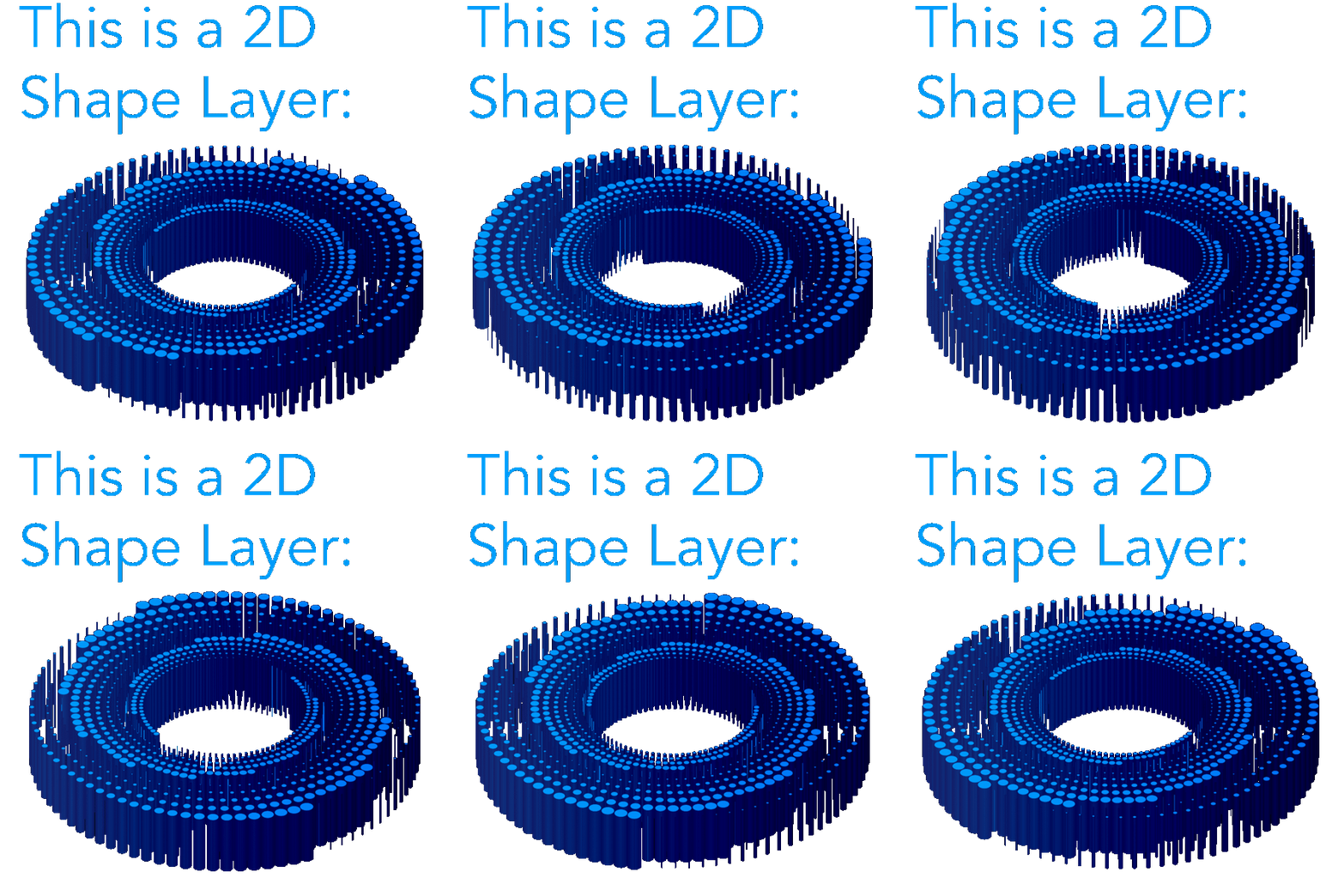
Volume n' Tricks 2 is an After Effects extension by PENCIL Park for making isometric projections and faux-3D scenes from 2D artwork. It can project several layers at once and provides controls for extrusion depth, movement, rotation and projected shadows. The developer lists compatibility with After Effects 2020 through 2026.
Build an isometric scene from 2D layers
Start with vector artwork or text layers in an After Effects composition. Select one or more layers, open Volume n' Tricks 2 from Window > Extensions, then click a face of the cube in its panel to apply a projection. The resulting controls appear in the Effects Controls Panel, where you can adjust properties such as depth, angle and movement.
For scenes with several objects, the extension can project multiple selected layers in one operation. You can then tune each layer's position, rotation or depth separately. This is useful when building a consistent isometric layout from separate pieces of artwork without applying the projection one layer at a time.
Position, rotate and shade objects
The movement controls place objects along the isometric axes. Move X shifts an object diagonally across the grid; Move Y and Move Z change its perceived position in the scene. Keyframe the position controls over time to animate an object moving through the composition.
The pivot and rotation controls support rotation around the isometric axes, including keyframing the isometric rotation. For depth cues, the extension can create a parented shadow in one of four directions. You can adjust its opacity and distance; movement, scaling and animation of the parent object also affect its shadow.
Use the IsoMap as a composition guide
The Isometric Grid button toggles a customizable IsoMap in the composition. Adjust its size in the Effect Controls Panel and use it as a placement guide while arranging objects. The grid is a guide layer, so it does not appear outside precompositions or in exports. Volume n' Tricks 2 also leaves layer stacking to you: adjust the order in the timeline when one object needs to appear in front of another.
Exporting an animation to Lottie
Volume n' Tricks 2 is designed for animations that can be exported to Lottie through Bodymovin. Open the Bodymovin panel from Window > Extensions, select the composition, configure its settings and render. Bodymovin creates a JSON file at the location you choose.
Check Lottie's supported features before exporting. The developer recommends keeping paths and layer counts simple where possible, and notes that effects or expressions may not be supported. The extension's Lottie compatibility does not guarantee that every After Effects feature in a composition will transfer.
Who may find it useful
This extension is suited to motion designers building isometric scenes from 2D vector or text layers in After Effects, especially when they need to animate movement or rotation, create linked shadow projections, or prepare a composition for a Lottie workflow. Review the developer's page for current compatibility, installation guidance and product details.