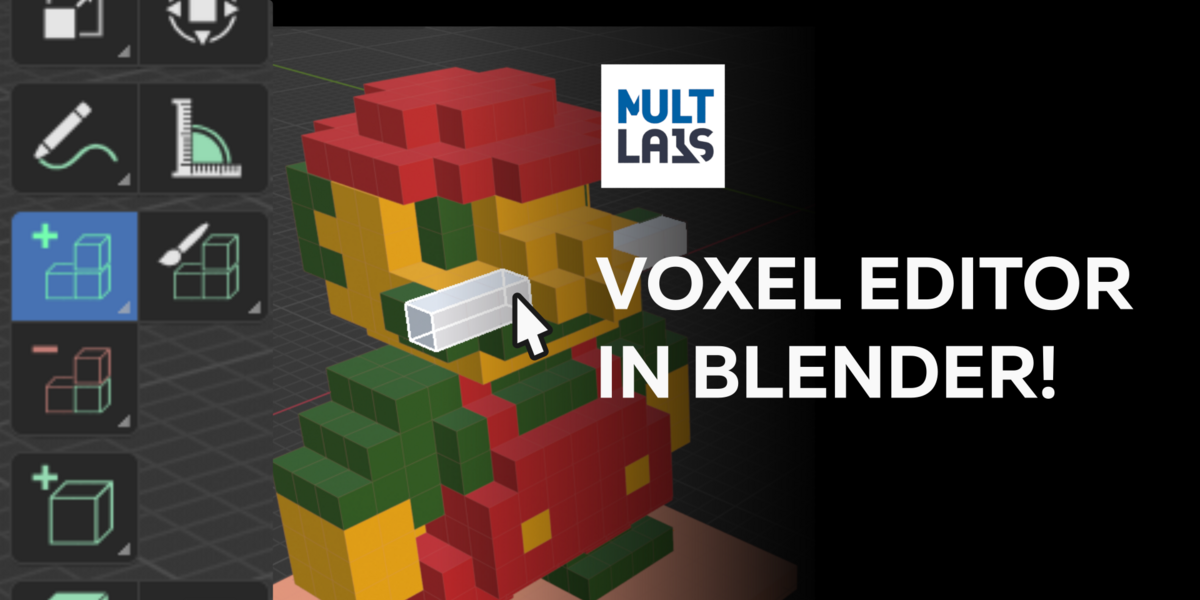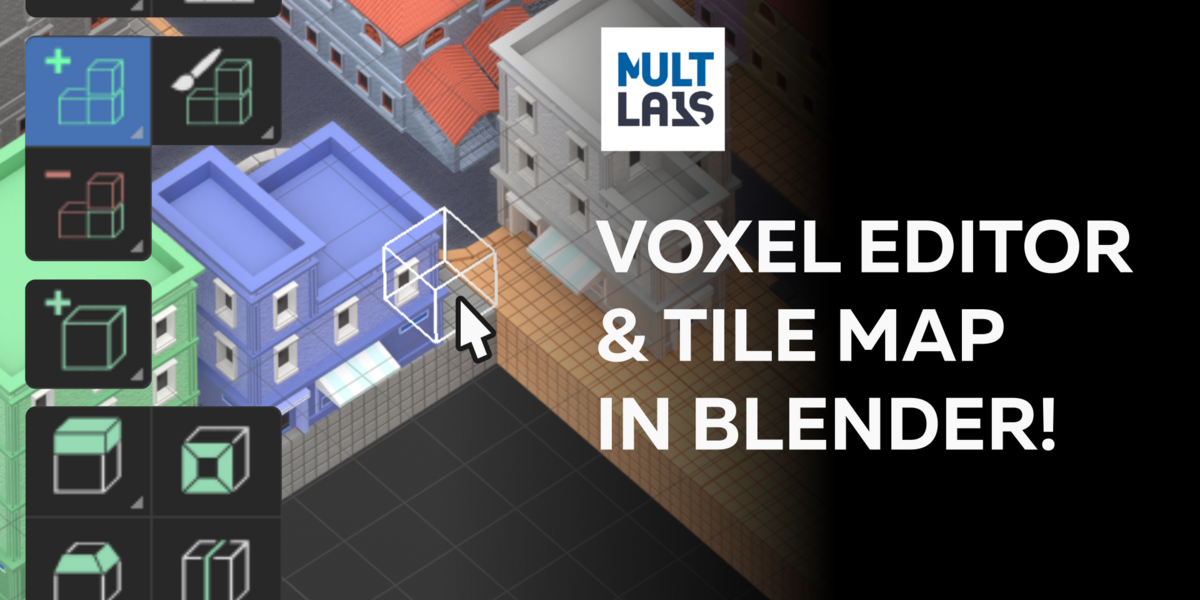
Vox is a Blender add-on for editing voxel models and building tile maps. Its edit-mode tools let you add, paint, and remove voxels. You can also replace voxels with objects from a tile set, then use placement rules to assemble larger forms such as houses or city layouts.
Draw and paint voxels
The add tool draws a voxel or rectangle, with a draw-and-extrude mode that lets you extrude the shape on a second click. The paint tool applies a color or tile set with either a spherical brush or a per-voxel mode. Strength, falloff, and spacing controls work like familiar brush settings. Alt-click picks a voxel color, and Ctrl-click removes voxels.
Build with tile sets
In the Vox panel, you can mark an object as part of a tile set or use tile sets to build a larger model. Each tile is one object sized 1×1×1 and centered in the middle. Rules for the layer above, the same layer, and the layer below determine where a tile can go. Tiles with more rules carry more weight by default, and Vox selects the highest-weight tile that passes its rules. Custom weights are available in some cases; when eligible tiles share a weight, Vox can choose randomly, and a probability setting can make a tile appear more often. An option allows rotation in 90-degree steps. The documented filters include ground level (z = 0) and even x, y, or z coordinates.
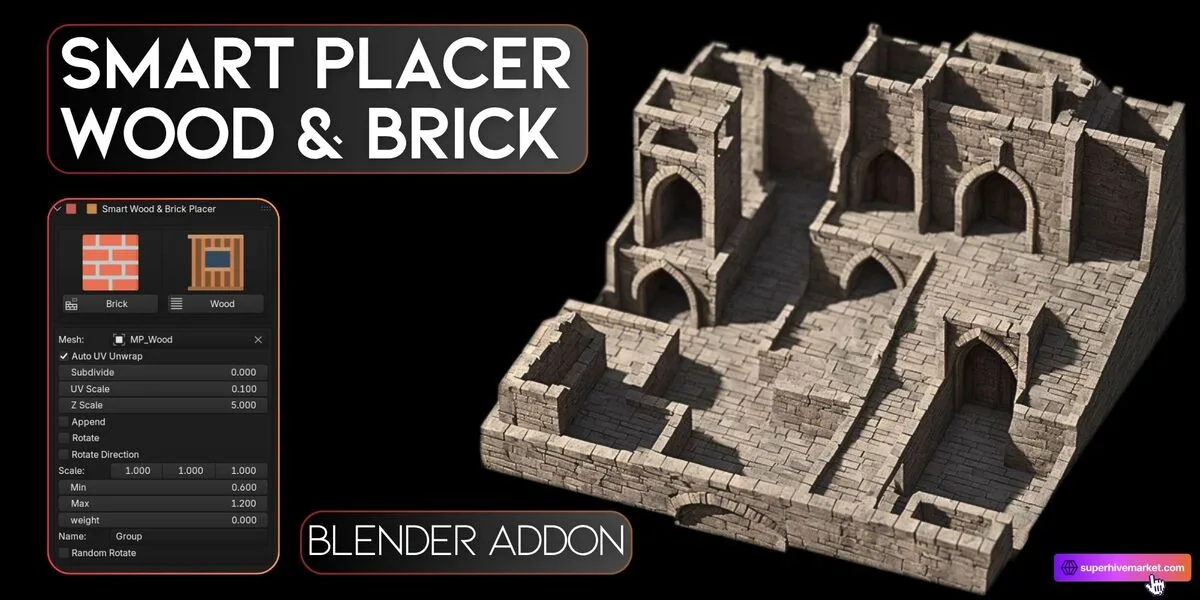
Tile sets can build houses and cities in different shapes and variations, with colors and Geometry Nodes effects. See the Vox documentation for its tile rules and workflow details.
Compare the editions
Lite includes the core voxel tools and operators such as snap and rebuild. Full adds optimized voxels, the tile map designer, and the Vox panel for using voxels as tiles. Full+Demo includes demo files and example tile sets. The marketplace says Lite users can upgrade to Full by paying the difference; the current listing shows Lite at $10, Full at $20, Full+Demo at $25, and Full+Demo with support for development at $50. The latest listed update is 1.2.5 (March 2025), which fixes a color-brush issue.
Workflow limits
Vox may be inaccurate when an object's scale, rotation, or transform is not at its default, so the documentation recommends applying transforms. Color use in models relies on Realize Instances; for tile color, use the “Vox Color” attribute rather than a Vertex Color node. Simple Instances can improve performance with high-poly tiles, but limit later modifier use in the stack. Simple Box displays tile models as boxes in the viewport.
Check the Vox product page for current edition and compatibility details before installing.