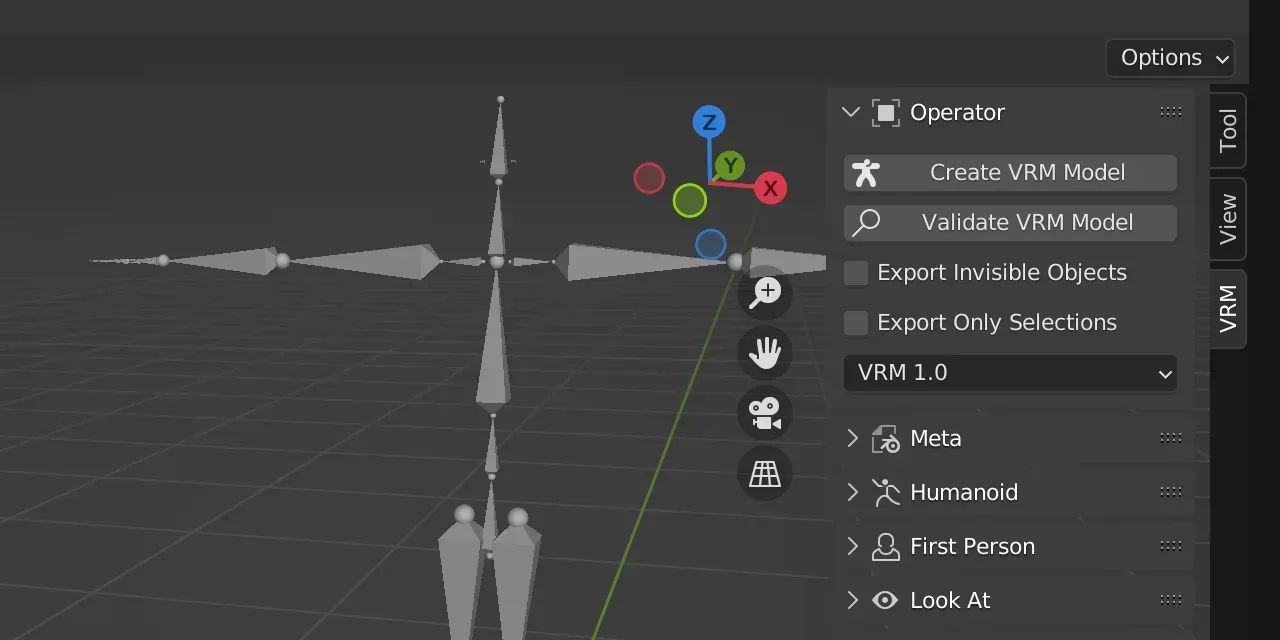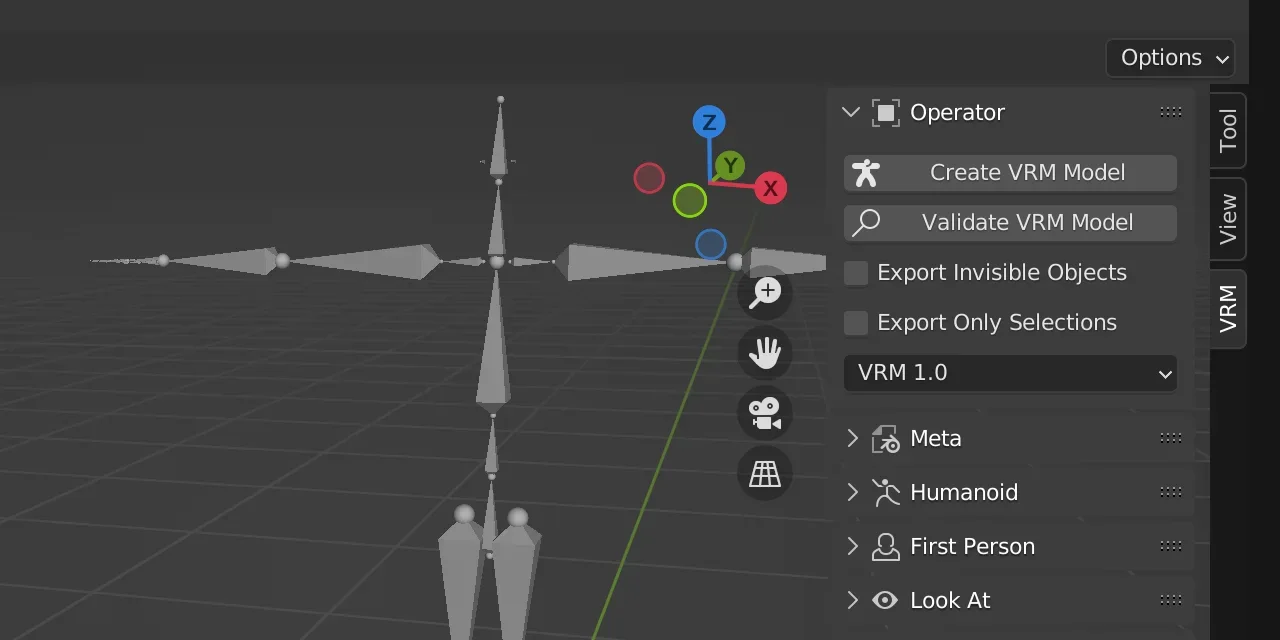
VRM format adds VRM import, export, and editing tools to Blender. It also supports VRM Humanoid setup, MToon material configuration, and Python scripting. The current Blender Extensions record lists version 4.10.5, maintained by saturday06, for Blender 4.2.0 up to, but not including, 5.4.0. See the Blender Extensions listing for the current package details.
VRM is a humanoid avatar format intended for sharing avatar data between compatible applications. This add-on is useful when you need to bring an avatar into Blender for editing or preparation, then export it as a VRM file. Check the destination application’s requirements too, since compatibility depends on the software receiving the model. The VRM overview explains the format’s purpose.
Avatar editing, Humanoid setup, and MToon
The add-on covers several parts of a Blender avatar workflow:
- Import VRM files from disk and export them from Blender.
- Edit VRM data and configure Humanoid information for an avatar rig. The developer’s Humanoid tutorial walks through creating that setup.
- Set up MToon materials for an anime-style appearance. The MToon tutorial shows the material controls and an example export.
These tools suit artists working on VRM avatars and technical artists preparing models for a compatible app.
Animation and Python automation
The documentation also covers importing and exporting VRM Animation files. Animation export requires a VRM 1.0 armature; the documented output includes Humanoid bone rotations, hips movement, and Expression preview values. Look At values are not included in that export workflow. Review the VRM Animation documentation if animation transfer is part of your project.
For scripted pipelines, the add-on exposes Python operations for VRM import and export. Its scripting API examples show calls such as bpy.ops.import_scene.vrm and bpy.ops.export_scene.vrm.
Compatibility and installation
The current Blender Extensions package lists Blender 4.2.0 as its minimum and supports versions below 5.4.0. The developer’s installation guide has a separate route for Blender 2.93 through 4.1, so use those instructions if you are installing into an older release.
For Blender 4.2 or later, you can find VRM format in Preferences under Get Extensions. The guide also explains how to download the ZIP in a browser and use Install from Disk. Keep the ZIP compressed when installing. See the developer’s installation instructions for both methods.