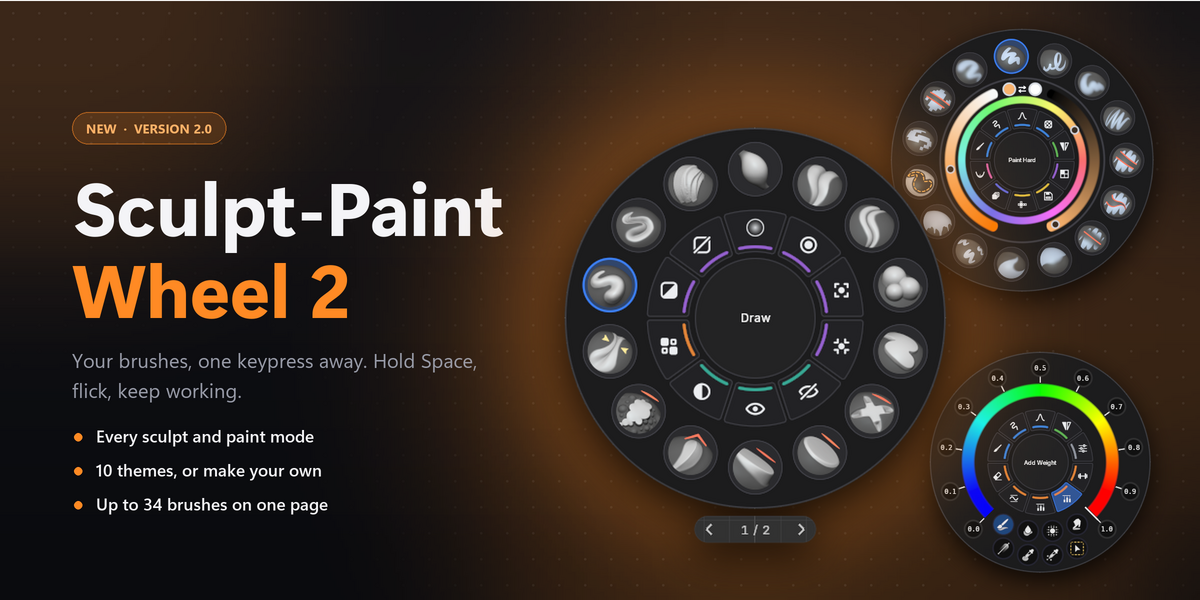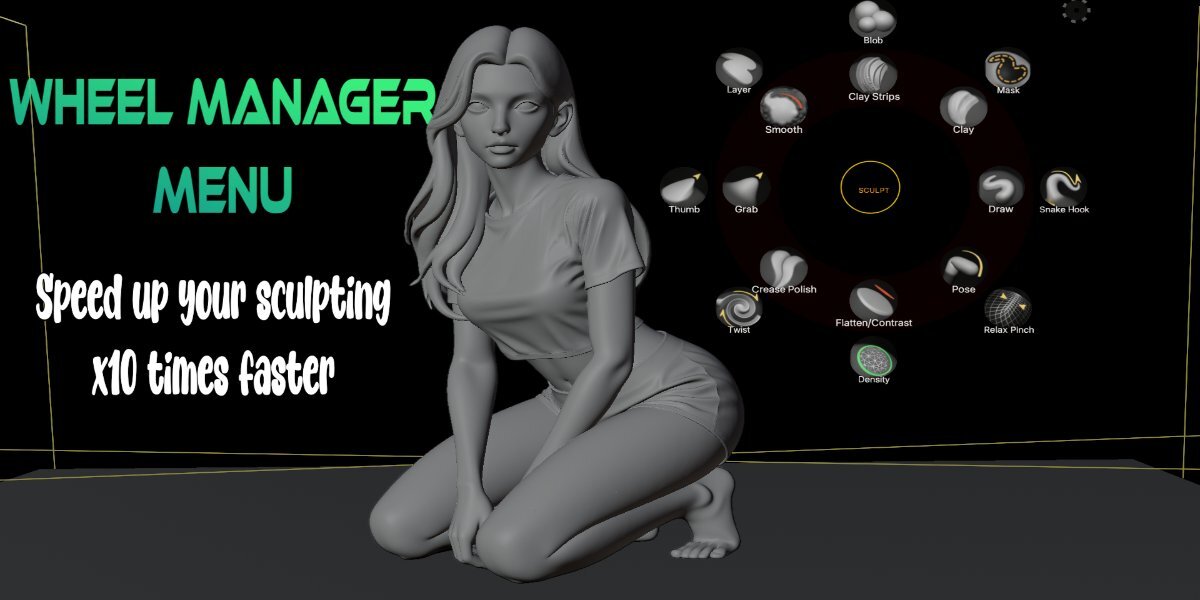
Wheel Menu Manager is a Blender extension add-on for building custom radial menus. It lets you assign meshes, brushes, nodes, or lights to a wheel for quick access. The AnyPlugins summary describes a GPU-rendered radial wheel for Blender, with multiple rings, a live viewport preview, a search-based picker, and Blender's N-Panel controls.
Arrange entries in custom rings
The core wheel has eight slots per ring. Add multiple rings to group entries, then drag slots to change their order. The live preview helps you inspect the arrangement while you set it up. This can suit Blender users who regularly switch among their own mesh, brush, node, or light entries and want those choices grouped in a radial menu.
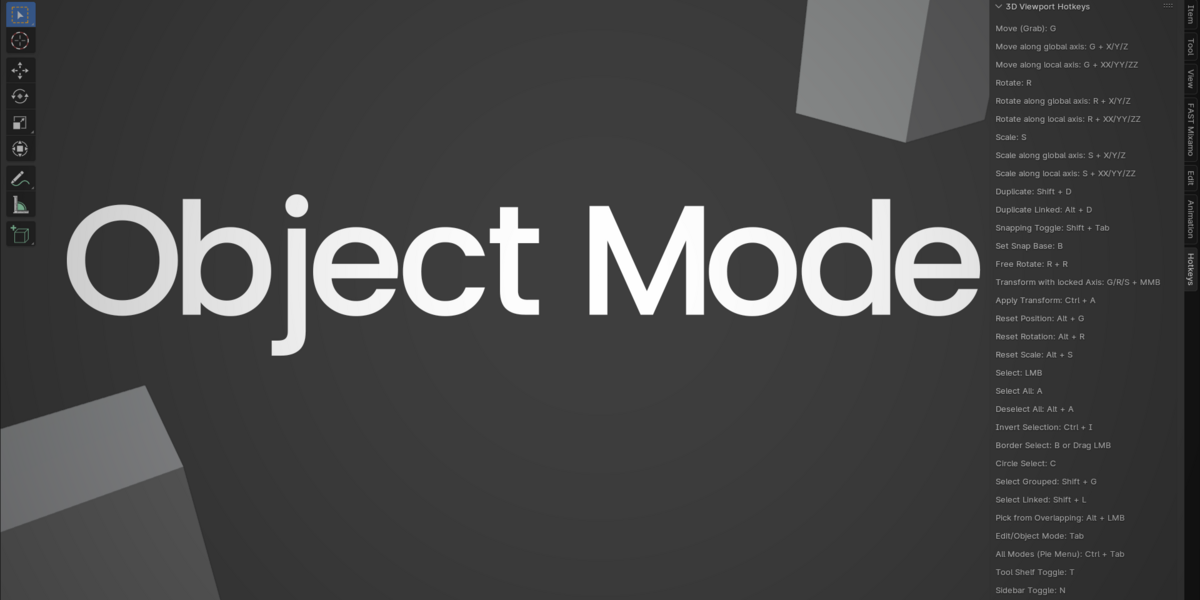
The product listing marks the Lite wheel as Object mode only.
Core wheel and Pro sculpt tools
Wheel Menu Manager has a core wheel and a Pro configuration. The core feature set includes the multi-ring menu, live preview, a search-based picker, N-Panel controls, and preset save, load, import, and export options. The Pro configuration adds a Sculpt Mode brush wheel with more than 90 brushes, GPU brush icons, an asset brush system usable in Blender 4.3 and later, drag-and-drop slots, an in-wheel preset switcher, auto-save presets, and context menu assignment.
Opening the wheel and reusing presets
With the cursor in the 3D Viewport, press E to open the wheel. In Toggle mode, click a slot to execute it and press E again to close; in Hold mode, keep E pressed and release it to execute the hovered slot. Its preset options let you save and load arrangements, or import and export them for reuse. The Pro configuration adds auto-save presets and an in-wheel preset switcher. The documentation uses E in the 3D Viewport but does not explicitly identify E as the default key binding. A demo video is also linked from the product page.
Blender compatibility and license
The product listing calls the core wheel Lite and marks it Object mode only. It gives Blender versions 4.3 to 5.0 and a GPL license The product documentation says Lite and Pro require Blender 3.0 or later, recommends Blender 4.2 or later for the full Pro experience, and lists compatibility with Blender 4.3, 4.4, and 5.0 or later. It also says the add-on runs on all operating systems Blender supports. This version guidance differs from the listing's Blender 4.3 to 5.0 range, so check compatibility for your Blender release before installing.