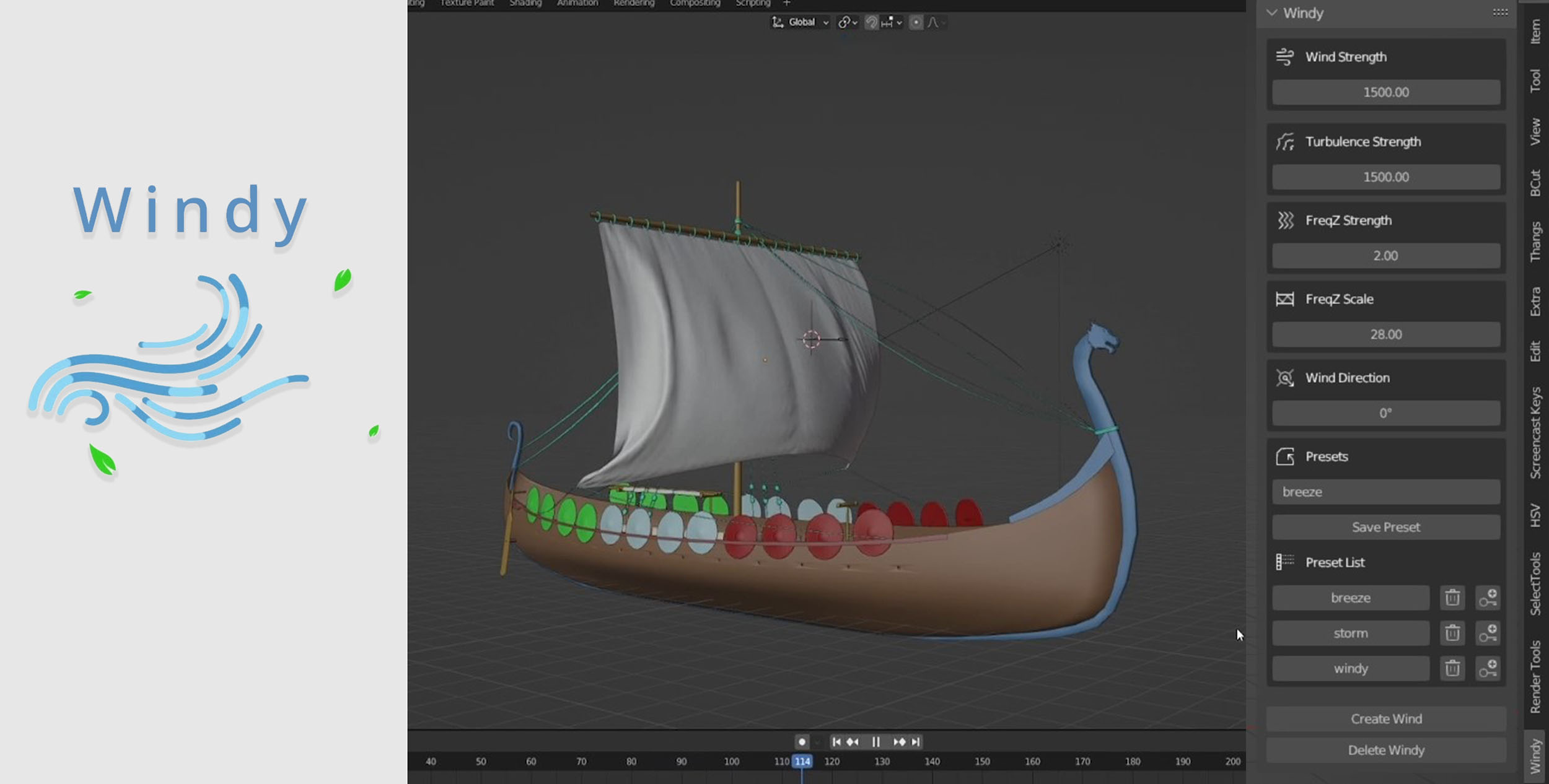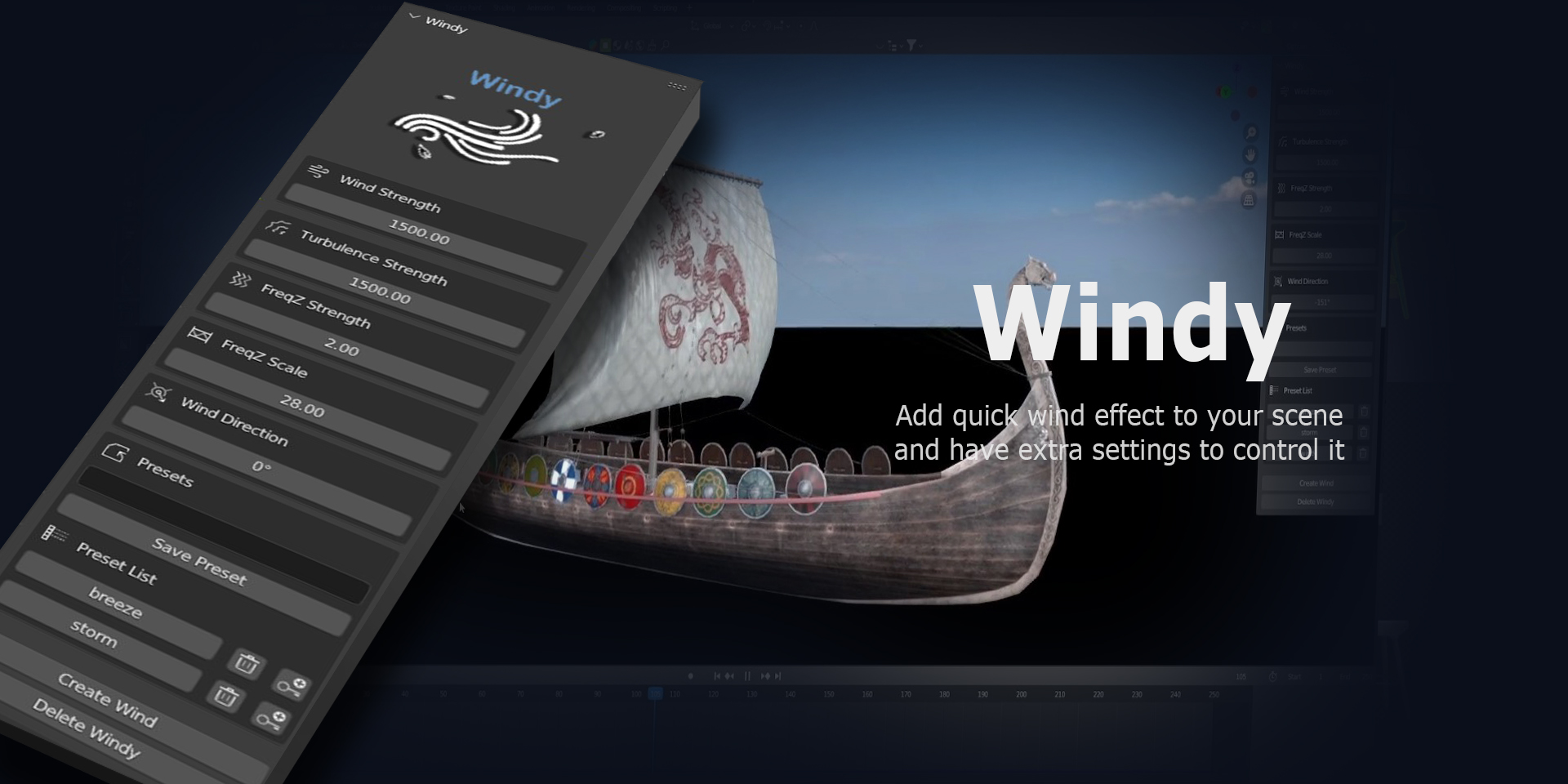
Windy is a Blender add-on from SMArchviz for adding a wind system to a scene. Run Create Wind to place it at the 3D cursor, then adjust wind and turbulence from the Windy tab in Blender’s side panel. See the SMArchviz product listing for current product details.
Adjust wind and turbulence
Wind Strength controls wind intensity, while Turbulence Strength adjusts the turbulence amount. FreqZ Strength controls the intensity of the wind and turbulence animation. FreqZ Scale controls its speed.
Reuse or animate presets
Save multiple wind presets, switch between them in real time, or use them to create animations. Run Delete Windy to remove the wind system from the scene.
Install Windy
- In Blender, open Edit > Preferences and choose Install.
- Select the
windy.zipfile and activate the add-on. - Open the side panel and select the Windy tab to access its tools.
Compatibility
The product listing names Blender 4.0 through 5.3, the Cycles and Eevee render engines, and a GPL license.