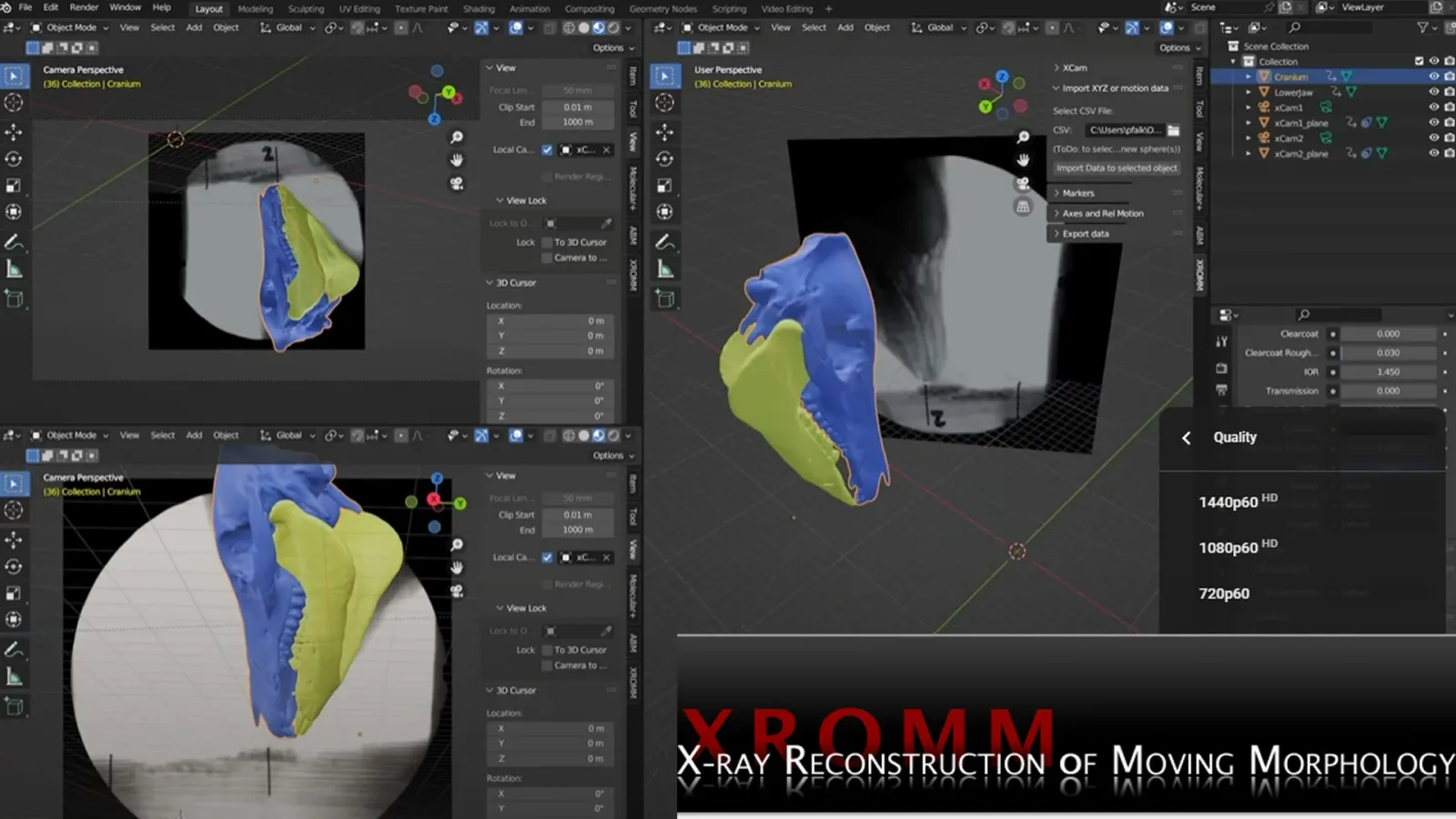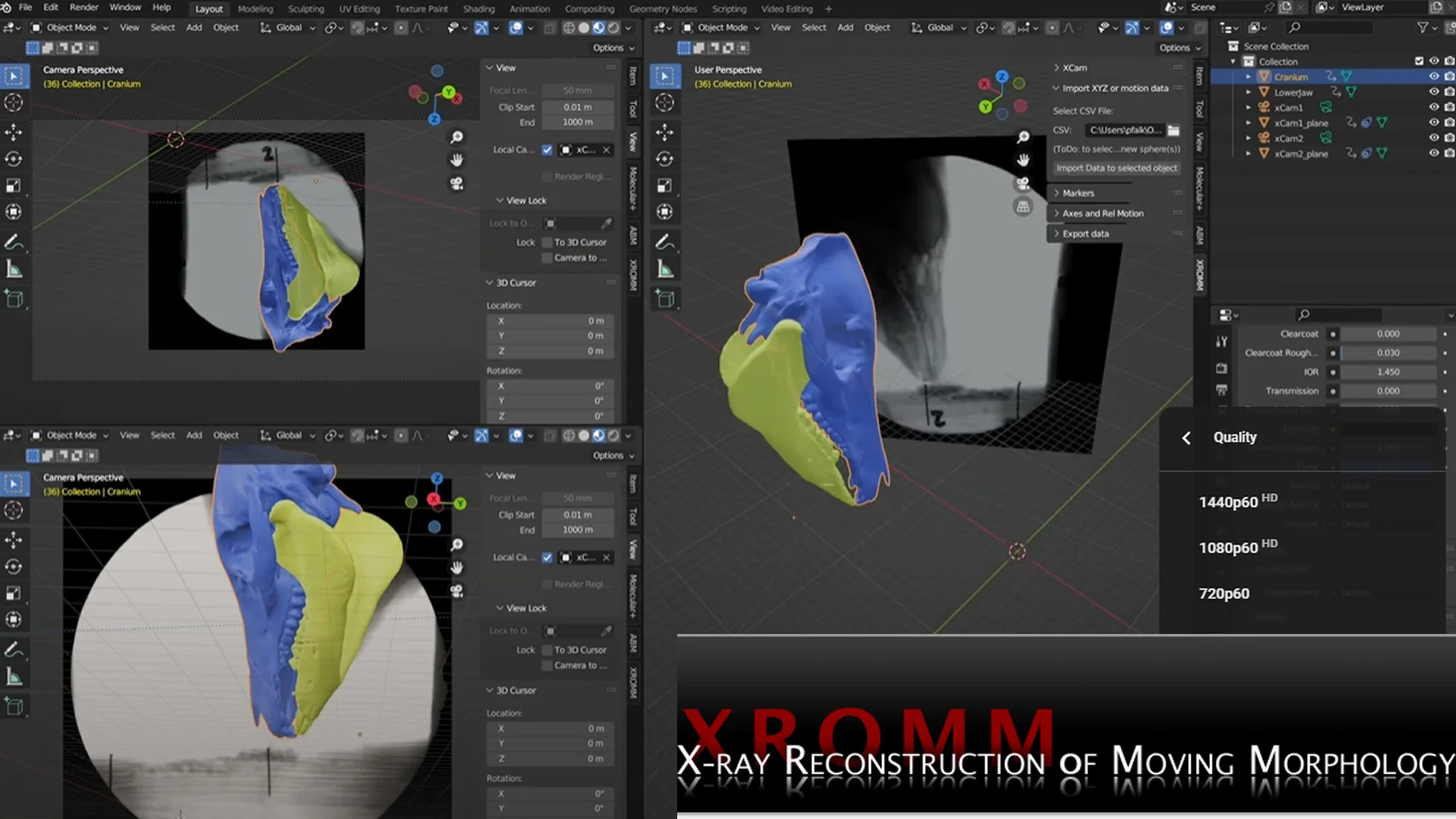
XROMM toolkit is a Blender add-on based on the XROMM Maya Tools for X-ray Reconstruction of Moving Morphology. It imports motion data, calculates relative motion between objects and exports CT-marker coordinates. Prof Peter Falkingham develops it, and the project provides sample input data.
Using XROMM toolkit in Blender
XROMM toolkit imports camera and image-plane data exported from XMALab as MayaCamsv2; MayaCamsv1 is not supported. It imports rigid-body transforms to objects, as well as XYZ locations and/or rotations to new or selected objects. The add-on creates axes at joints, with or without locators, and calculates relative motion between two objects using axes. It exports CT-marker XYZ coordinates and object translation or rotation data. Sample input data is in the project's SampleData directory. The project README describes the Blender toolset as in progress and says help may be more limited because most XROMM experts still use Maya.
Version and compatibility
The Blender Extensions catalog lists version 0.9.91 and Blender 4.2 LTS and newer. Its API record specifies Blender 4.2.0 as the minimum version. The 0.9.91 release note says the version number was moved from bl_info to blender_manifest.toml to fix an extension metadata issue.
Download and license
The extension listing provides drag-and-drop and download options, including Install from Disk. Its listed license is GNU GPL v3.0 or later. Visit the GitHub releases page for the add-on, or see the original XROMM Maya Tools project.