Bitwig Studio is a digital audio workstation for recording, arranging, improvising, performing, and designing sounds. It brings a linear Arranger timeline and a nonlinear Clip Launcher into one project, with versions for Windows, macOS, and Linux.
Move between arrangement and performance
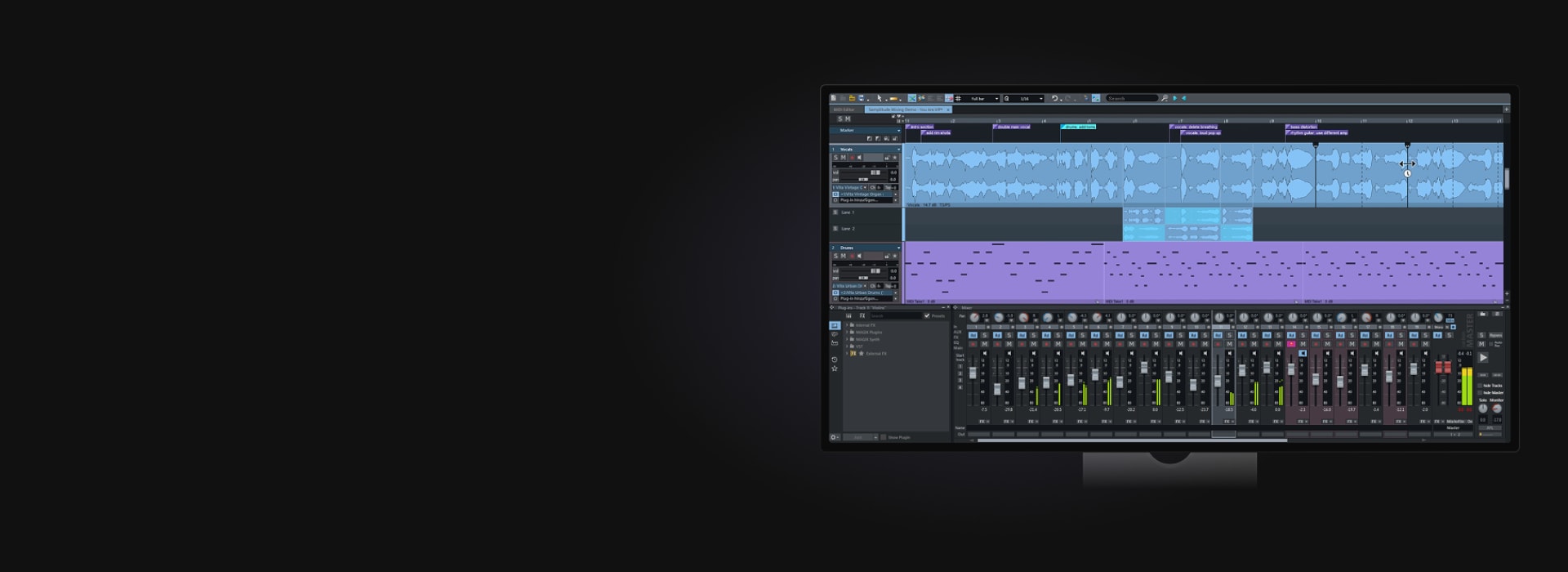
Record audio into the Arranger or Clip Launcher, then build a song on the timeline or trigger clips as you perform. Bitwig includes audio comping, time-stretching options, and clip editing tools for splitting at onsets, repitching with curves, scaling, and stretching. Clip aliases connect related clips across a track.
Automation can sit directly on tracks or in clips with their own looping and start times. Automation clips can also be stretched or linked with aliases, which gives you different ways to develop a sound across a project.
Edit audio and notes together
Bitwig's hybrid tracks can hold audio and note material. Layered editors let you view different material side by side, and the piano roll includes key signature support. Individual notes can carry micro-pitch, pressure, and panning data. Operators add rules for when and how notes play.
This setup suits projects that mix recorded parts with instruments or other note-driven devices. You can shape audio on the timeline or in clips, then work on note detail without leaving the project.
Build sounds with modulation and The Grid
Bitwig's modulation system can control its built-in devices, plug-ins, and connected hardware. The available modulation set depends on the edition. The full Bitwig Studio edition includes The Grid, a modular environment for building instruments, audio effects, and note effects. Its devices include Poly Grid, FX Grid, and Note Grid.
The device library includes instruments such as Polymer and Phase-4, a Sampler, drum instruments, EQs, filters, and audio and note effects. Bitwig also includes presets, clips, and samples. The number of devices and the included sound library vary by edition.
Compare the Bitwig editions
Bitwig's edition comparison groups the software into Essentials, Producer, and Bitwig Studio. Essentials is the entry edition with a starter modulation system. Producer adds advanced modulation, layered editing, more time-stretching options, and the ability to open multiple projects at once. The full Bitwig Studio edition adds The Grid, the complete modulation system, and the Sampler's full multisample editor.
All three editions are listed for Windows, macOS, and Linux, with unlimited audio, instrument, and hybrid tracks and support for VST and CLAP plug-ins. Producer and Bitwig Studio support up to three screens and multiple open projects; Essentials is listed for a single screen. Check Bitwig's current edition comparison for the details that matter to your setup.
Connect controllers and studio gear
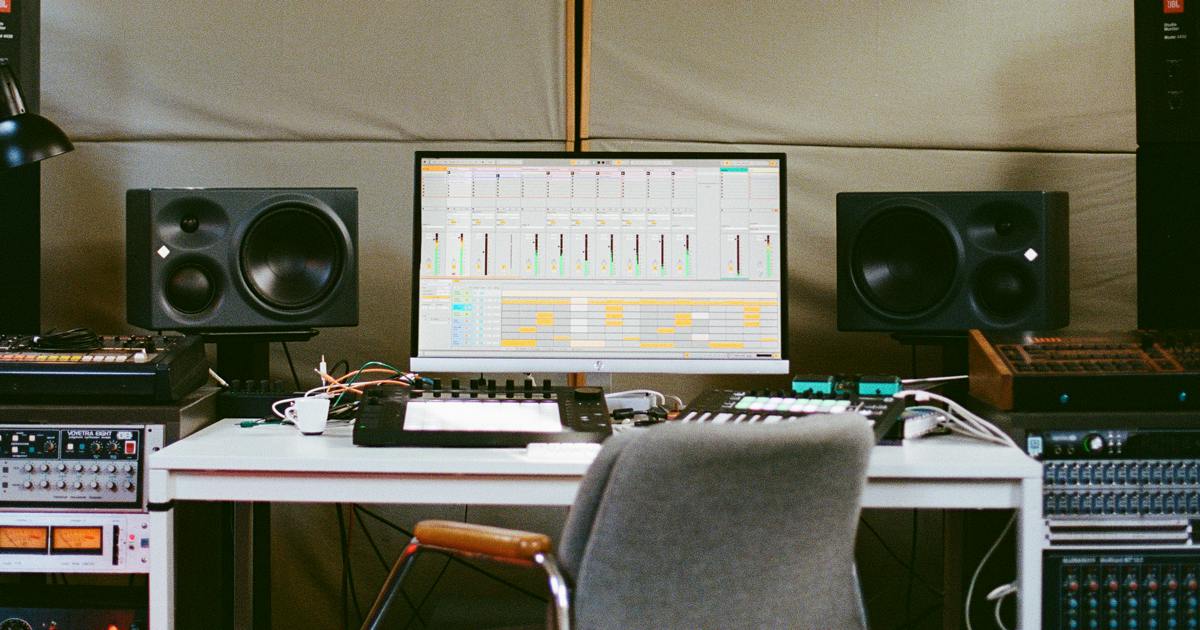
Bitwig can sequence, sync, and control external equipment through MIDI, CC, CV, Gate, analog signals, MIDI Clock, and MIDI Timecode. The overview also lists MPE support, multi-touch integration, and the ability to use more than one audio interface at a time. Hardware and display options depend on the edition.
Bitwig Studio may suit producers who want clip-based improvisation alongside timeline arranging, or sound designers who use modulation and modular patching. Before choosing an edition, check the Bitwig support page for system requirements and the user guide, then compare the included tools against your recording, performance, and hardware needs.