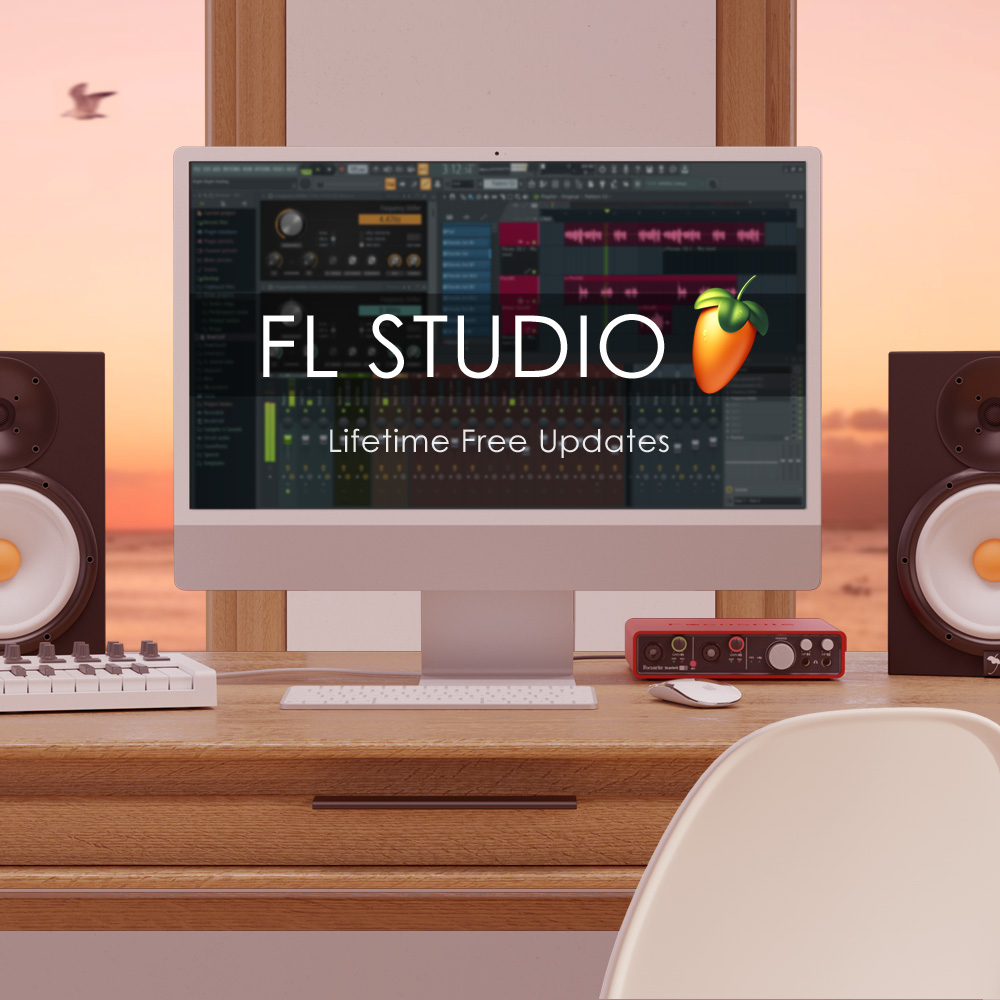
FL Studio is Image-Line’s digital audio workstation for building beats, composing, recording, arranging, and mixing music. It runs on Windows and macOS. A project can start with patterns in the Channel Rack, move into the Piano Roll for melodies and chords, and take shape in the Playlist, where you arrange patterns, clips, loops, and audio. The built-in mixer handles levels, routing, and effects. See Image-Line’s FL Studio feature overview.
Build a track from patterns and audio
The Channel Rack supports step-by-step beat and pattern creation. In the Piano Roll, you can sketch notes and develop them into melodies, chords, or more complex parts. The Playlist brings those patterns together with audio clips to form an arrangement. For recorded material, Image-Line describes recording vocals, instruments, or other sources into the Playlist, then editing audio with tools such as Edison.
FL Studio also includes its own instruments and effects, and Image-Line lists support for third-party VST, AU, and CLAP plugins. The mixer has routing and effects, with the official feature page listing up to 500 tracks. These tools let you work on composition, recording, and mixing within the same project.
Check what each Edition includes
Image-Line describes FL Studio as including more than 100 instruments and effects, but the plugin bundle varies by Edition. Its feature page names tools such as Sytrus, FLEX, and Fruity Parametric EQ 2. Compare the current Editions if a particular instrument or effect matters to your setup.
A purchase includes free future updates for the Edition you own, for as long as Image-Line continues developing FL Studio. Moving to a higher Edition costs the price difference, and some plugins and sounds are sold separately. FL Cloud is an optional subscription, with a free plan included. The Lifetime Free Updates details explain what updates cover.
Understand the trial before starting a project
The trial provides the features and plugins available in the fully unlocked version, and it lets you save and export projects. Its main restriction is that saved project files cannot be reopened while FL Studio is still in trial mode. The files remain on your computer and can be reopened after you unlock a paid Edition. Image-Line says the trial does not expire, so you can use it to explore the workflow before choosing an Edition. See the official download and trial information for current details.
Who might find FL Studio useful?
FL Studio is worth considering if you want to build music from patterns, write parts in a Piano Roll, arrange audio, and mix in one DAW. Its audio recording and editing tools also suit projects that include vocals or instruments alongside programmed beats. Before buying, test the trial with the kind of project you expect to make, then check the Edition comparison for the plugins you need. Image-Line’s online manual covers the application’s tools and workflows.