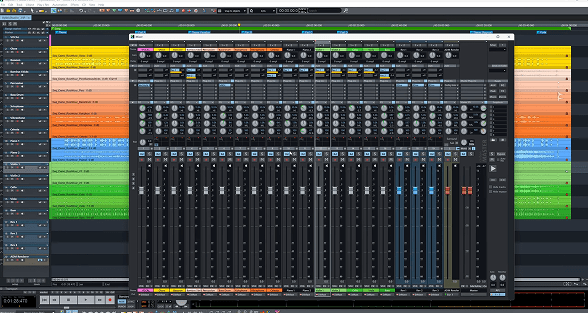
Sequoia is a Windows digital audio workstation (DAW) for mastering, broadcast, live and classical recording, audio restoration, mixing, and audio post-production. Its object-based editing, source/destination workflow, and multitrack tools support detailed work across complex sessions.
Object-based editing and session assembly
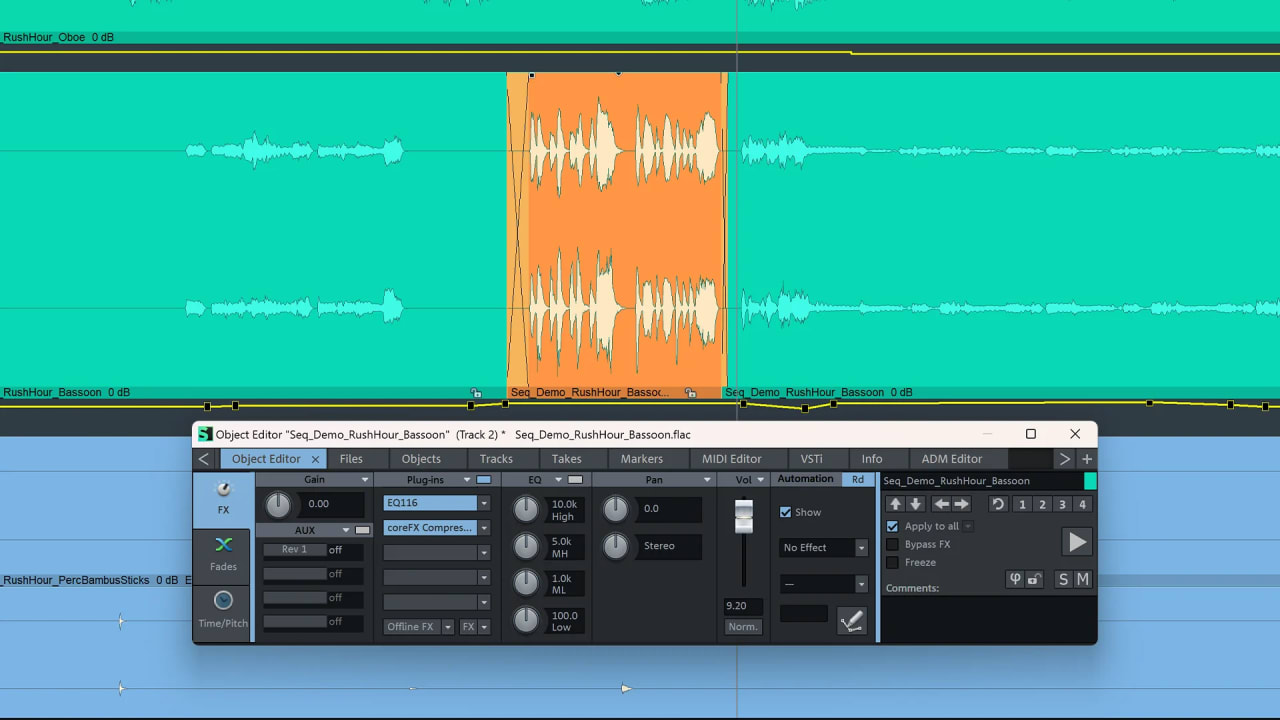
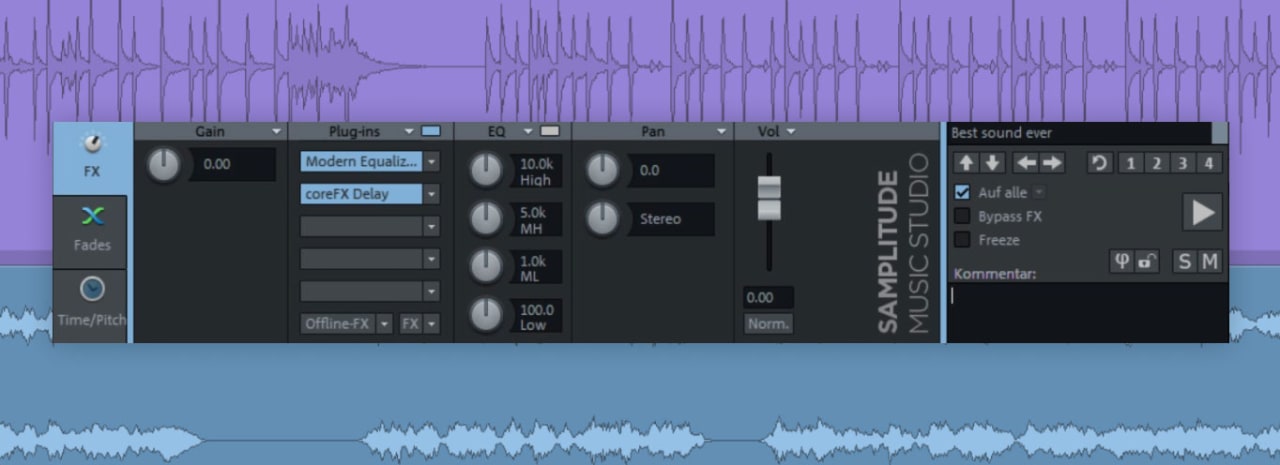
In Sequoia, audio can be split into objects and moved along the timeline. Each object can have its own fades, effects, automation, and routing, giving editors control over individual parts without applying every change to a full track.
Source/destination editing lets users review source and destination material together, then place selected regions with four-point editing. Insert, overwrite, and ripple options help manage timing, and Sequoia creates crossfades automatically. Multi-Synchronous Cut (MuSyC) can help align edits across takes recorded at slightly different tempos.
Mastering, live, and broadcast workflows
Mastering tools include album sequencing, PQ and ISRC codes, loudness measurement, DDP import and export, and codec preview. The export workflow can create multiple formats, including stereo and surround versions, in a single process. Track and object processing can be adjusted before the final master is assembled.
For live and broadcast work, Sequoia can preview, cut, arrange, and export material while recording continues. Its source/destination editing and multitrack tools also support classical recordings and other sessions built from multiple takes.
Spatial audio and video post-production
Sequoia 2026.5 adds a Spatial Panner for mono through 22.2 channel workflows, including Dolby Atmos and ADM. It can show routed sources together, link panning across target buses, and provide speaker snapping and stereo controls. The 2026.5.1 update adds Linear and Timing draw modes for panning automation.
The Sequoia 2026 video engine supports playback and editing of 4K footage up to 60 fps, with AVC, HEVC, AV1, and ProRes support. The 2026.5 update also describes improved timecode sync, Blackmagic hardware support, and multistream audio workflows.
System requirements and licensing
Sequoia requires 64-bit Windows 10 or Windows 11. Boris FX lists minimum requirements of a CPU with 4 to 8 cores and at least an 8th-generation Intel i5, 8 GB of RAM, 2 GB for program installation, integrated graphics with current drivers, and a WDM- or ASIO-capable sound card or USB audio interface. Activation uses either a software dongle or a hardware dongle; the hardware option requires a third-generation Wibu dongle.
Consult the Sequoia user guide for product instructions. Boris FX offers a 15-day trial through the Sequoia trial page.