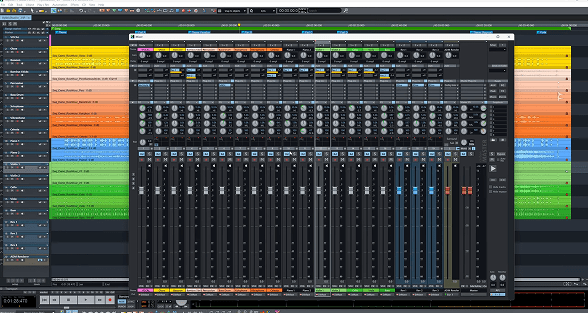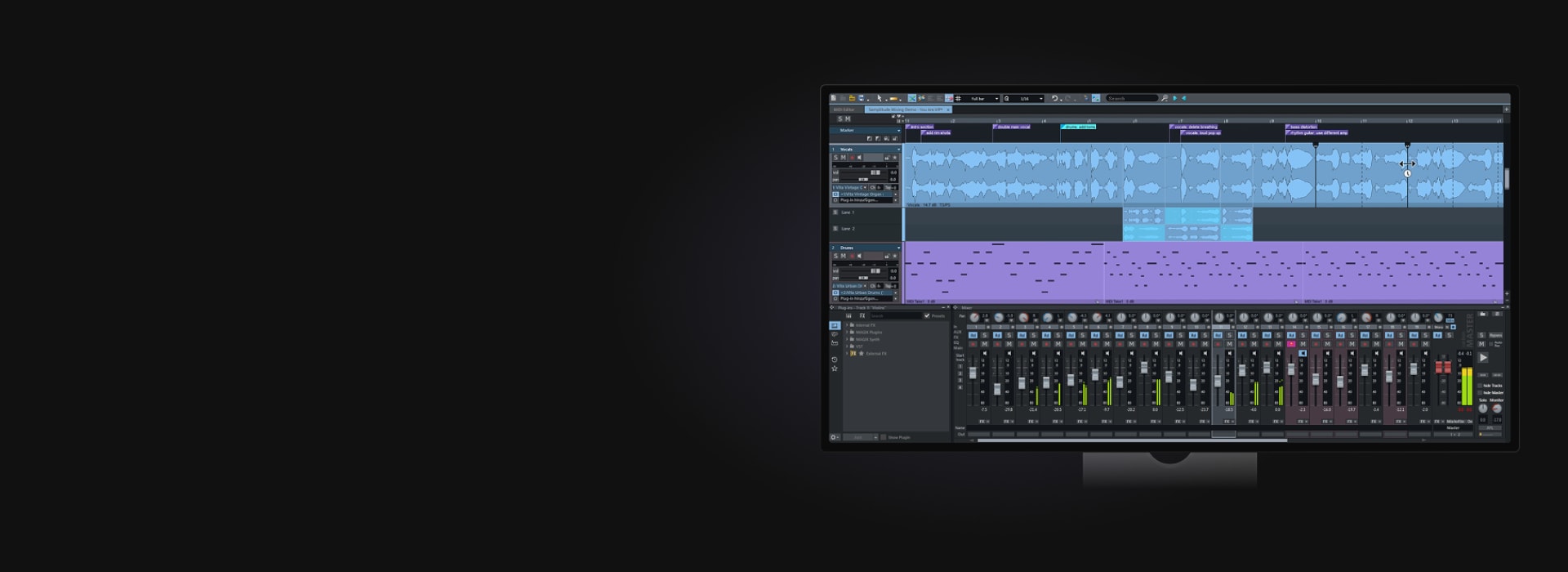
Samplitude is Boris FX’s digital audio workstation for recording, editing, composing, mixing and mastering. Its object-based workflow lets you apply effects, sends and automation to individual audio clips, while its track-based arrangement supports larger sessions. Samplitude 2026.5 adds a Spatial Panner and the Stream Deck OSC Plugin.
Work with audio at the clip level
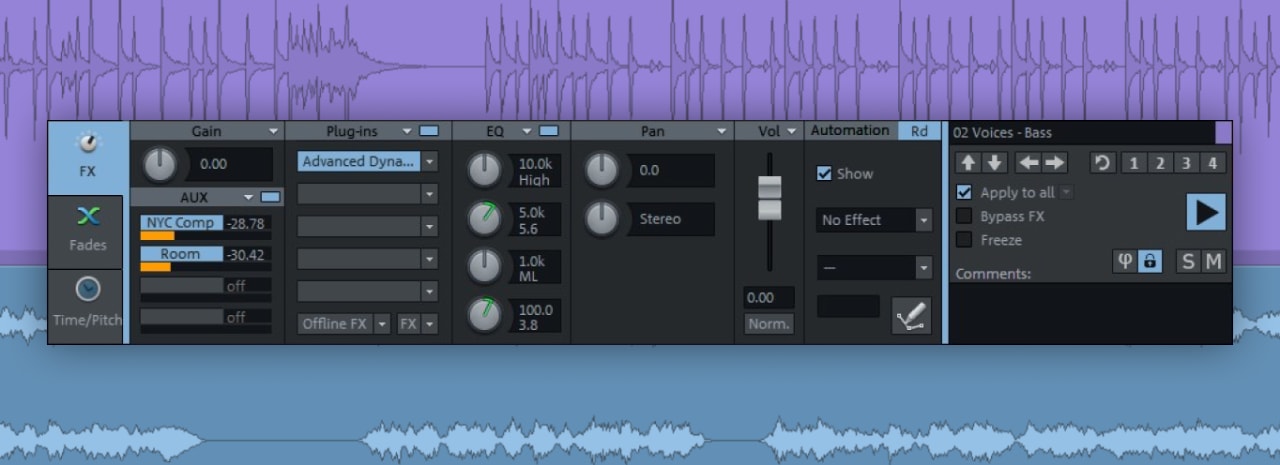
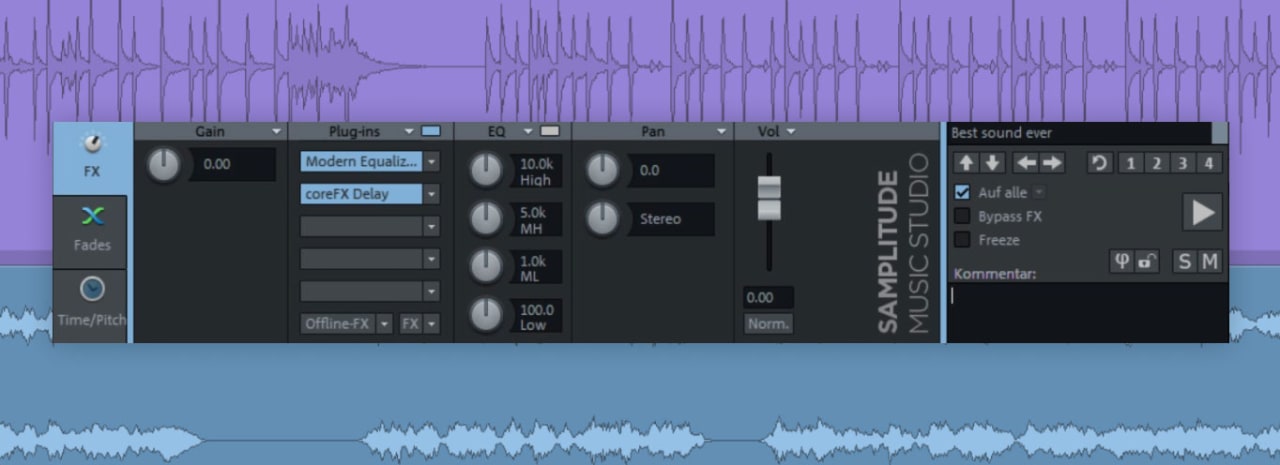
In Samplitude, an audio object is an individual clip in the arrangement. You can adjust its level and fades, trim it, or open the Object Editor to apply processing and routing. The edits are non-destructive, and the product page says they can be calculated during playback. This can help when a session needs detailed edits to many short regions without creating a separate track for every clip.
For recording, the Take Composer provides a view of recorded takes so you can compare and combine sections. Mixing tools include automation lanes, flexible routing and a plugin browser. For delivery, multi-stem export can render project tracks with their effects and routing, while range markers let you select project sections for export.
What changed in Samplitude 2026.5
The Spatial Panner brings sources into one workspace for positioning and automation. Its 2D view and optional 3D cube view help you locate routed sources; speaker snap can place sources at speaker positions. Draw Mode includes Linear and Timing automation options. A stereo mix can expand to surround in the same project.
Samplitude 2026.5 also adds a Stream Deck OSC Plugin for triggering Samplitude commands from an Elgato Stream Deck. Stream Deck+ users can control faders, adjust automation with dials and view live VU meters. Compatible ARA plugins are detected automatically, and the update adds 32-bit integer export.
Samplitude and Samplitude Suite
The standard edition supports spatial mixing up to 5.1. Samplitude Suite adds native Dolby Atmos support, an ADM Editor and mixing up to 7.1.4. Suite-only 2026.5 additions include BandRack, which splits audio into as many as six frequency bands for processing with VST3 plugins, and SoundApp ARA for stem separation and voice cleanup within a session. The editions also differ in their included plugins and instruments.
MIDI, instruments and video sound
Samplitude includes MIDI editing, virtual instruments, a drum editor and a score editor that can display up to 48 staves per track. It supports MIDI plugin routing and MIDI Polyphonic Expression (MPE) for compatible controllers. For video post-production audio, it can import supported video formats and exchange projects through AAF/OMF; it is an audio workstation rather than a general-purpose video editor.
Check the Windows requirements
Samplitude runs on 64-bit Windows 10 or 11; it requires at least 8 GB of memory, with 16 GB recommended. The minimum disk requirement is 2.7 GB, or 13 GB with instruments and sounds. Review the current Samplitude requirements before installing, especially if you plan to use the included instruments and sounds. Boris FX provides the Samplitude User Guide for workflow details.