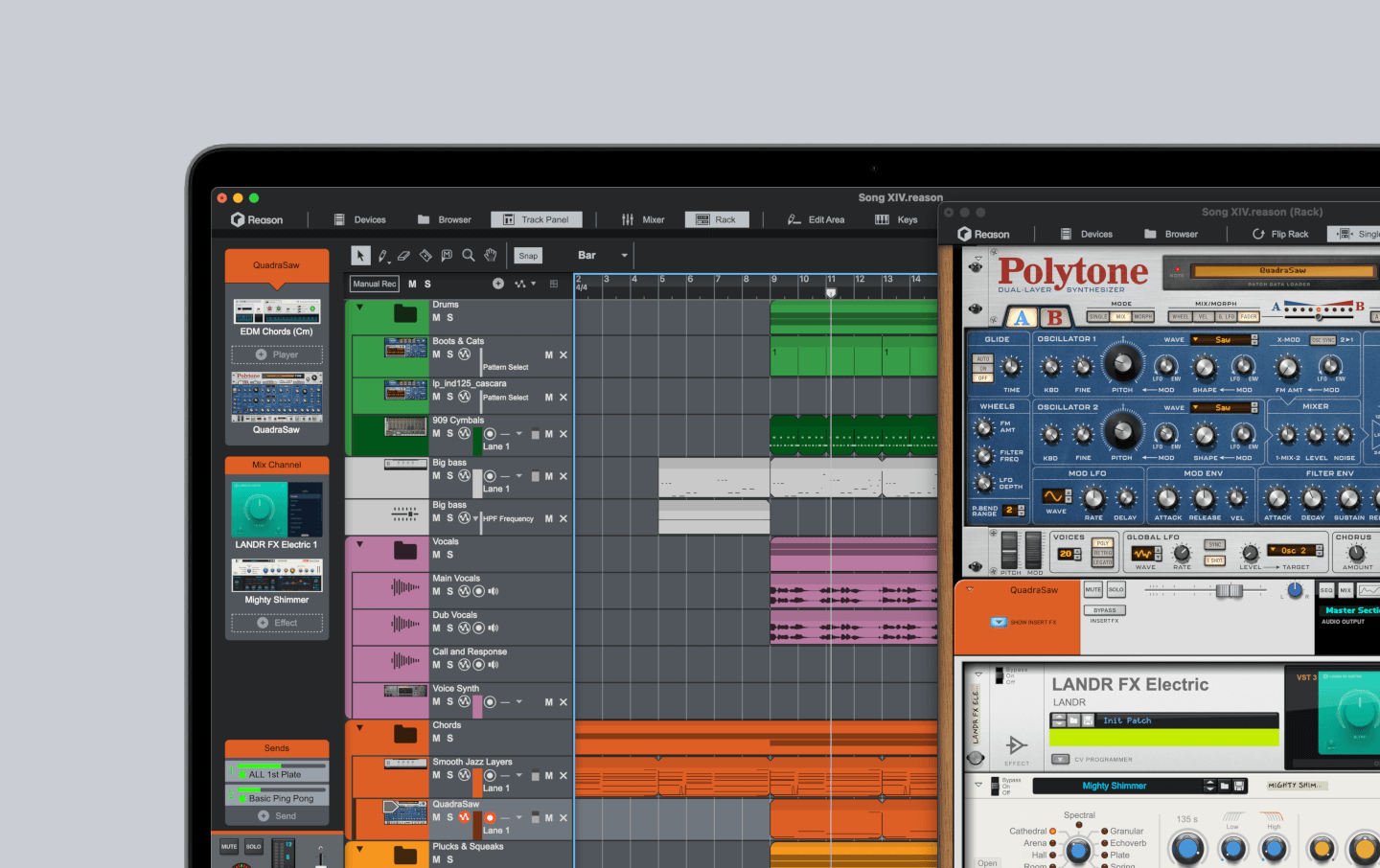
Reason, made by Reason Studios, is music-making software built around a virtual Rack where you connect instruments and effects. Use Reason as a full digital audio workstation (DAW) for recording, sequencing, and mixing, or run it as a plugin inside a compatible DAW.
Build sounds with the virtual Rack
The Rack gives you a space to wire instruments and effects together as you shape a sound. That patching workflow sits alongside the tools for recording and arranging a track.
Reason Studios' product site names the RV-9 Reverb Station and Osmium Distortion Matrix; check the edition details to see which devices are included.
Use Reason on its own or inside another DAW
In standalone use, Reason includes recording, sequencing, and mixing. This can suit a project where you want to make and arrange music in one application. As a plugin, Reason brings its Rack into another compatible DAW, so you can use it within an existing production workflow.
Reason Studios' Help Center has tutorials for using Reason with Ableton, FL Studio, Logic Pro, and Pro Tools. These tutorials are useful starting points; check the manual for requirements that apply to your Reason version and DAW.
Check the workflow and setup details
Reason may suit producers looking for a patchable instrument-and-effects environment alongside recording and sequencing tools. If you mainly need one specific effect or instrument, compare the available Reason devices with that narrower need before choosing the broader DAW and Rack workflow.
Before buying or installing, confirm the current system requirements, supported plugin formats, included devices, and license terms. The Reason manual and Reason Studios' Help Center provide product guidance and getting-started material.