DaVinci Resolve is Blackmagic Design’s post-production software for video editing, color correction, visual effects, motion graphics and audio. Its workspaces cover the process from organizing footage to finishing and delivery. DaVinci Resolve 21 also adds a Photo page for still-image work. See the official DaVinci Resolve overview for the current feature list.
Editing, color, effects and sound in one project
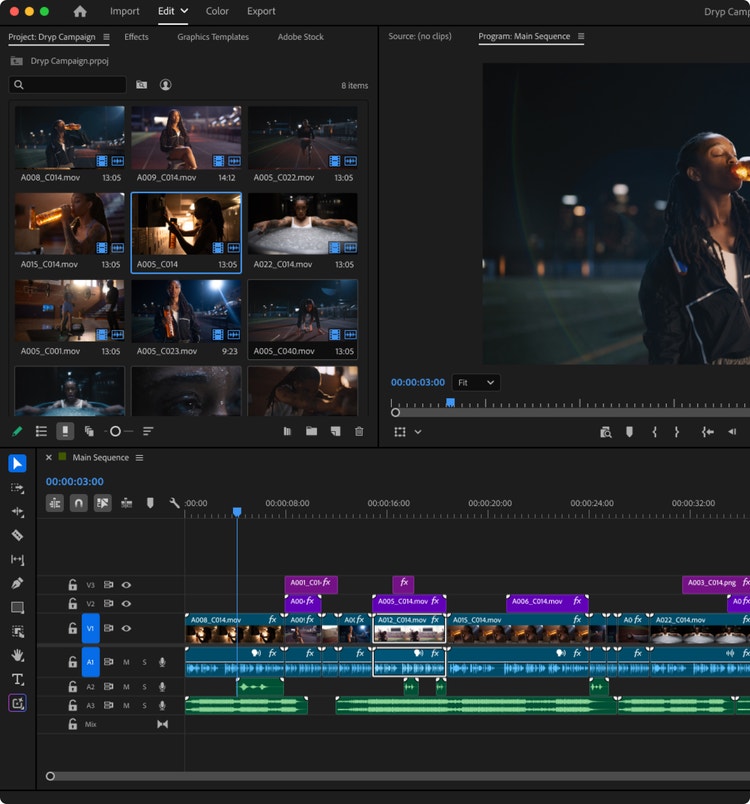
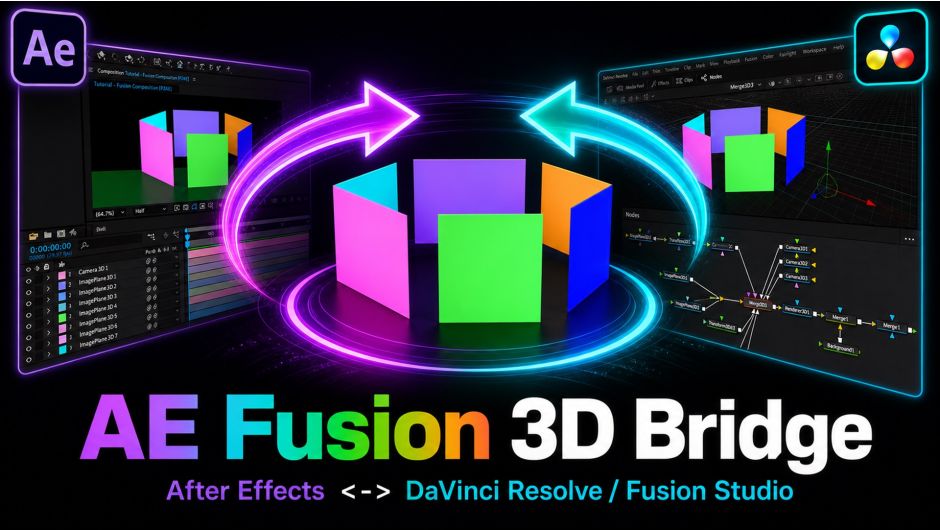
The Media page is for importing, syncing and organizing clips. Use Cut for a streamlined edit, including multicamera work, or Edit for timeline editing, trimming, titles and transitions. Fusion provides node-based tools for compositing and motion graphics. Color is the grading workspace, while Fairlight handles audio post-production. The Deliver page provides export settings and a render queue.
This layout suits work that moves through several post-production stages. Teams can use multi-user collaboration and Blackmagic Cloud project libraries to work on the same project. Resolve also supports third-party OpenFX and audio plugins, plus title and motion-graphics templates.
DaVinci Resolve and DaVinci Resolve Studio
Blackmagic Design offers a free DaVinci Resolve edition and a separate paid DaVinci Resolve Studio edition. The free edition supports virtually all 8-bit video formats at up to 60 frames per second and resolutions up to Ultra HD 3840 × 2160. It includes HDR grading and multi-user collaboration.
Studio includes the free edition’s features and adds tools such as the DaVinci AI Neural Engine, additional Resolve FX, temporal and AI spatial noise reduction, text-based editing, Magic Mask, film grain and optical blur. Blackmagic Design lists support for 10-bit video at up to 120 frames per second and resolutions above 4K in Studio. Check the official technical specifications against your footage and computer before choosing an edition.
Still-photo work in Resolve 21
The Photo page brings Resolve’s color tools to still photography. Blackmagic Design describes support for native RAW files from Canon, Fujifilm, Nikon and Sony cameras, along with cropping, reframing, albums and tethered capture. This gives photographers and colorists a still-image workflow inside the same application.
Who may want to use it?
DaVinci Resolve is worth considering if you need editing, grading, effects and audio tools in one application. The free edition covers a defined range of formats and frame rates; Studio is relevant when you need its additional tools or higher listed video capabilities. Compare those requirements with your project media before deciding.