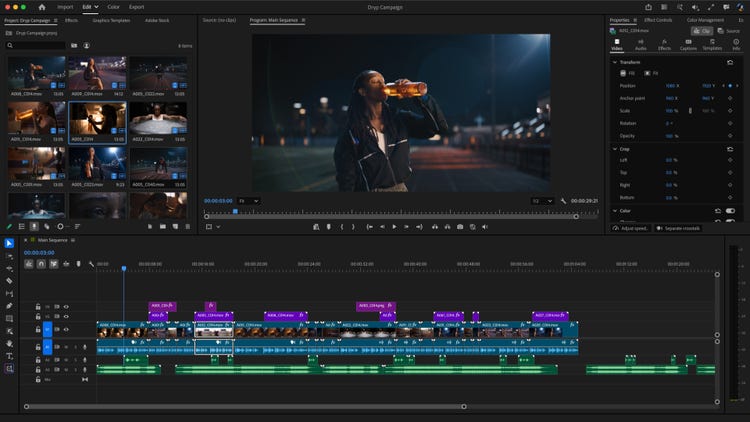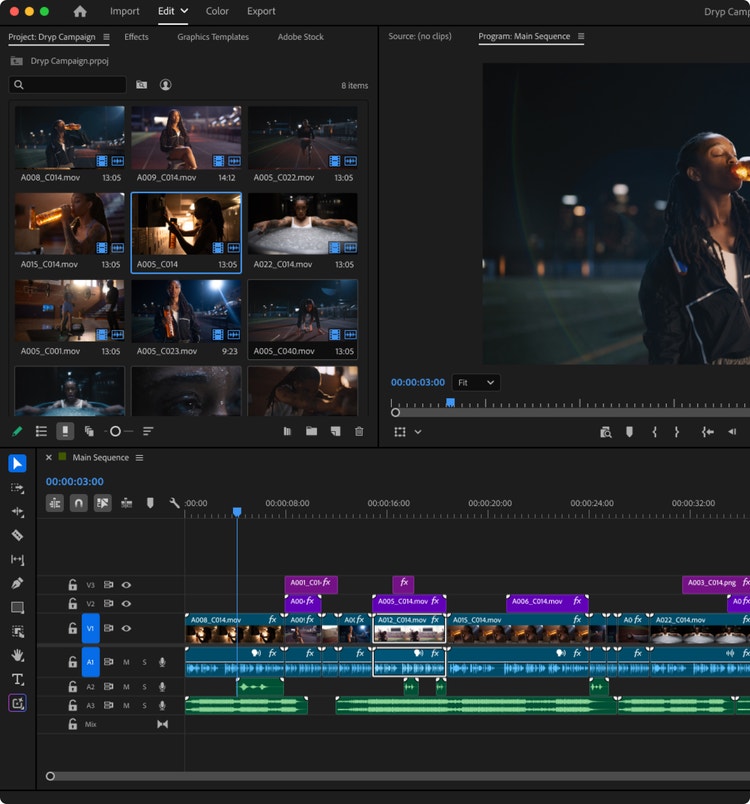
Adobe Premiere, also listed as Premiere Pro in plugin compatibility tables, is Adobe’s desktop video editor for cutting footage into finished sequences. It combines timeline editing with transcript-based rough cuts, color correction, titles, captions, audio tools and export workflows.
Build an edit from your footage
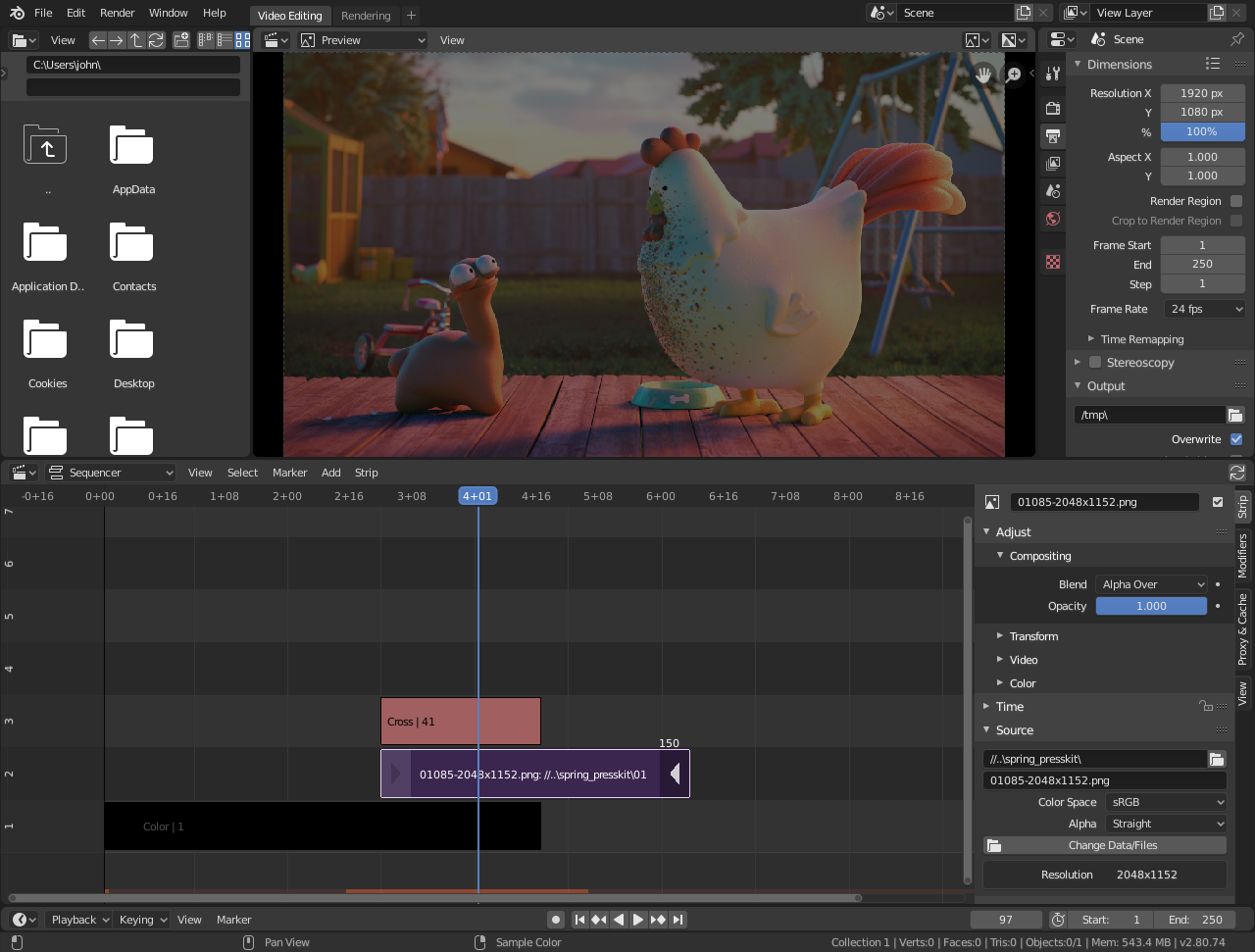
Premiere includes ripple, roll, slip and slide trimming tools for adjusting clips on a timeline. Media Intelligence lets editors search footage with everyday descriptions or find specific dialogue. Text-Based Editing transcribes video on import and lets you assemble a rough cut by copying and pasting transcript text, then refine the sequence on the timeline.
For picture work, editors can add effects and masks, replace backgrounds in green-screen footage, animate titles and create motion graphics. Premiere also supports color adjustment through Lumetri controls, including curves, color correction and color grades saved with Look Up Tables. These tools keep common editing and finishing tasks in the same project.
Work with sound, captions and review
Premiere includes audio effects and mixing controls, plus Enhance Speech for reducing background noise in dialogue. Speech to Text creates transcripts and captions, distinguishes between speakers and transcribes in 18 languages, according to Adobe’s feature overview.
For review and collaboration, the Frame.io panel lets editors access and organize media and share sequences for feedback. Team Projects supports simultaneous editing, while Dynamic Link connects Premiere projects with After Effects without rendering or exporting assets between the apps.
Check version and plugin compatibility
Adobe’s current product page calls the application Adobe Premiere, while extension listings may use Premiere Pro. Compare the add-on's compatibility list with your installed Premiere version before installing it. For example, SVG2Premiere lists Premiere Pro versions from 2022 through 2026. It batch-processes dropped SVG files into 4000px transparent PNGs and saves and imports them into the Project panel.
Adobe’s technical requirements page, updated November 10, 2026, applies to Premiere version 27.0. Adobe distinguishes minimum specifications for HD editing from recommended specifications for HD, 4K or higher. Check the requirements for your operating system and media before installing; activation requires an internet connection and Adobe ID.