Blender is a free, open-source 3D creation suite for modeling, sculpting, animation, rendering, compositing, motion tracking, and video editing. It suits creators making 3D assets or animated scenes who want those stages in one desktop application. Its tools also cover 2D drawing and animation with Grease Pencil.
From model to rendered scene
A typical asset workflow starts with meshes, curves, text, or sculpted geometry. You can edit the shape, create UV maps, paint textures, and set up materials, then use armatures, keyframes, constraints, or shape keys to animate objects and characters. Blender’s workspaces group tools for modeling, sculpting, UV editing, texture painting, shading, animation, and rendering.
For procedural work, Geometry Nodes applies node-based operations through a modifier. A node group can work with geometry such as meshes, curves, point clouds, volumes, and instances, making it useful for building repeatable setups and generating variations. Blender also includes physics tools, a compositor for post-processing, and the EEVEE and Cycles render engines.
2D, VFX, and video workflows
Grease Pencil supports 2D drawing and animation. Motion tracking and masking tools support footage-based work, while the compositor can process images and rendered scenes. This range is useful when a project combines animation, visual effects, or illustration with 3D assets.
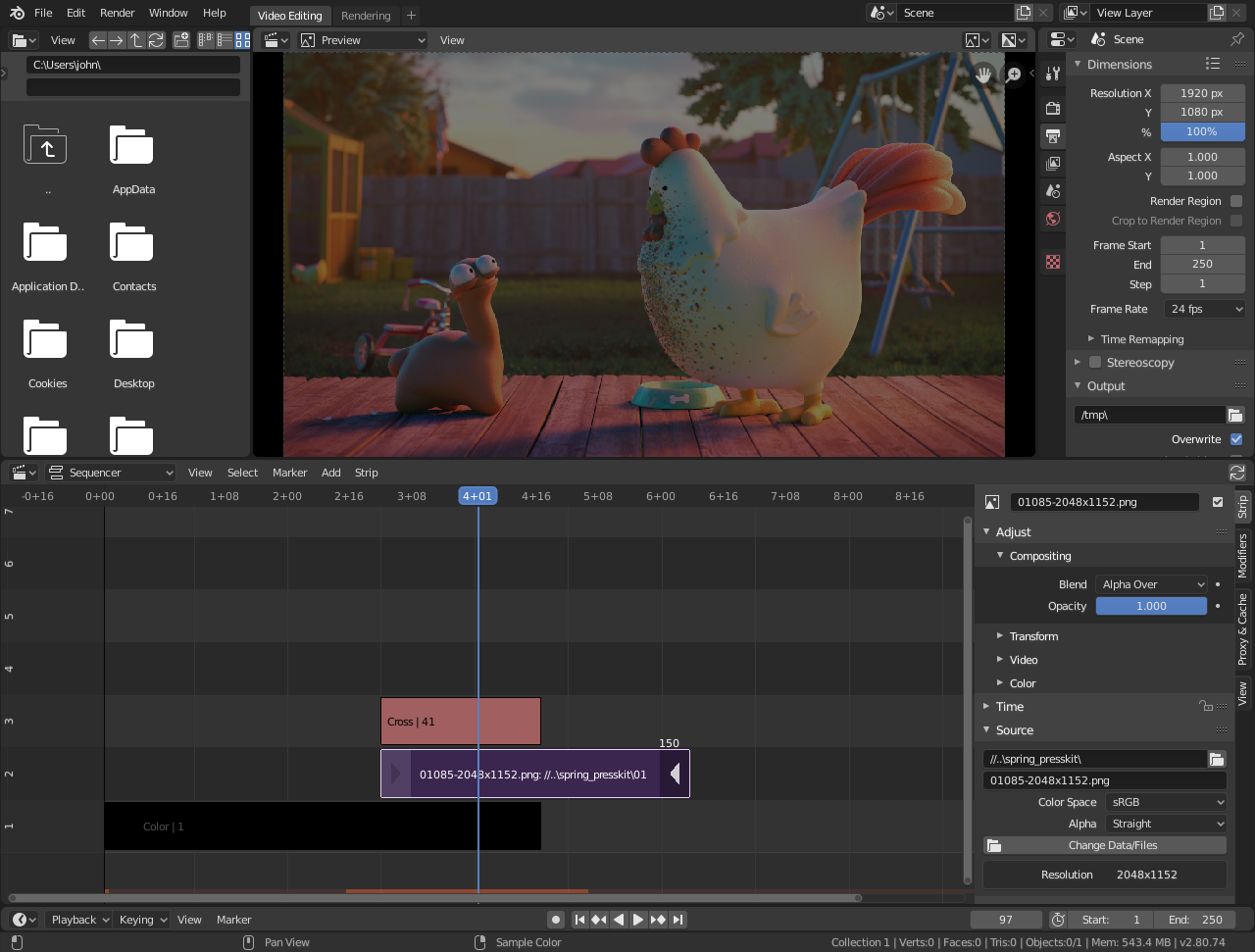
The Video Sequencer arranges video, image, audio, and effect strips on a timeline. You can cut and layer clips, add transitions and effects, sync audio, and render the sequence. It fits edits connected to a Blender project; check the supported formats and export settings against your delivery needs. See the Video Editing section of the manual.
Check hardware and build compatibility
Blender runs on Windows, macOS and Linux. For Apple silicon Macs, Blender 5.3 requires macOS 13 or later. Blender 4.5 LTS was the last release with an official Intel Mac build. Check the version-specific compatibility notes before upgrading an older machine.
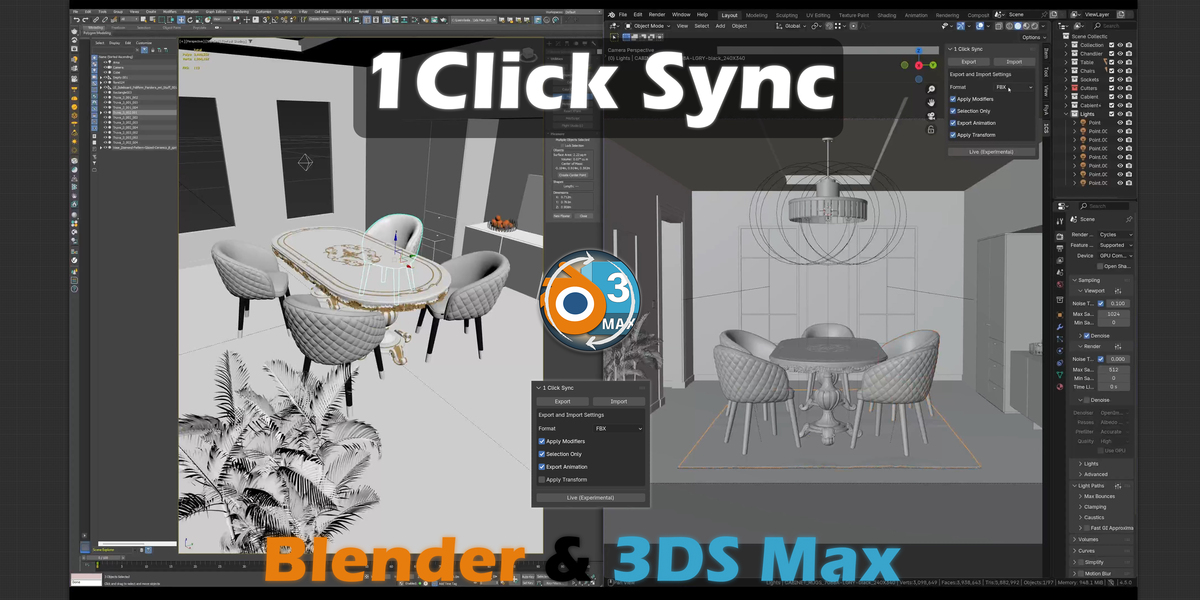
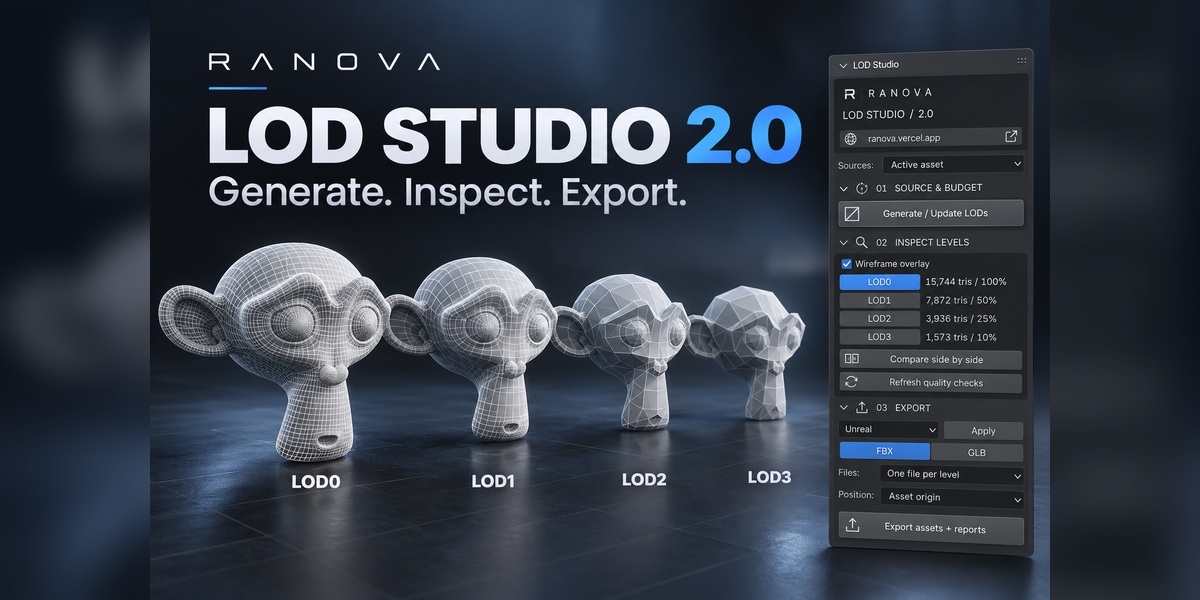
Cycles GPU rendering depends on the graphics card, operating system, driver, and supported compute backend. Complex scenes can exceed available GPU memory. Before adopting a third-party add-on, check that it supports the Blender release you plan to use. Also check the release label when downloading: stable releases and release candidates are different builds. Blender warns that early-access builds can be unstable and may affect files, so use a stable build for production work unless you are testing a preview.
License and commercial use
Blender is released under the GNU General Public License. The license terms allow use for any purpose, and work created with Blender, including renders and project files, remains yours to use commercially. Published Blender add-on scripts must use a GPL-compliant license, so review those terms if you plan to distribute scripts with your work.