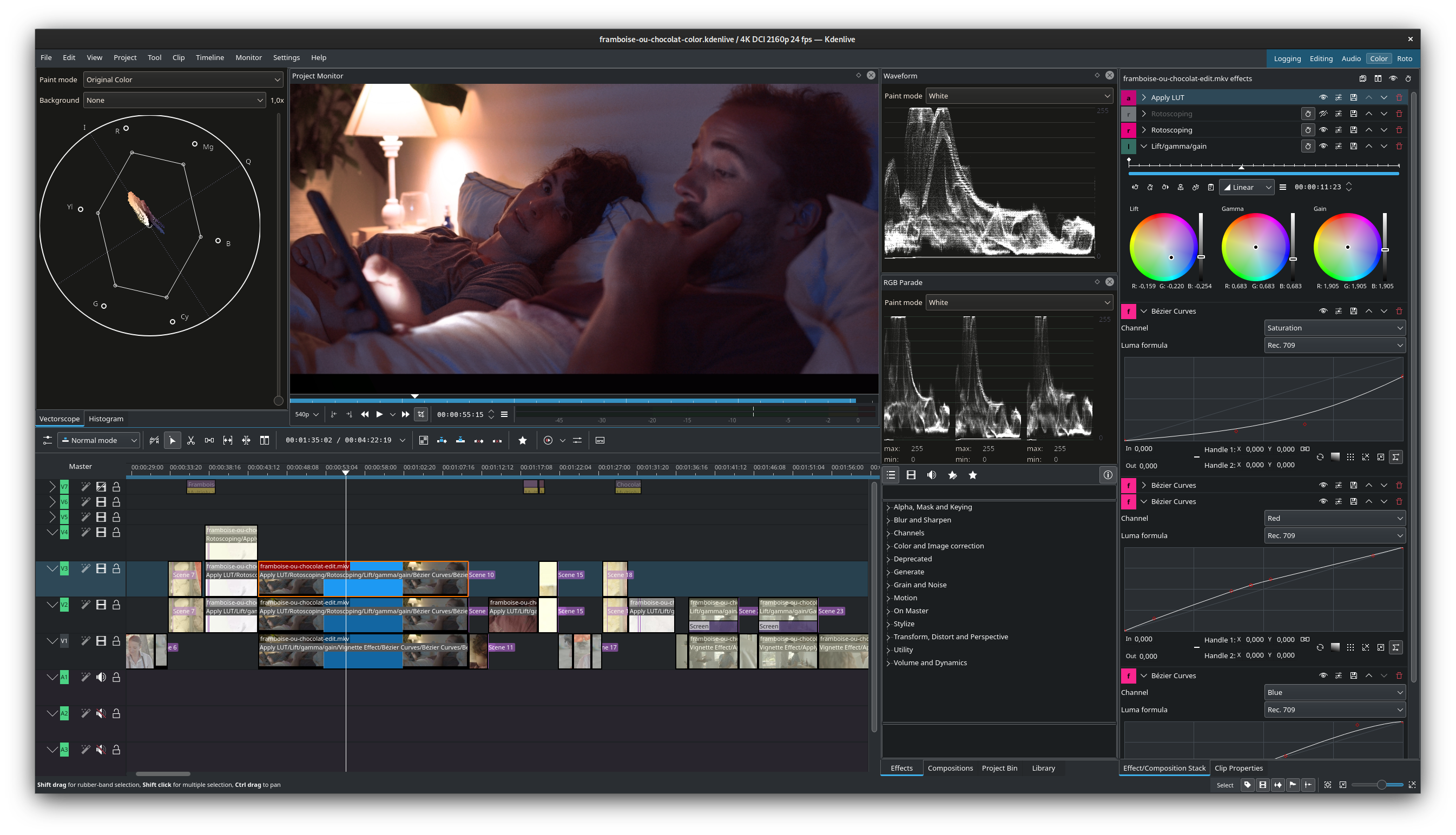
Kdenlive is a free, open-source non-linear video editor in the KDE Community, developed by a small, mostly volunteer team from all over the world. It runs on Linux, Windows, macOS, and BSD. Its feature set covers footage organization, editing, audio, color work, subtitles, titles, and animation, so editors can handle several stages of a project in one application.
Organize footage and prepare it for editing
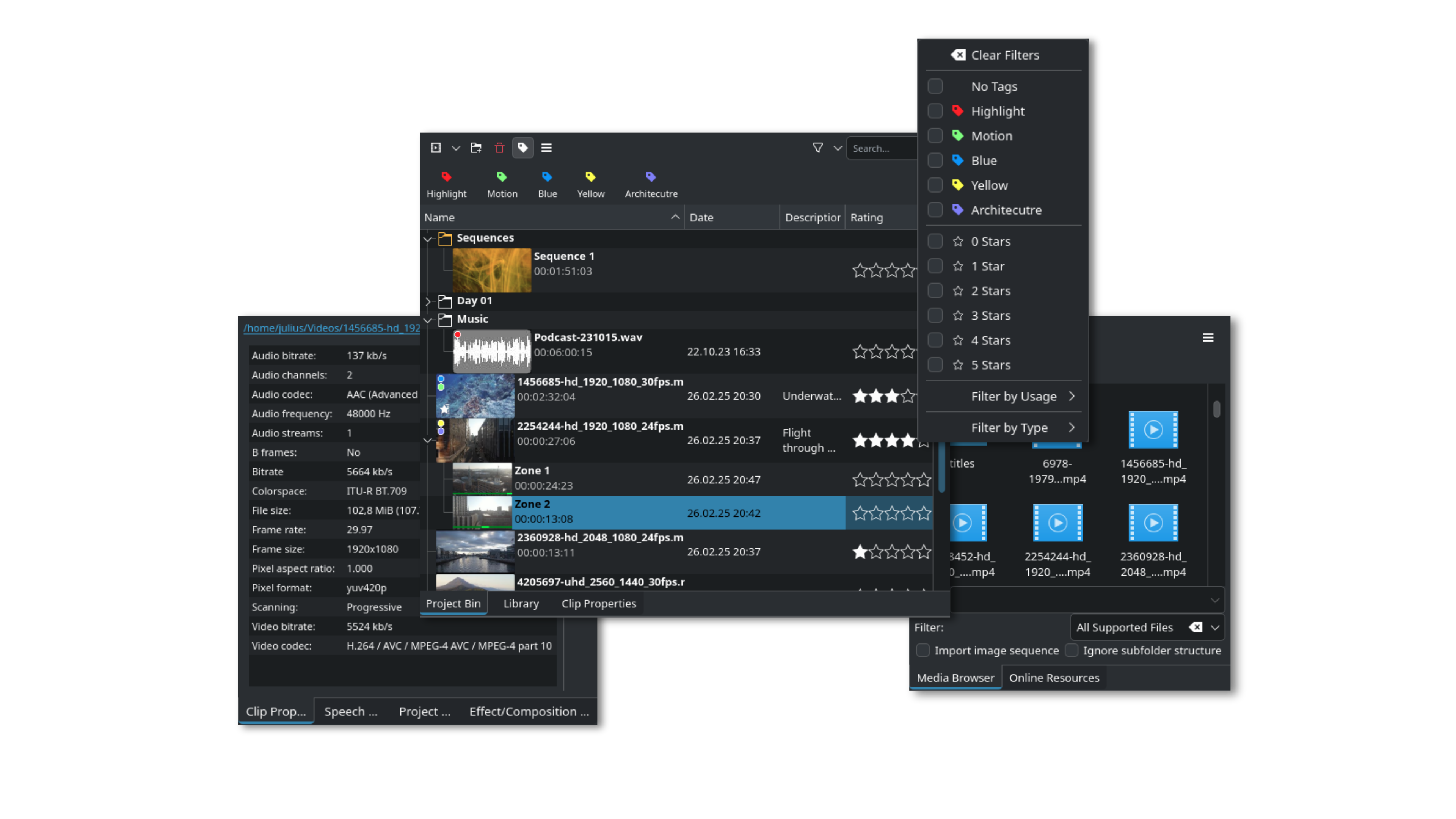
Kdenlive can ingest almost any audio or video format; see its format overview. You can inspect clip metadata, sort assets with tags and filters, and keep material in multiple bins. Proxy clips can help smooth playback on lower-end systems. Check the supported formats and codecs and proxy settings in the manual when a project depends on a particular media format or playback setup.
Assemble edits with flexible timeline tools
The editing workflow includes multicam and 3-point editing, nested sequences, and markers. Multicam and 3-point editing support a flexible editing workflow; nested sequences and markers help manage complex timelines. Kdenlive also makes automatic backups, which can help protect work in progress. Its editing manual covers 3-point editing, while separate guides explain sequences, markers, and backups.
Work on sound and color
For audio, Kdenlive includes mixers, voiceover recording, and an audio spectrum display. The editor also has audio and video effects, transitions, compositions, and keyframes. Effects can be applied at different levels of a workflow. For image adjustments, you can use LUTs, basic color correction, or creative grading, with a histogram, vectorscope, RGB parade, and waveform for inspecting the image. The manual documents its audio tools, effects and keyframes, and color correction and grading.
Add subtitles, titles, and animation
Kdenlive supports subtitles with automatic transcription, along with controls for layering and styling them. It can also create title clips. For more complex motion graphics, a Kdenlive project can connect to Glaxnimate. The transcription guide, subtitle documentation, and guides to title clips and Glaxnimate explain these workflows.
Who might choose Kdenlive?
Kdenlive may suit editors looking for a free, open-source desktop video editor across several operating systems, especially when their work calls for organized media bins, multicam editing, audio recording, color scopes, or subtitle tools. Its broad feature set supports both straightforward edits and projects that use nested sequences, effects, and motion graphics. If a specific codec, workflow, or platform package matters to your project, review the current user manual and download options before deciding.