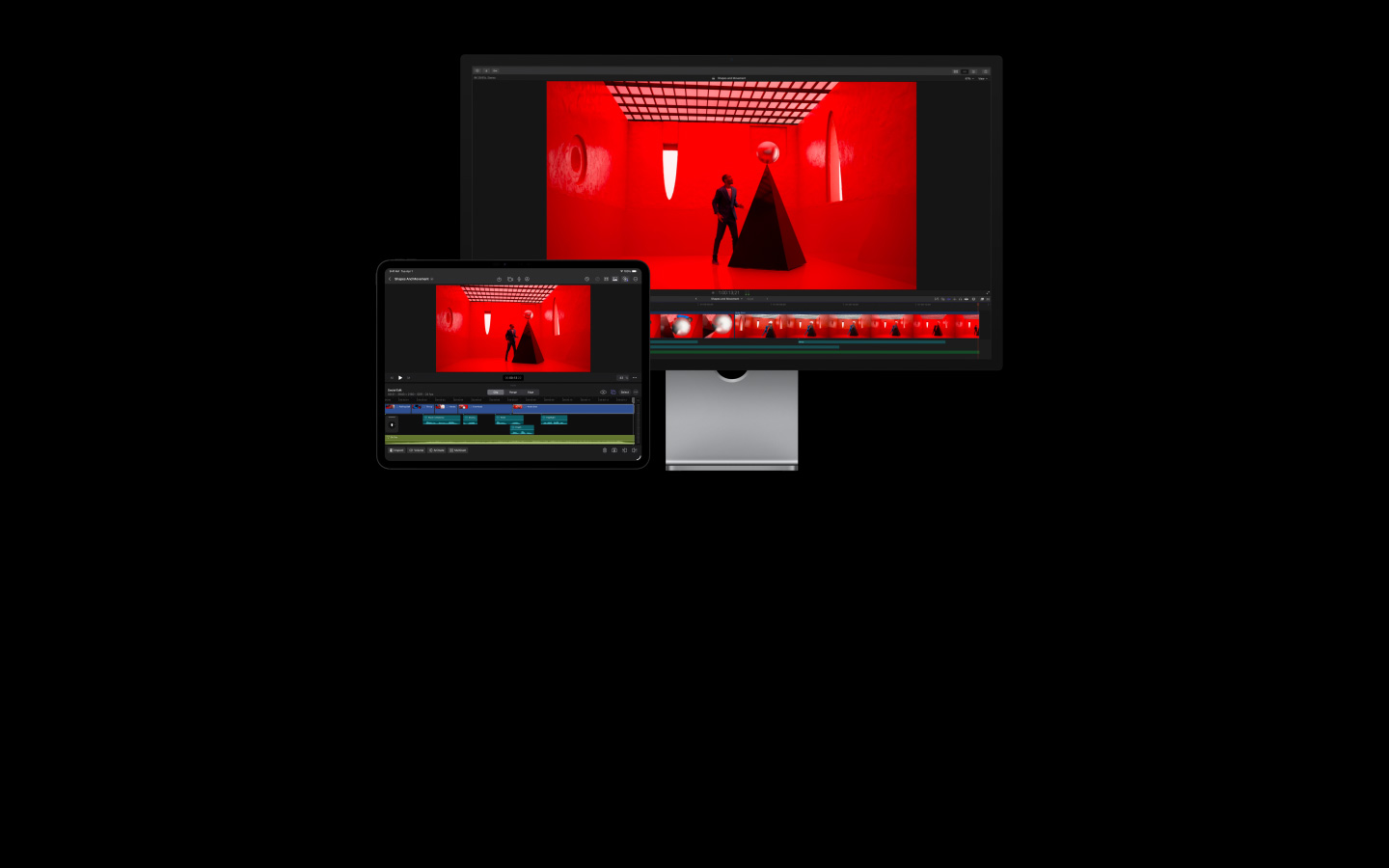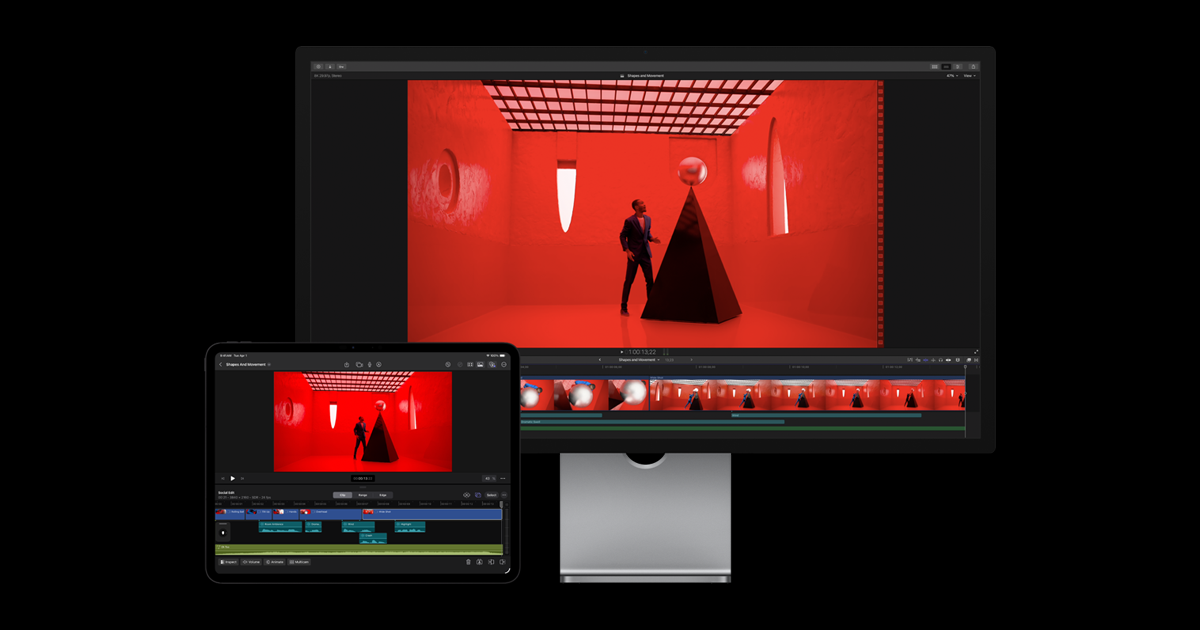
Final Cut Pro is Apple’s video-editing app for Mac and iPad. It brings media organization, timeline editing, color tools, audio processing and export into one project workflow. On Mac, the Magnetic Timeline arranges edits around a primary storyline.
Build the edit around the Magnetic Timeline
When you insert, trim or move clips in the primary storyline, nearby clips shift or snap together to avoid gaps and collisions. Connected clips can hold cutaways, titles, graphics, music and effects against the related clip. This lets editors revise the main sequence while keeping supporting elements attached. Apple explains the primary-storyline and connected-clip model in its Magnetic Timeline guide.
Organize media and sync multiple cameras
Clips can be organized with ratings, keywords and Smart Collections. Final Cut Pro can also detect people and shot types, then assign suggested keywords. For multicamera projects, it can synchronize up to 64 angles and show up to 16 at once for angle selection and editing, according to the Final Cut Pro for Mac user guide.
Roles label clips by type, such as dialogue, music or effects. Editors can display audio roles in separate timeline lanes, which makes it easier to locate and adjust parts of a mix.
Finish color, sound and delivery
The color tools include wheels, color curves, hue and saturation curves, and keyframes for adjustments over time. Apple’s guide also documents stabilization, noise reduction, captions and audio effects such as compression and EQ. Batch sharing can export multiple projects, clips or clip ranges, including professional formats such as MXF.
Choose a Mac or iPad workflow
Apple describes the iPad edition as a touch-first editing experience with Apple Pencil support. An iPad project can be exported to Mac to use additional features, including advanced color grading and Magnetic Mask. Check Apple’s Final Cut Pro page for current device requirements and feature details when deciding which setup fits your workflow.
Check media compatibility
Apple’s Mac guide lists ProRes and ProRes RAW among the formats Final Cut Pro can import and edit. As one third-party example, aescripts describes Spectra as 1080p ProRes 4444 footage and lists compatibility with Final Cut Pro X and 7. That listing does not name a current release, so confirm version support with the vendor before relying on this specific asset.