Shotcut is a free, open-source video editor for Windows, Mac and Linux. It supports hundreds of audio and video formats and codecs through FFmpeg, and its native editing workflow does not require a separate import step.
Editing across formats
A Shotcut project can use multiple formats, resolutions and frame rates in the same timeline. The editor supports frame-accurate seeking for many video formats, which can help when locating edit points. For playback control, J, K and L change speed and direction; I and O set in and out points; the arrow keys step through frames.
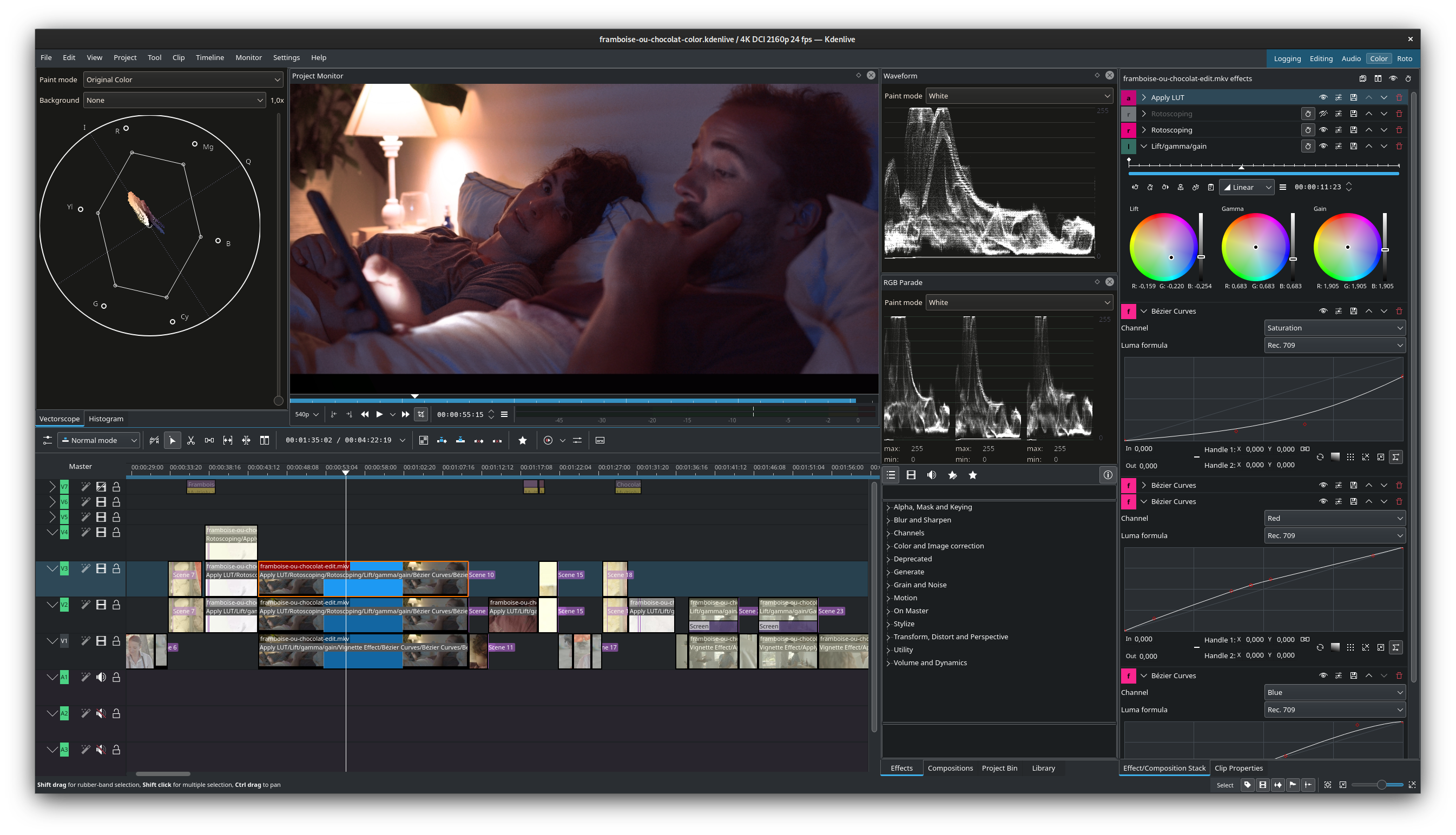
Shotcut’s panels can be docked or undocked. They include media properties, a searchable recent-files view, a thumbnail playlist, filters, history, export controls and a jobs queue. You can also drag assets from your file manager into the editor.
Capture and monitoring
Along with editing existing files, Shotcut supports screen, webcam and audio capture, network stream playback, and Blackmagic Design SDI and HDMI input and preview monitoring.
Performance and workflow limits
Shotcut supports 4K and 8K resolutions, but preview and export performance depend on the computer, media and processing choices. The official FAQ recommends Preview Scaling and Proxy features to help reduce preview lag on systems near the lower end of its CPU and memory requirements. Hardware encoding also does not remove all CPU work: reading and decoding media, filters and track mixing can still rely on the CPU.
Projects, exports and audio
Save a project as an MLT XML file when you want to reopen and continue editing it. To create a separate video file for sharing or uploading, use File > Export > Video. By default, Export uses the Playlist if you have made one, unless you have put something into the Timeline; otherwise it exports the clip or live source. The Export panel’s From control lets you choose the source.
For titles, Shotcut includes Text: Simple and Text: Rich filters that can be applied to a clip, image or track. Shotcut also has audio filters and track mixing, but it does not provide editing at the wave or sample level; the official FAQ points to Audacity for that work. Shotcut’s video tutorials cover editing workflows and controls.